
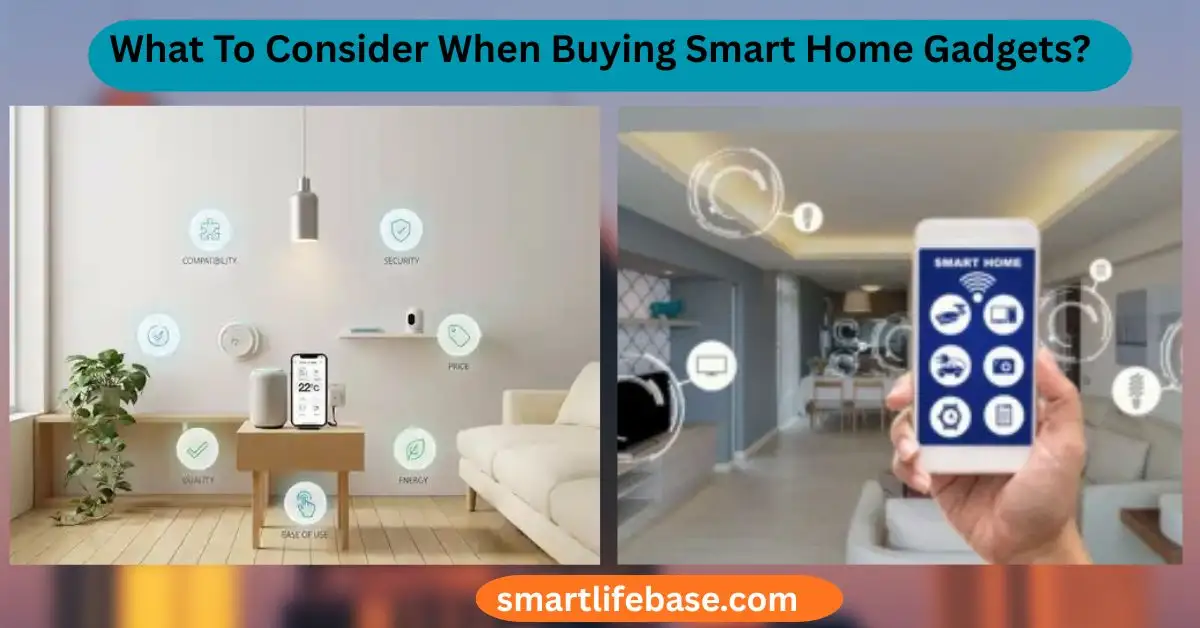
Unsure where to start? What To Consider When Buying Smart Home Gadgets? Learn key features, privacy, and compatibility tips to shop smarter. Check ecosystem fit, security, reliability, and true cost before choosing smart home gadgets. If you want a smart home that works, not one that fights you, you need a clear plan.
In this guide, I explain what to consider when buying smart home gadgets with hands-on advice from setting up dozens of homes and testing devices across brands and budgets. I’ll walk you through common pitfalls, key standards, privacy choices, and simple checks so you can buy once and enjoy for years.
Start With Clear Goals And Real Use Cases
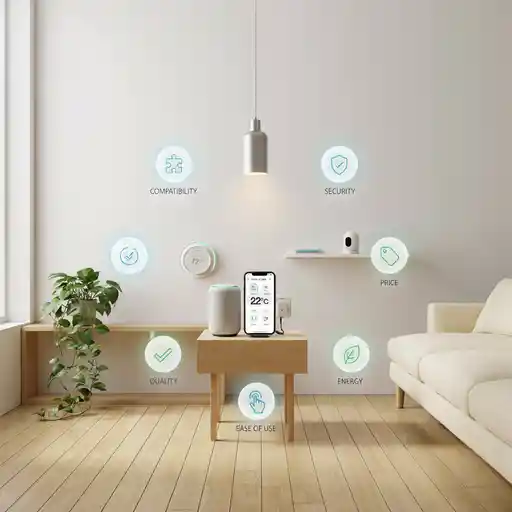
If you ask What To Consider When Buying Smart Home Gadgets?, start with your goals. Smart tech only shines when it solves real needs. Define what you want the device to do, where it will live, and who will use it.
Focus on outcomes, not features:
- Comfort and savings: Smart thermostats, shades, and sensors.
- Safety and awareness: Doorbell cams, smart locks, leak detectors.
- Convenience and mood: Lights, speakers, routines, presence automations.
- Care and access: Elder care alerts, voice controls, smart plugs for appliances.
Practical tip: Write two automations you want from day one. For example, lights at sunset and a goodnight scene that locks doors, lowers temp, and turns off TVs. If a device cannot support those, skip it.
Ecosystem And Platform Compatibility
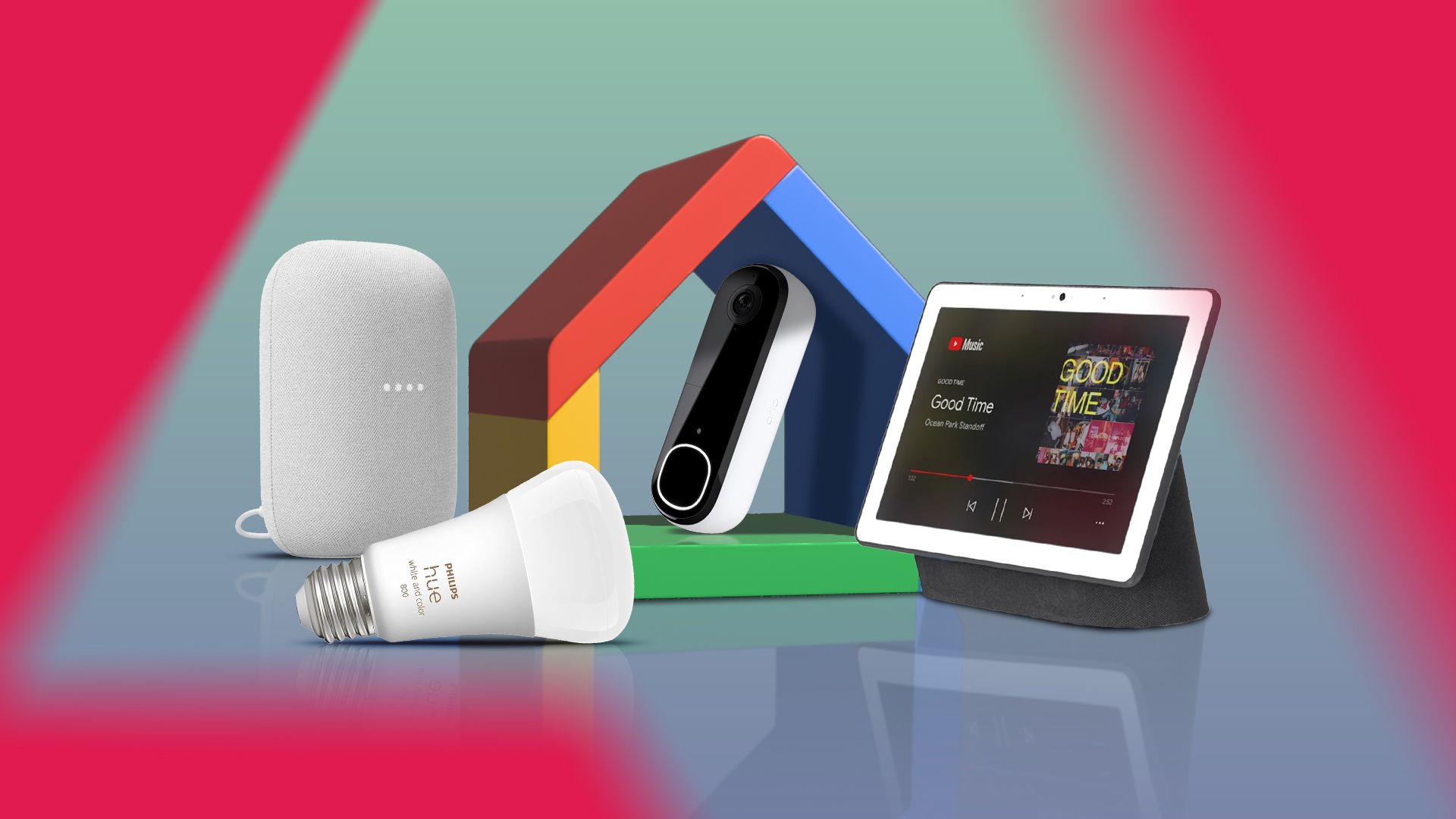
What To Consider When Buying Smart Home Gadgets? The first filter is ecosystem fit. Choose your primary platform before you buy anything: Amazon Alexa, Google Home, or Apple Home. Then check vendor support for Matter and Thread, which help devices work across brands.
Check these boxes:
- Works with your voice assistant and your phone.
- Supports Matter for future-proof pairing across ecosystems.
- Plays nice with your hub or bridge if you use one.
From fieldwork, mixed ecosystems add friction. Aim for one main platform and add others only if needed. If you use iPhone and value privacy, Apple Home with Thread accessories is a strong base. If you want wide device choice and routines, Alexa is hard to beat. Google shines for context and presence sensing.
Connectivity And Protocols: Wi‑Fi, Thread, Zigbee, Z‑Wave, Bluetooth
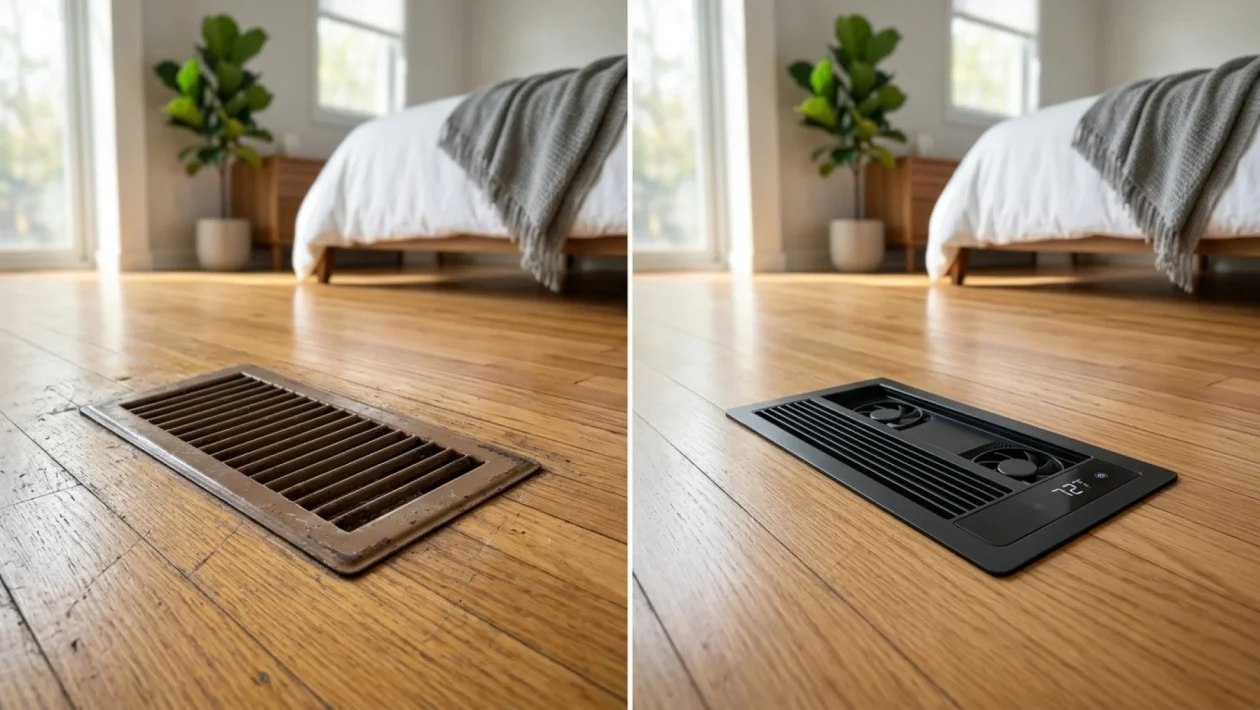
Another core part of What To Consider When Buying Smart Home Gadgets? is the radio inside the device. The protocol affects speed, battery life, and range.
Know the basics:
- Wi‑Fi: Fast and direct. Best for cameras, doorbells. Can crowd your router.
- Thread: Low-power mesh for sensors and switches. Needs a Thread Border Router (Apple TV 4K, HomePod, some Eero, Nest, and others).
- Zigbee and Z‑Wave: Mature mesh tech via a hub. Great for stability at scale.
- Bluetooth: Fine for setup or locks with local control. Often needs a hub for remote use.
Rule of thumb: Use Thread or Zigbee for many small devices. Keep Wi‑Fi for high-bandwidth gear. Check if your mesh Wi‑Fi or hub can handle the load.

Privacy, Security, And Data Control
What To Consider When Buying Smart Home Gadgets? Trust is non‑negotiable. Read the privacy policy and look for local processing. Local control cuts cloud risks and latency.
Security checklist:
- Two‑factor authentication on accounts.
- End‑to‑end encryption for video and lock commands.
- Guest sharing with role-based or time-bound access.
- Clear data retention settings and an export/delete option.
- Logs that show who accessed what and when.
I use devices that store video locally or with on‑device AI. Cloud-only cameras can work, but review how long they keep clips and what the subscription costs.

Reliability, Performance, And Power
What To Consider When Buying Smart Home Gadgets? Day-two reliability beats day-one wow. Test how the device behaves when Wi‑Fi drops or power cycles.
Reliability signals:
- Runs automations locally when the internet is down.
- Fast response under 300 ms for buttons and lights.
- Battery life measured in months for sensors, not weeks.
- Backup options like battery packs for locks and hubs.
In apartments I manage, Thread motion sensors beat Wi‑Fi ones for speed and battery life. For locks, prefer models with a 9V emergency pad or a keyway for backup entry.

Total Cost Of Ownership And Subscriptions
What To Consider When Buying Smart Home Gadgets? Look past the sticker price. Add the hub, subscription, mounts, wiring adapters, and memory cards.
Budget for:
- Subscriptions for video history, AI detection, or pro monitoring.
- Extra parts like doorbell chimes, C‑wire kits for thermostats, or neutral‑wire switches.
- Replacement batteries and storage.
If the device is useless without a plan, the real price is the monthly fee. I once saved a client 40% by choosing cameras with local recording and no required plan.

Installation, Setup, And App Experience
What To Consider When Buying Smart Home Gadgets? Ease of setup matters as much as features. A bad app can make a good device fail.
Check before buying:
- Does your switch box have a neutral wire?
- Does your HVAC have a C‑wire for a smart thermostat?
- Will the lock fit your door’s backset and deadbolt size?
- Is the app simple, fast, and stable on your phone?
I favor brands that offer clear QR onboarding, device migration tools, and readable logs. Setup should take minutes, not hours.

Network Readiness And Home Layout
What To Consider When Buying Smart Home Gadgets? Your network is the backbone. Poor Wi‑Fi means poor smart home.
Prepare your network:
- Use a modern mesh system for even coverage.
- Separate 2.4 GHz for IoT if your router allows it.
- Limit channel congestion and avoid double NAT issues.
- Place routers and hubs near central points, away from thick walls and metal.
Pro tip: Map your signal with a Wi‑Fi analyzer app. Fix weak spots before adding devices.

Energy Use And Sustainability
What To Consider When Buying Smart Home Gadgets? Efficiency also counts. Small devices can still draw energy 24/7.
Look for:
- Energy Star or low standby power specs.
- Automation that cuts waste, like auto-off scenes and eco modes.
- Recyclable materials and replaceable batteries.
Set a light rule: if a device saves less energy than it uses, rethink it. Smart does not have to mean more power draw.
Support, Warranty, And Updates
What To Consider When Buying Smart Home Gadgets? Long-term support keeps your setup safe.
What I verify:
- Clear update policy and changelog.
- At least a 1–2 year warranty.
- Active customer support and a real knowledge base.
- Certifications like UL for safety and reliable compliance testing.
I read firmware notes before I buy. If a brand goes silent on updates, I skip it.
Accessibility And Household Fit
What To Consider When Buying Smart Home Gadgets? The best tech fits everyone in the home.
Assess:
- Multiple user profiles with individual permissions.
- Voice access for key tasks and visual cues for hearing-impaired users.
- Simple physical controls for guests and kids.
- Geofencing that respects privacy and does not break when phones die.
A wall button that triggers scenes can be the difference between love and hate for smart lights.
A Quick Testing Checklist Before You Buy
To act on What To Consider When Buying Smart Home Gadgets?, run this list:
- Confirm ecosystem support, Matter, and Thread if needed.
- Check fit: wiring, door hardware, router coverage.
- Read privacy and update policy.
- Verify backup power and local control.
- Add all monthly fees and extras to the price.
- Watch a setup video to gauge effort.
- Read 1‑star reviews to spot real pain points.
Do two trial automations the day you install. If they fail, return fast.
Common Mistakes To Avoid
Here is What To Consider When Buying Smart Home Gadgets from lessons learned:
- Buying single “cool” gadgets with no plan.
- Mixing too many ecosystems and hubs.
- Ignoring wiring limits like neutral and C‑wire needs.
- Overloading Wi‑Fi with dozens of tiny devices.
- Forgetting security basics like 2FA and unique passwords.
Set boundaries early, and your system will scale well.
Real‑World Starter Bundles That Work
These examples follow What To Consider When Buying Smart Home Gadgets? and balance cost, ease, and growth.
Budget apartment set:
- Smart plugs for lamps, a Thread motion sensor, and a Matter bulb.
- A compact smart speaker for voice and routines.
- Goal: Lights at sunset, motion‑based night light, and vacation mode.
Family home set:
- Thread door sensors, leak detectors, smart lock with keypad.
- Learning thermostat with C‑wire kit, video doorbell with local storage.
- Mesh Wi‑Fi upgrade if needed.
- Goal: Energy savings, safe entry, alerts for leaks, and doorbell zones.
DIY security set:
- Contact sensors, siren, indoor camera with local AI detection.
- Hub with battery backup and cellular failover if offered.
- Goal: Reliable, low-latency alerts and no mandatory plan.
These mixes have been stable in my installs and easy to support.
Frequently Asked Questions of What To Consider When Buying Smart Home Gadgets?
Do I need a smart hub or can I go hub‑less?
Many devices now work hub‑less with Wi‑Fi or Matter. A hub or Thread Border Router still helps with speed, battery life, and local automations.
Is Matter ready for everyone today?
Matter already works well for many lights, plugs, and sensors. For complex gear like cameras or advanced scenes, vendor apps may still offer more features.
How many smart devices can my Wi‑Fi handle?
Most consumer routers struggle past 30–40 Wi‑Fi IoT devices. Use Thread or Zigbee for sensors and leave Wi‑Fi for cameras and doorbells.
Are subscriptions worth it for cameras?
They can be if you need long video history or cloud AI features. If not, pick a model with local storage to avoid monthly costs.
What happens if my internet goes down?
With local control and a good hub, many automations still run. Remote access and cloud video may pause, but lights and sensors can keep working.
Conclusion
Smart homes work best when you start with a plan, pick one ecosystem, and buy devices that are secure, reliable, and easy to use. Focus on local control, clear privacy terms, and a total cost that fits your budget and goals. Shortlist products that support Matter and Thread for flexibility and speed.
Act now: choose one room, write two real automations, and buy only what serves those goals. Share your wins or questions in the comments, and subscribe for hands-on guides and tested gear picks.



2 Comments