Get a clear, beginner-friendly guide to setup, devices, and costs. What Is Smart Home Automation And How It Works? Start upgrading your home today. Smart home automation uses connected devices and software to control your home automatically. You want your lights, locks, and thermostat to think ahead. You want simple tools that work every day.
This guide explains what smart home automation is and how it works in clear steps. You will learn the parts, the tech, the risks, and the wins. You will also get setup tips and real examples you can try today.
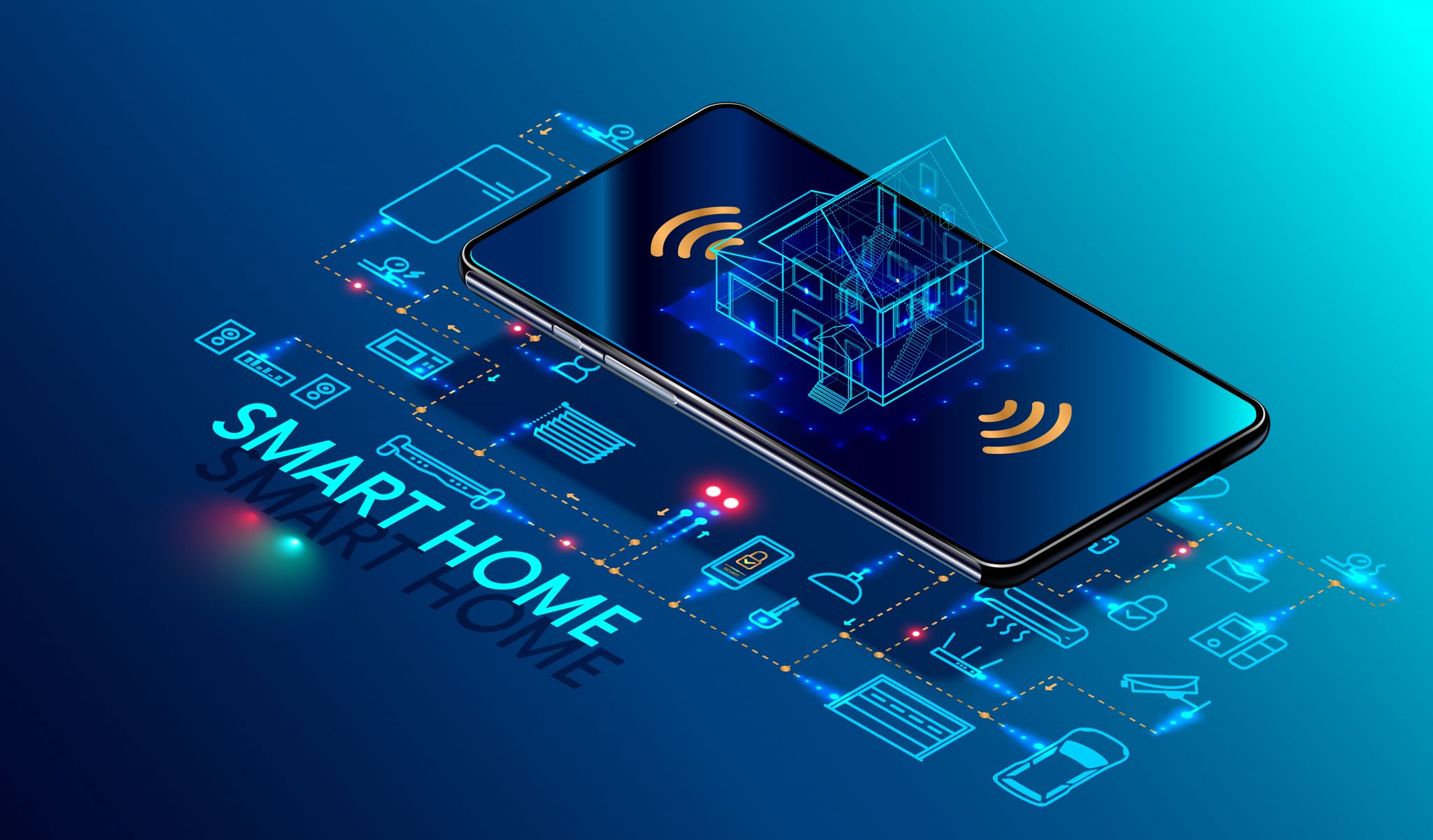
Source: hendersonelectric.com
What is smart home automation?
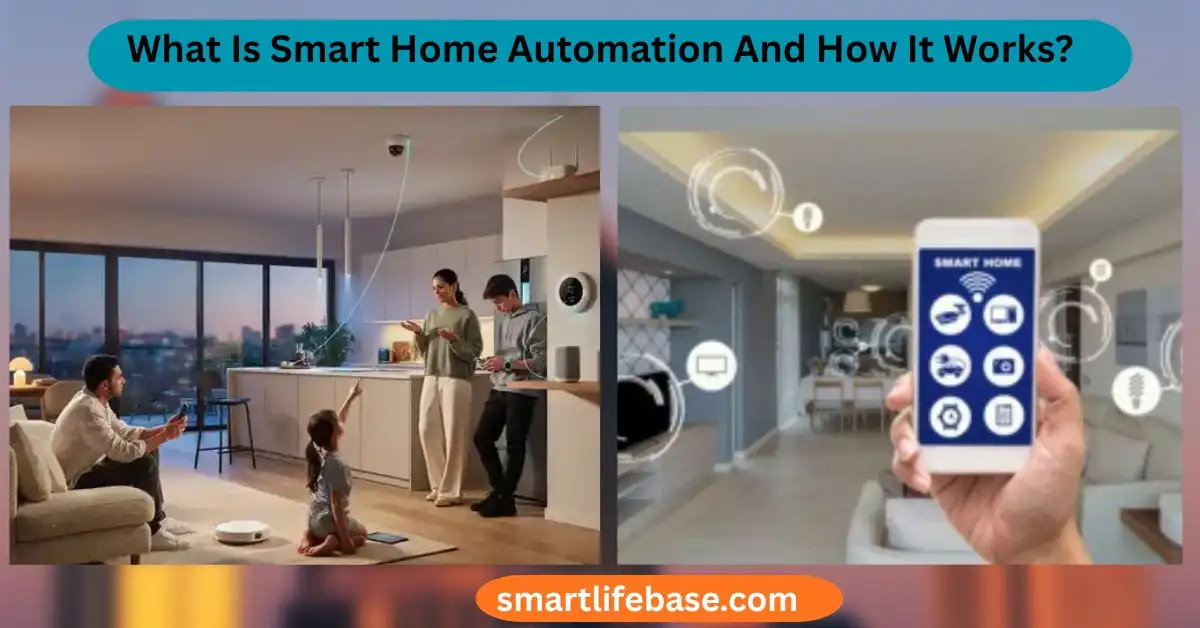
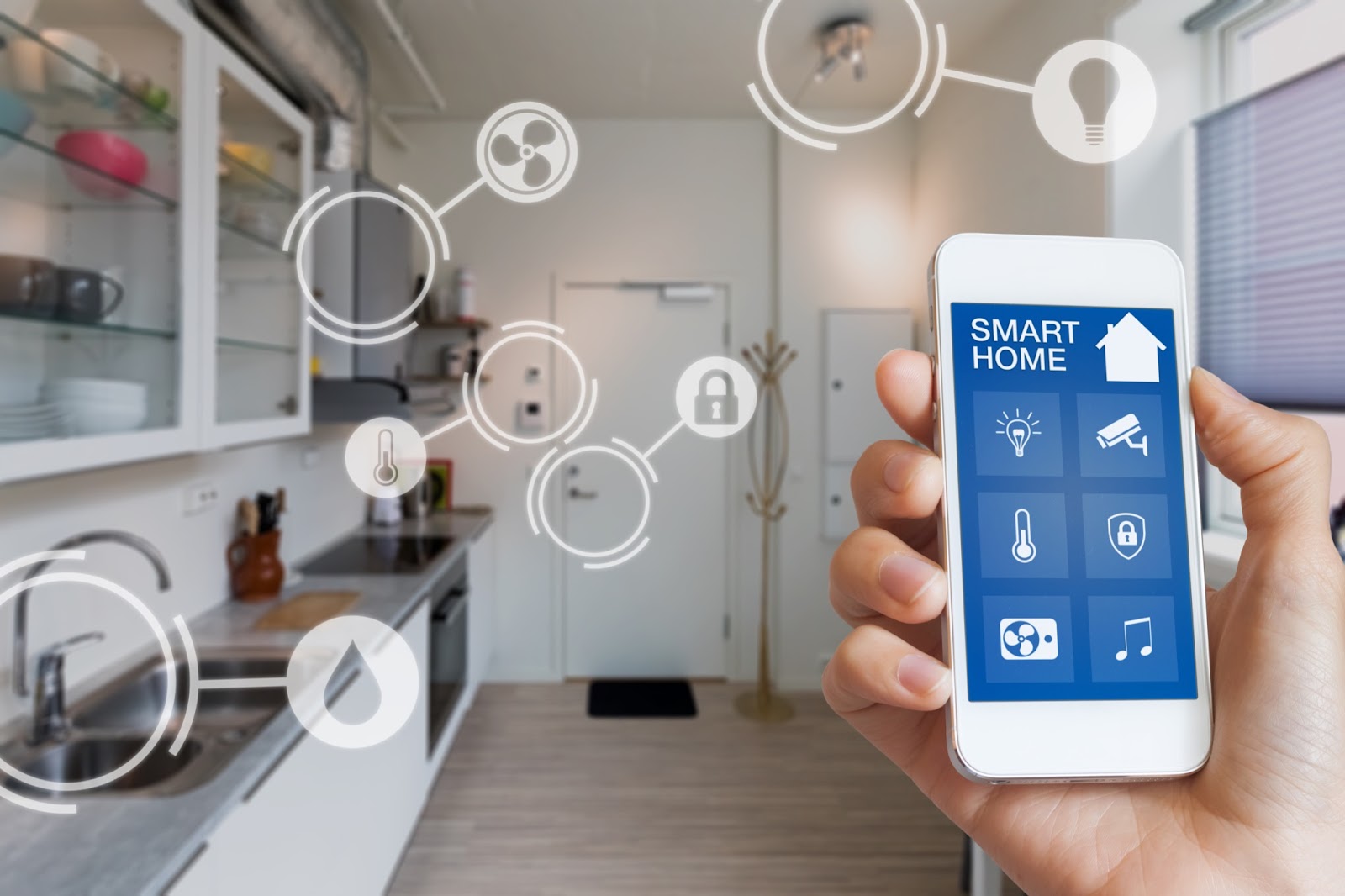
Smart home automation is the use of connected devices and apps to run a home with less effort. It links sensors, switches, and machines so they can act on their own. You set rules. The system does the rest.
It is more than voice control. It is routines, like lights that dim at sunset. It is comfort, like a thermostat that learns your day. It is safety, like locks that auto-lock when you leave.
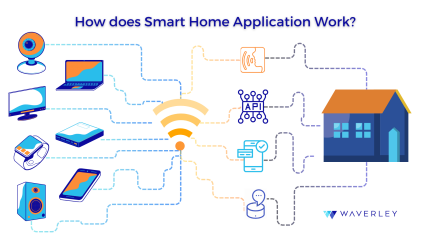
At its core, smart home automation includes three layers:
- Devices. Sensors, switches, lights, plugs, locks, cameras, thermostats, and more.
- A brain. A hub, app, or voice assistant that runs your rules.
- A network. Wi‑Fi, Zigbee, Z‑Wave, Thread, or Bluetooth to connect it all.
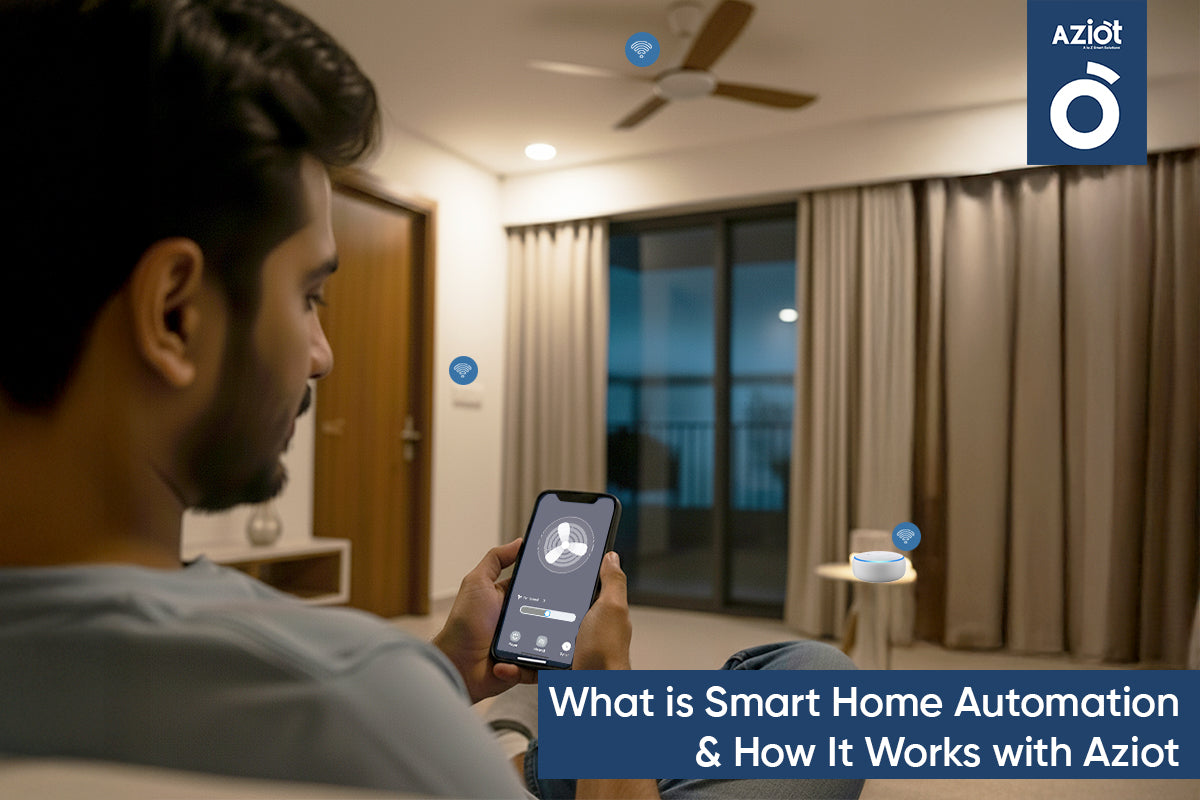
Source: aziot.life
How smart home automation works
Think of your home as a loop: sense, decide, act. That is how smart home automation works.
- Sense. A motion sensor sees movement. A door sensor senses open or closed. A meter tracks energy use.
- Decide. A hub or app checks your rules. It looks at time, presence, or weather. It makes a choice.
- Act. The system turns on lights, locks a door, or changes the temperature.
Most systems use triggers and actions:
- If a door opens after dark, turn on the entry light.
- If you leave home, turn off all lights and lower the heat.
- If there is a water leak, cut power to the pump and send an alert.
Control can be local or cloud:
- Local control runs on a hub in your home. It is fast and works if the internet drops.
- Cloud control runs on a server. It adds remote access and updates. It may add delay.
Popular control methods:
- Voice control with Alexa, Google Assistant, or Siri.
- App control on iOS or Android.
- Automation engines like HomeKit, SmartThings, or Home Assistant.
Core components and ecosystems
Smart home automation needs parts that work well together. The best setup fits your home size, budget, and privacy needs.
Common device groups:
- Lighting. Smart bulbs, switches, dimmers, and LED strips.
- Comfort. Thermostats, smart vents, ceiling fan switches, air sensors.
- Security. Locks, door/window sensors, motion sensors, cameras, doorbells.
- Power. Smart plugs, energy monitors, smart breakers.
- Safety. Smoke alarms, leak sensors, shutoff valves.
- Media. Smart TVs, speakers, remotes, AV receivers.
- Shades. Motorized blinds and curtain tracks.
Popular ecosystems:
- Amazon Alexa. Great voice support and wide device choice. Routines are easy.
- Google Home. Good voice and strong scene control. Better with Google services.
- Apple Home (HomeKit). Strong privacy and local control. Good for Apple users.
- SmartThings. Broad device support and cloud automations.
- Home Assistant. Power user choice. Strong local control and deep rules.
Tip: Start in one ecosystem. Choose devices that support Matter or your chosen platform. Add more as you learn.
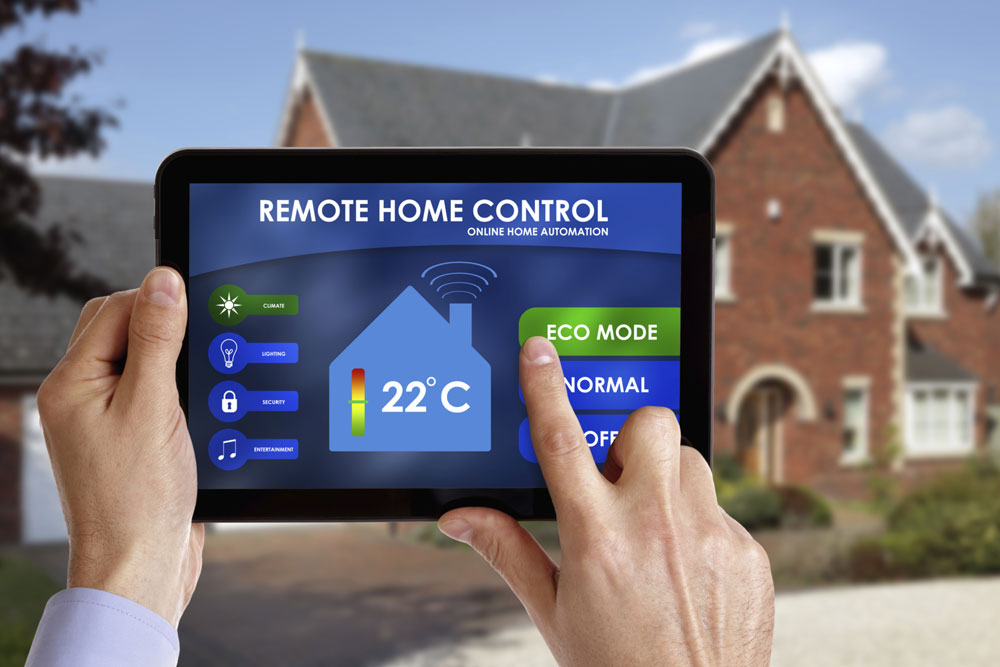
Source: agilityretail.com
Protocols and connectivity
Smart home automation depends on how devices talk. Each protocol has trade‑offs.
- Wi‑Fi. High speed. Easy setup. Higher power use. Best for cameras and hubs.
- Zigbee. Low power mesh. Many devices. Good for sensors and lights.
- Z‑Wave. Low power mesh. Good range and low noise. Works with a hub.
- Bluetooth LE. Low power. Short range. Good for locks and wearables.
- Thread. Low power mesh based on IPv6. Fast and stable. Great for sensors and switches.
- Matter. A new standard that lets devices work across brands. Uses Wi‑Fi and Thread. Supports multi‑admin and local control.
Mesh networks (Zigbee, Z‑Wave, Thread) grow stronger as you add powered nodes. Place repeaters, like smart plugs or wired switches, to boost coverage.
Local vs cloud:
- Local is fast and private. It keeps working during outages.
- Cloud brings remote access and AI features. It can add latency.
Best practice:
- Use Thread or Zigbee for sensors and switches.
- Use Wi‑Fi for bandwidth needs like cameras.
- Prefer Matter devices to reduce lock‑in.

Source: carytownoptometry.com
Benefits and ROI
Smart home automation should save time and money. It should also add comfort and safety.
Key gains:
- Convenience. Automations cut daily taps. Scenes set the mood with one command.
- Energy savings. Smart thermostats can cut heating and cooling costs by 10–20% in many homes. Smart lighting and plugs can trim more by turning off idle loads.
- Safety and security. Real‑time alerts for leaks, smoke, doors, and windows. Lights can mimic presence when you are away.
- Accessibility. Hands‑free control helps seniors and people with mobility limits.
- Home value. Buyers now look for ready smart features. A simple setup can help listings stand out.
A simple ROI path:
- Start with a smart thermostat and LED dimmers.
- Add leak sensors near sinks and the water heater.
- Use smart plugs for energy hogs like space heaters.
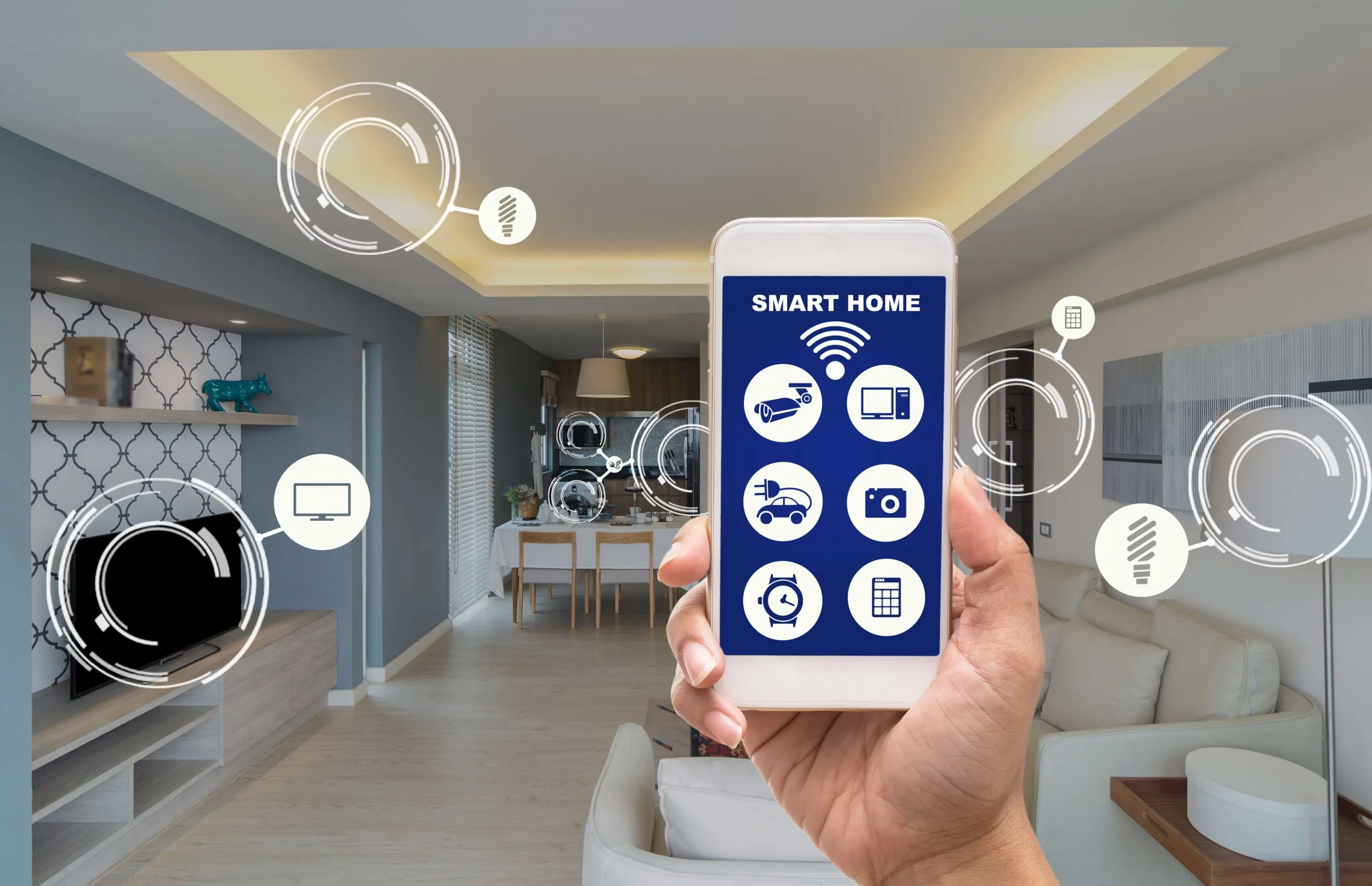
Source: dpsalarm.com
Risks, privacy, and reliability
Smart home automation is only good if it is safe and stable. Plan for both.
Security steps:
- Use a strong router password and enable WPA3 if you can.
- Update device firmware on a set schedule.
- Use two‑factor login on all apps and hubs.
- Create a guest Wi‑Fi or a separate IoT network for devices.
Privacy tips:
- Prefer local control for lights and sensors when possible.
- Review cloud data settings. Disable features you do not need.
- For cameras and doorbells, set clear zones and disable the always‑on mic if allowed.
Reliability ideas:
- Use mesh repeaters for better range.
- Add a small UPS for your hub and router.
- Build fallback scenes. If motion fails, allow a wall switch to work as normal.
Vendor lock‑in:
- Favor devices that support Matter or multiple ecosystems.
- Keep a device inventory with model and firmware. This helps if you switch platforms later.
Source: hogandesignandconstruction.com
Setup guide and real‑world examples
Start small. Grow with intent. That is how smart home automation works best.
A simple 6‑step plan:
- Define goals. Comfort, safety, savings, or fun? Pick two to start.
- Map rooms. Note switch types, outlets, and Wi‑Fi dead spots.
- Pick an ecosystem. Choose Alexa, Google, Apple, SmartThings, or Home Assistant.
- Choose protocols. Thread or Zigbee for sensors, Wi‑Fi for cameras.
- Start with a scene. For example, Goodnight: lock doors, turn off lights, set 68°F.
- Expand slowly. Add one device type at a time. Test each routine.
Practical automations you can copy:
- Arrive home. Garage opens. Entry lights turn on. Thermostat sets to comfort. Music starts at low volume.
- Away mode. All lights off. Doors lock. Robot vacuum runs. Cameras arm.
- Leak alert. Water sensor triggers. Send phone alert. Close the smart valve.
- Better sleep. At 10 pm, dim bedroom lights to 30%. Enable do not disturb. Lower temp by 2°F.
Common mistakes to avoid:
- Buying random devices on sale. Stick to your plan and protocols.
- Overloading Wi‑Fi with too many bulbs. Use switches or Thread devices instead.
- Skipping naming rules. Use clear names like Kitchen Overhead or Hall Motion.
- No testing. Test each rule at least three times at different hours.

Source: amazon.com
Advanced automations and best practices
Once basics work, make your smart home automation feel natural.
Use context and conditions:
- Time. Different actions for day and night.
- Presence. Act based on who is home.
- Sensors. Combine motion, light level, and door status.
- Weather. If it is hot, pre‑cool before you arrive.
Design clean scenes:
- Keep scenes simple. One purpose per scene.
- Use schedules for routine. Use sensors for special cases.
Keep systems healthy:
- Document devices and rules in a simple note.
- Review automations each season. Update times and targets.
- Back up your hub if the platform allows it.
Add intelligence with care:
- Use energy data to cut waste.
- Try gentle machine learning features, like adaptive lighting.
- Always allow a manual override with a wall switch or button.
Source: waverleysoftware.com
Cost breakdown and buying checklist
Plan your spend so your smart home automation scales well.
Typical budgets:
- Starter. 150–400 USD for a hub or speaker, a few bulbs or switches, and a thermostat.
- Standard. 700–1,500 USD adds locks, sensors, and shades in key rooms.
- Advanced. 2,000+ USD adds cameras, energy monitors, and whole‑home scenes.
Hidden costs:
- Pro install for high‑voltage work.
- Extra routers, hubs, or Thread border routers.
- Subscription fees for some cameras or cloud features.
Buying checklist:
- Supports Matter or your chosen ecosystem.
- Uses the right protocol for the job.
- Has active updates and a clear privacy policy.
- Offers local control or an offline mode.
- Comes from a brand with long support windows.
Frequently Asked Questions of What Is Smart Home Automation And How It Works?
Does smart home automation need a hub?
Some systems need a hub for Zigbee, Z‑Wave, or advanced rules. Wi‑Fi and Matter over Wi‑Fi may work without a hub but can lose speed and local control.
Can smart home automation work without the internet?
Yes, if your devices and hub support local control. Remote access and voice services may stop during outages.
What is the difference between smart devices and smart home automation?
Smart devices are single products you control. Smart home automation links many devices with rules so they act together.
Is Matter ready for most homes?
Matter works well for many lights, plugs, switches, and sensors. Cameras, locks, and more complex gear are improving, so check current support before you buy.
How do I make automations that family members will like?
Keep controls simple with wall switches and clear scenes. Test each routine, get feedback, and avoid surprise actions at odd hours.
Will smart home automation save energy?
It can, especially with a smart thermostat, lighting schedules, and load control. Savings depend on your home and habits.
Are cameras and doorbells safe to use?
They can be safe if you use strong passwords, updates, and zone limits. Choose brands with clear privacy controls and local storage options.
Conclusion
Smart home automation blends devices, networks, and rules to make life easier, safer, and more efficient. Start with clear goals, pick one ecosystem, and build a small set of solid routines. Add devices that support Matter or strong local control to keep it fast and future‑proof.
Take one step this week. Set up a Goodnight scene or add a leak sensor. Then refine what works and grow with intent. Want more deep‑dive guides and checklists? Subscribe and share your next project in the comments.