
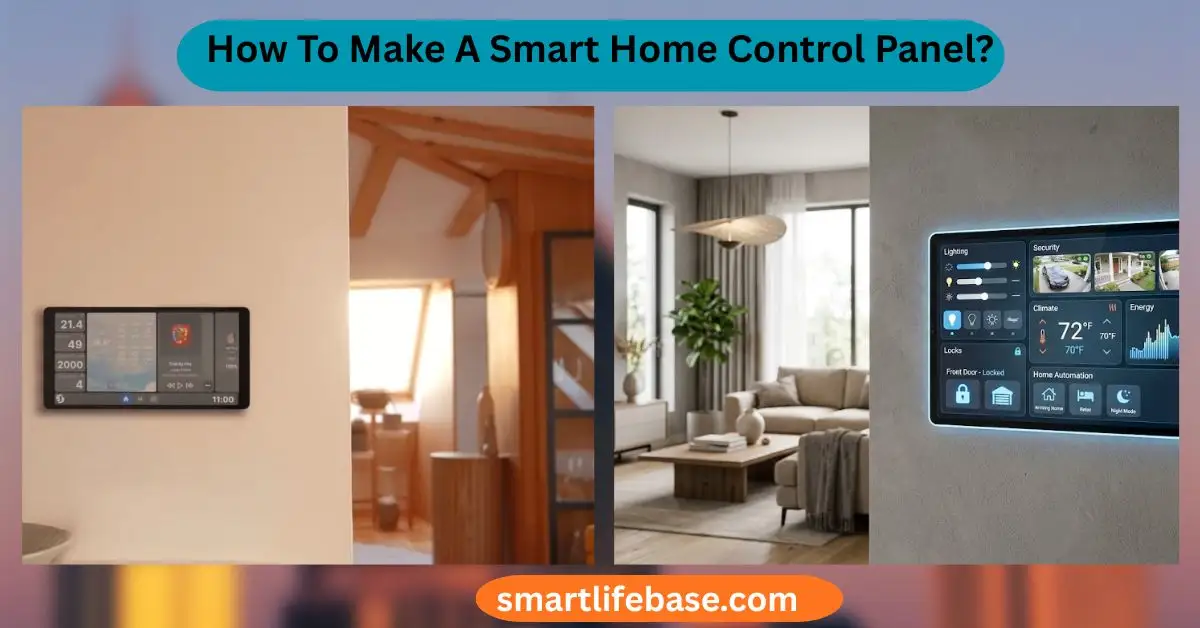
Build a sleek dashboard for lights, locks, and scenes. Learn How To Make A Smart Home Control Panel with budget parts, clear steps, and pro tips for 2026. Build a wall-mounted touchscreen, run Home Assistant, and design a custom dashboard. If you want to learn how to make a smart home control panel, you are in the right place. I have set up many panels in real homes.
I will walk you through tools, parts, and steps. This guide shows How To Make A Smart Home Control Panel, from planning to daily use. You will see simple steps, clear tips, and real examples that work.
Source: howtogeek.com
What Is a Smart Home Control Panel?
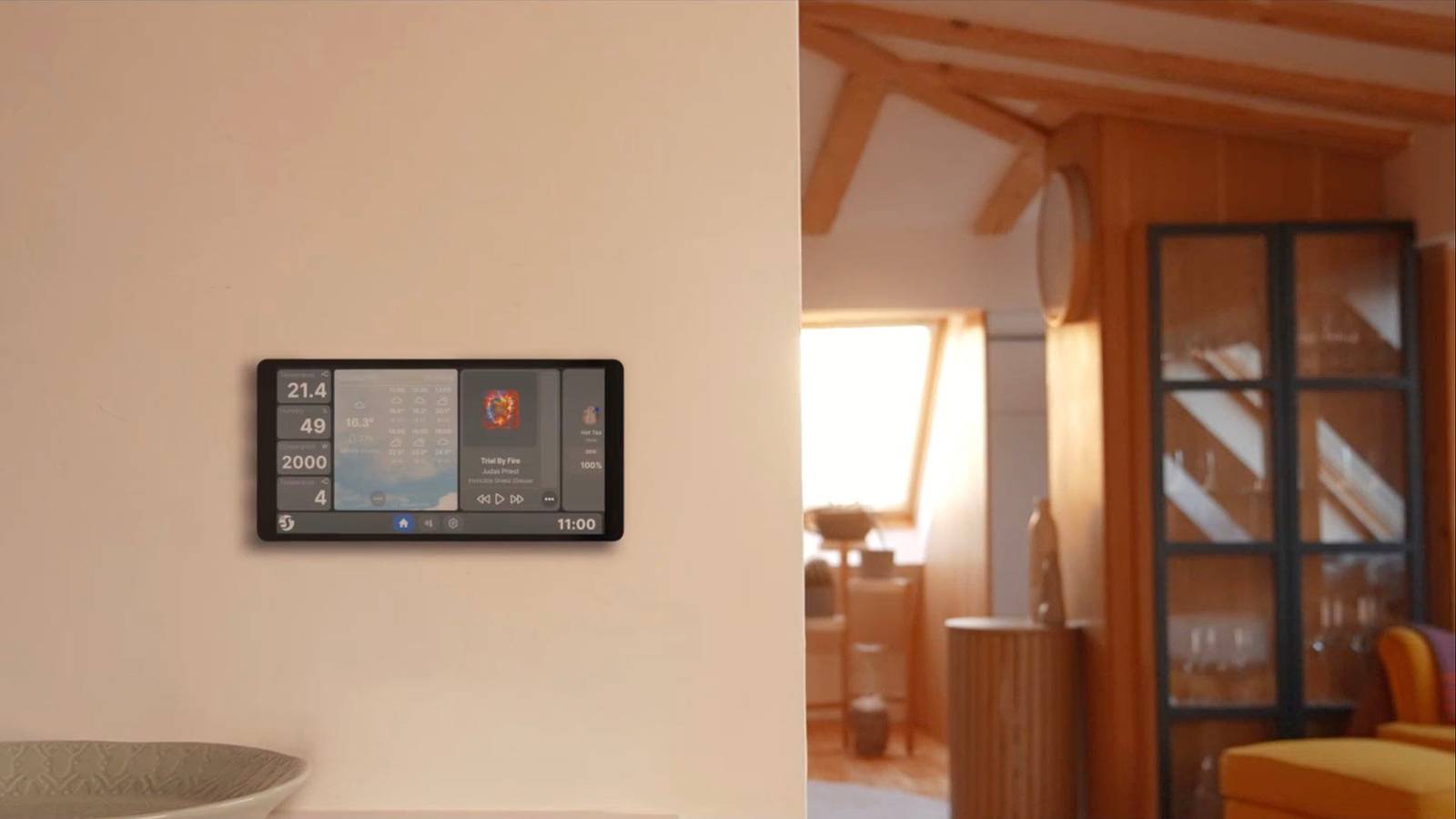
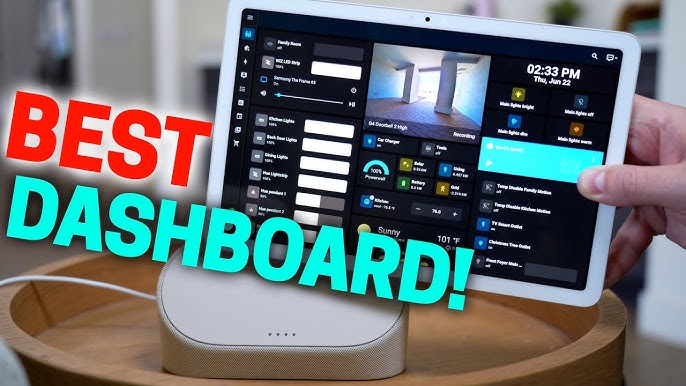
A smart home control panel is a single screen that runs your home. It shows lights, locks, climate, cameras, scenes, and alerts. It can run on a tablet or a small touchscreen PC. It should be fast, clear, and safe.
To answer How To Make A Smart Home Control Panel?, start with your goals. Do you need a family hub near the kitchen? Do you need a bedroom screen for lights and sleep? Clear goals guide parts, layout, and budget.
Good panels are simple. One or two taps should do most tasks. Add scenes for the most used routines. Use icons, large tiles, and clear labels.
Source: youtube.com
Plan Your Control Panel
Planning is the key to How To Make A Smart Home Control Panel. A short plan saves hours later. It also avoids extra costs.
Define scope:
- Rooms and users. Note adults, kids, and guests.
- Must-have devices. Lights, locks, HVAC, cameras, alarms, blinds.
- Tasks per room. Morning, away, sleep, movie time.
Define features:
- Quick actions. Lock all doors. Turn off all lights.
- Scenes. Dinner, focus, relax, bedtime.
- Status. Climate, door state, motion, and power use.
Define rules:
- Keep key tiles at the top.
- Use clear names and icons.
- Limit deep menus.
Source: cnet.com
Choose Your Platform
If you ask How To Make A Smart Home Control Panel?, the platform choice matters most. I recommend Home Assistant for power and control. It runs locally, is private, and is free.
Top options:
- Home Assistant. Great device support. Custom dashboards. Local control. Large community.
- Hubitat. Local hub with low-code rules. Good for Zigbee and Z-Wave.
- openHAB. Flexible and open. Strong rules engine.
- Apple Home. Simple UI. Great for iPhone and iPad. Works best with HomeKit.
- Google Home and SmartThings. Easy setup. Good cloud links. Fewer deep custom options.
Pick the one that supports your devices now. Think about Matter, Thread, Zigbee, Z-Wave, and Wi-Fi. If you want full control and growth, go with Home Assistant.

Source: bluetooth.com
Hardware Options
Hardware is the hands-on part of How to Make A Smart Home Control Panel?. Choose a screen you love to use daily.
Popular builds:
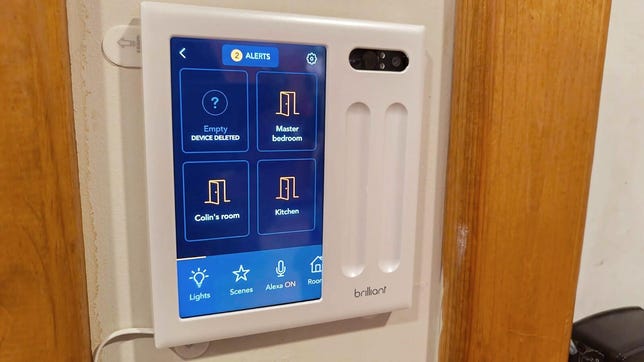
- Wall tablet. iPad, Android, or Fire tablet with a slim mount and hidden power.
- Raspberry Pi with screen. Use a 7–10 inch touchscreen and a PoE hat or USB power.
- Mini PC with touch monitor. Best for big homes and heavy use.
- All-in-one panels. Some vendors sell ready screens for Home Assistant.
Mounting and power:
- Run low-voltage power in-wall to keep it clean.
- For tablets, use an in-wall USB or PoE to USB-C adapter.
- Use a magnetic or 3D-printed mount for easy service.
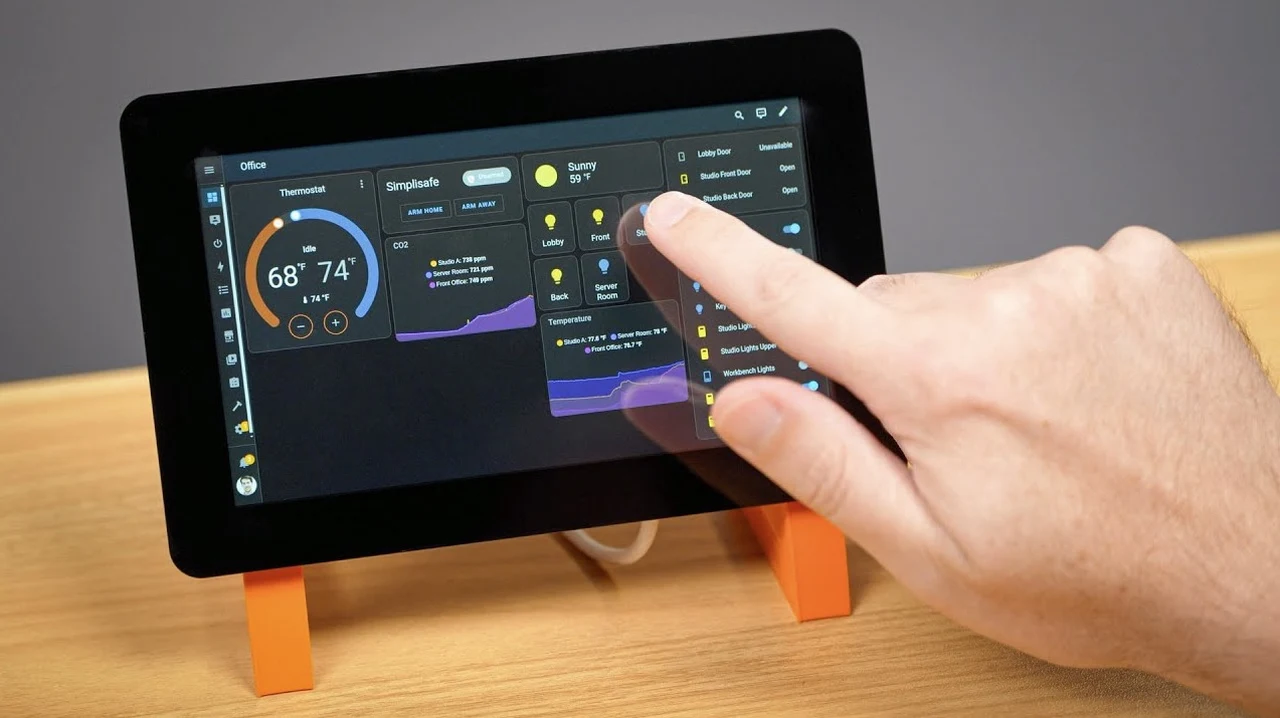
Source: geeky-gadgets.com
Network and Power Basics
Stable power and network make or break How To Make A Smart Home Control Panel?. Plan them first.
Network tips:
- Use 2.4 GHz for range with IoT. Use 5 GHz for fast tablets.
- Put IoT on its own Wi-Fi or VLAN for safety.
- Use wired Ethernet or PoE where you can.
Power tips:
- Add a small UPS for your hub and router.
- Follow the code for in-wall power. Use rated cables and boxes.
- Keep spare cables in-wall for upgrades.

Source: youtube.com
Step-by-Step: Build Your Control Panel
Here is the core path for How to Make A Smart Home Control Panel?. Follow these steps and test as you go.
- Set up the brain:
- Install Home Assistant on a Raspberry Pi, mini PC, or NAS VM.
- Create a strong admin account and enable backups.
- Add devices:
- Connect Zigbee, Z-Wave, Thread, and Wi-Fi devices.
- Group by room as you add them.
- Design dashboards:
- Use Lovelace in Home Assistant.
- Create a Home view and room views.
- Add big tiles for top actions.
- Create scenes and automations:
- Scenes for bedtime, away, and welcome.
- Automations for sunrise, sunset, or motion.
- Prepare the screen:
- Put a tablet in kiosk mode.
- Set the screen to stay on during key hours.
- Pin the dashboard as the home page.
- Mount and power:
- Test on a desk first.
- Mount at 57–60 inches center height.
- Hide power for a clean look.
- Test with family:
- Watch how they use it.
- Fix labels, order, and tile size.

Source: reddit.com
UI and UX Design Tips
Good UI is why How To Make A Smart Home Control Panel? becomes a joy to use. Think like a guest who has never seen it.
Layout:
- Top row for must-do actions.
- Next rows for rooms and scenes.
- Bottom for info like weather and cameras.
Usability:
- Use 44 px or larger touch targets.
- Use contrast and simple icons.
- Keep text short and clear.
Accessibility:
- Add a high-contrast theme.
- Offer large text mode.
- Put key tiles within easy reach.

Source: amazon.com
Security and Privacy
Strong security is central to How To Make A Smart Home Control Panel?. A safe home starts with safe software.
Best practices:
- Use unique, long passwords. Turn on two-factor logins.
- Keep Home Assistant and add-ons up to date.
- Use HTTPS. A reverse proxy or a secure cloud relay helps.
- Limit remote access. Expose only what you need.
- Place IoT devices on a separate network or VLAN.
Privacy note:
- Prefer local control for lights, locks, and alarms.
- Review data sharing for each cloud skill or integration.
Automations and Scenes That Shine
Smart scenes prove the value of How To Make A Smart Home Control Panel?. They save time and reduce taps.
Ideas you can copy:
- Morning. Open blinds, warm lights, start coffee, set HVAC.
- Away. Lock doors, arm alarm, turn off lights, save energy.
- Movie. Dim lights, close blinds, switch TV input.
- Sleep. Turn off noisy fans, set the night temp, and lock all.
- Safety. If smoke, turn on lights, unlock doors, pause HVAC.
Voice, Matter, and Interoperability
Interoperability keeps How to Make A Smart Home Control Panel? useful for years. Blend touch, voice, and standards.
Options:
- Add Alexa, Google Assistant, or Siri. Use voice for hands-free scenes.
- Use Matter and Thread where you can. It makes cross-brand links easier.
- Keep old Zigbee and Z-Wave with a good hub.
Testing and Maintenance
Testing keeps How To Make A Smart Home Control Panel? fast and stable. A few habits go a long way.
Do this monthly:
- Update firmware and software. Make a backup first.
- Check automations. Confirm triggers and time windows.
- Review logs and fix noisy sensors.
- Test locks, alarm, and emergency lights.
Have a rollback plan:
- Snapshot before big changes.
- Keep a spare SD card or image.
Cost and Budget Guide
You can control costs while learning How To Make A Smart Home Control Panel?. Start small and scale up.
Typical budgets:
- Starter. Old tablet you own, free platform, basic mount.
- Mid. New Android tablet or Fire HD, PoE adapter, clean mount.
- Pro. iPad or touch monitor with PoE, UPS, pro wall mount, wired hub.
Hidden costs:
- Better Wi-Fi or a Zigbee coordinator.
- Paid cloud relays or storage for cameras.
- Cables, boxes, and tools.
Common Mistakes and Lessons Learned
I have built many panels and learned how to make a smart home control panel the hard way. These tips can save you time.
Avoid:
- Overcrowded screens. Too many tiles slow people down.
- Cloud-only locks and alarms. Go local for speed and trust.
- Weak Wi-Fi near the panel. Use a nearby access point.
- No backup power. A short outage can break automations.
Do:
- Test on a table for a week before you mount.
- Name devices in a clear way. Room and function help.
- Ask your family for feedback. Fix pain points fast.
Troubleshooting and Diagnostics
A good fix path speeds up How To Make A Smart Home Control Panel?. Use a simple checklist.
Quick checks:
- Is power stable? Check cables and the UPS.
- Is Wi-Fi or Ethernet up? Ping your hub.
- Are device batteries low? Replace and retest.
Deeper checks:
- Review Home Assistant logs for errors.
- Re-interview Zigbee or Z-Wave nodes if they drop.
- Reduce noisy automations. Add conditions.
Frequently Asked Questions on How To Make A Smart Home Control Panel?
What is the easiest way to start?
Use Home Assistant with a spare tablet in kiosk mode. Add your top five devices first and build from there.
Do I need coding skills?
No. Most tasks use simple menus and drag-and-drop tiles. You can add YAML or Node-RED later for advanced rules.
Can I use an old iPad or Android tablet?
Yes. Keep it plugged in and set the screen to stay on. Use a wall mount and a secure browser for the dashboard.
Is local control better than cloud?
Yes for speed, privacy, and reliability. Use the cloud only when a device has no local option.
How do I keep it secure?
Use strong passwords, two-factor, and HTTPS. Limit remote access and keep software updated.
Will it work with Matter and Thread?
Yes, if your hub and devices support them. Add a Matter controller and Thread border router where needed.
What if my family finds it hard to use?
Simplify the layout and use big tiles and clear labels. Put the most used actions on the first screen.
Conclusion
You now know how to make a smart home control panel that is fast, clear, and safe. Start with goals, pick a platform, choose solid hardware, and design a clean dashboard. Add scenes that save time and test with your family. Keep it secure and updated, and it will serve you for years.
Take one action today. Install your platform, add three devices, and build one scene. If this helped, subscribe for more guides, or share your build and questions in the comments.
3 Comments