
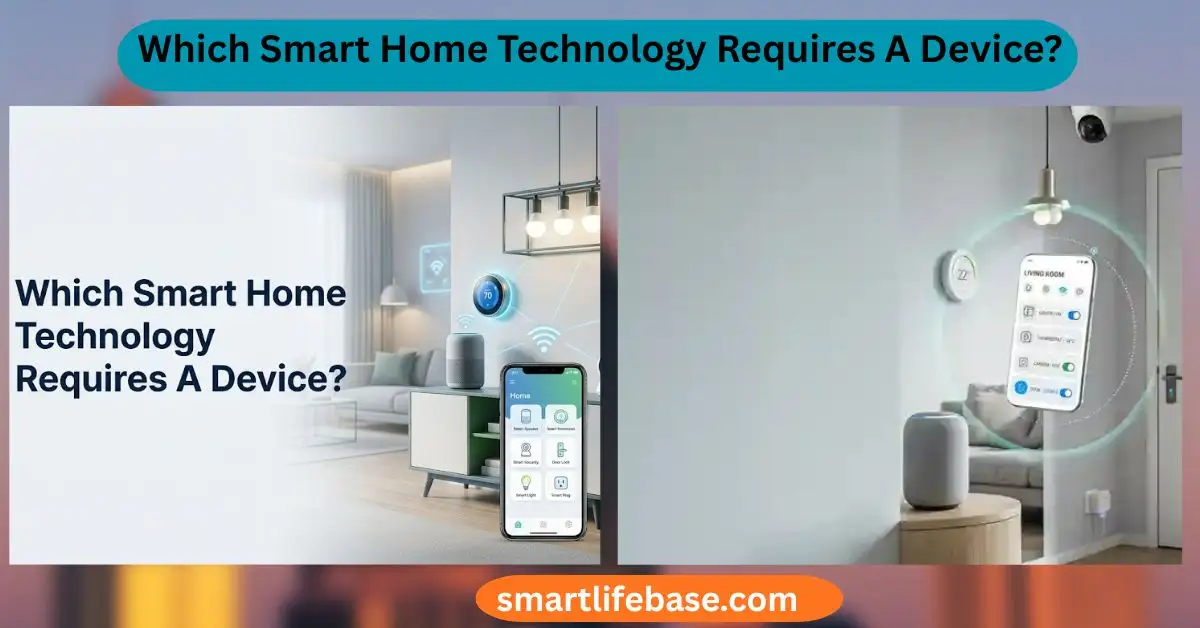
Which Smart Home Technology Requires A Device? Discover which smart home technologies need a dedicated hub or controller, how they work, compatible devices, key benefits, and expert tips to choose the right smart home setup for your needs. Most hub-based smart home tech needs a dedicated device for control and automation.
If you have ever asked Which Smart Home Technology Requires The Use Of A Device?, you are not alone. I help homeowners design clean, reliable smart setups. In this guide, I break down the exact tech that needs a hub, bridge, router, or controller to work well. Expect clear answers, real examples, and practical tips so you can buy once and set it up right.

Source: bdtechtalks.com
What does “use of a device” mean in a smart home
When you ask Which Smart Home Technology Requires The Use Of A Device?, you want to know which products need extra hardware to run. In smart homes, that extra hardware is often a hub, a bridge, a smart speaker, or a border router. Your phone also counts as a device when it is needed for control.
These devices do key jobs. They pair products, run automations, and connect gear to the internet. Some keep your data local and private. Others rely on cloud services.
Many systems will not work without this extra device. That is why it matters to know which Smart Home Technology Requires The Use Of A Device before you buy.
Source: dell.com
Technologies that require a dedicated device
Some smart home gear is plug-and-play on Wi‑Fi. Others need a hub or similar device by design. If you wonder which Smart Home Technology Requires The Use Of A Device, start with these common cases.
Zigbee and Z‑Wave devices
Zigbee and Z‑Wave use low-power mesh networks. They need a hub that speaks their language. The hub acts as a coordinator so lights, sensors, and plugs can talk.
Thread devices
The thread needs a Thread Border Router. This device connects the Thread mesh to your network. Some routers and smart speakers now include this role.
Matter devices
Matter devices need a Matter controller. This is often an app plus a hub, speaker, or TV that stays on. It handles onboarding, scenes, and remote control.
Apple Home (HomeKit) automations
You can control HomeKit with your iPhone on the same network. For remote control and automations, you need a Home Hub. An Apple TV, HomePod, or iPad (always at home) fills this need.
Voice control
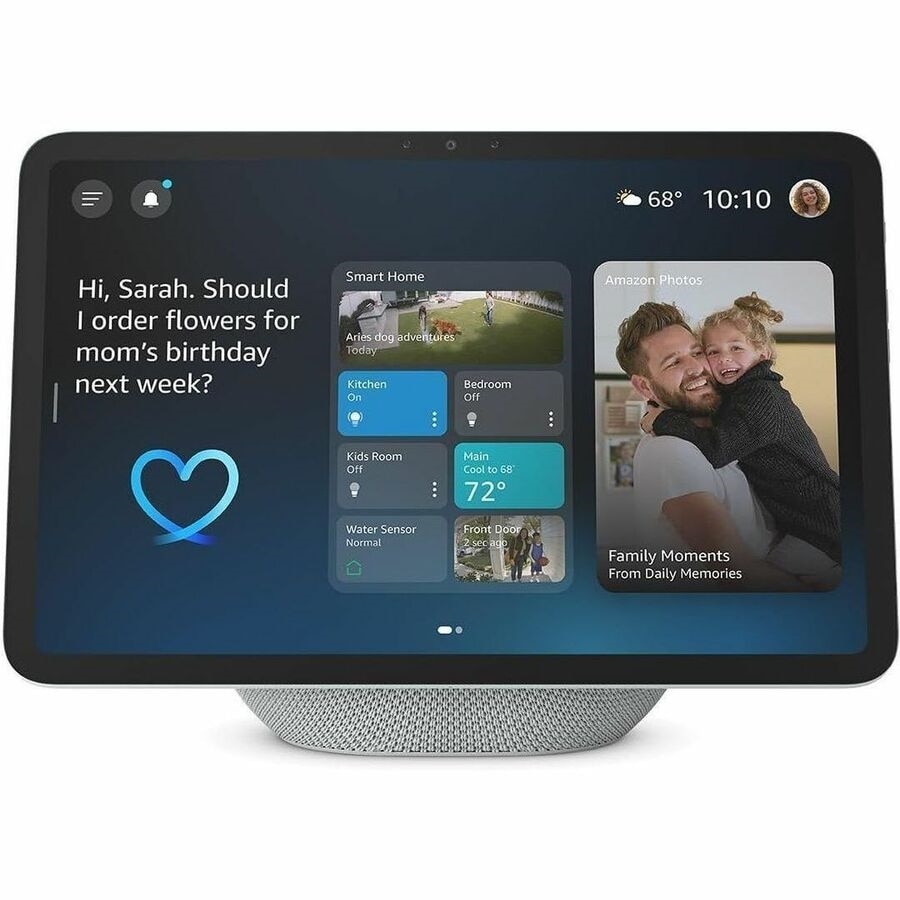
Voice needs a device that hears you. That is a smart speaker or display. Your phone can also serve as a voice device.
Smart locks
Many smart locks ship with Bluetooth only. For remote control, you often need a Wi‑Fi bridge or a hub. It enables alerts, guest codes, and voice.
Security systems
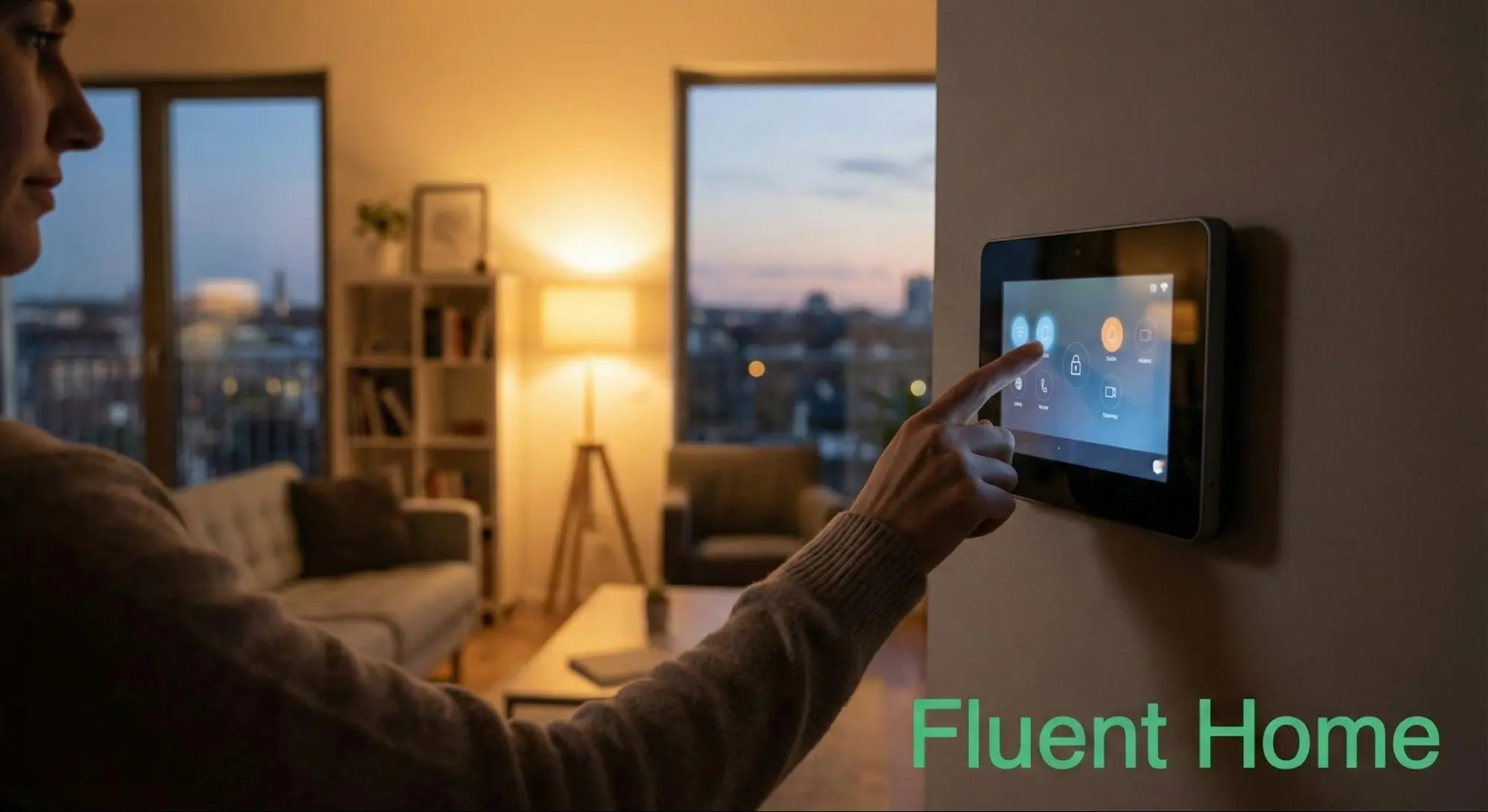
DIY systems use a base station. It links sensors, sirens, and cameras. It also provides cellular backup and local storage in some models.
Smart lighting ecosystems
Bulb ecosystems often use a bridge. It keeps latency low and enables scenes and schedules. You also get better local control.
Motorized shades and blinds
Shades may speak Zigbee, Thread, or a vendor protocol. A bridge or hub is common for group control and automation.
Energy, HVAC, and EV devices
Heat pumps, thermostats, and EV chargers may need a gateway. It handles protocols like Modbus or vendor APIs. It also unifies control in your app or platform.
This is the heart of Which Smart Home Technology Requires The Use Of A Device? and where many buyers trip up. Know the required hub or controller before checkout.

Source: amazon.com
Real-world brand examples and what device they need
Here are common brands and the devices they often require. Check product pages for exact models and updates.
- Philips Hue: Hue Bridge for Zigbee bulbs and accessories
- Aqara: Aqara Hub for Zigbee devices; some models add Matter support
- IKEA Dirigera: Dirigera hub for IKEA smart devices
- Samsung SmartThings: SmartThings Hub for Zigbee/Z‑Wave devices and automations
- Amazon Alexa: Echo devices for voice; some models add Zigbee and Matter controller
- Google Home: Nest Hub or Nest WiFi Pro for Thread/Matter and voice
- Apple Home: Apple TV or HomePod as Home Hub; many devices need this for automations
- Eero and Nest WiFi Pro: Act as Thread Border Routers
- August and Yale locks: Wi‑Fi Bridge for remote access and voice
- Ring Alarm: Base Station as required hub; cameras may need a bridge for chimes
- Arlo and Eufy cameras: Optional base stations for local storage and better range
- Lutron Caséta: Smart Bridge for dimmers and switches
- Somfy, Serena, Eve MotionBlinds: Bridges or Thread/Matter controllers for shades
If your question is Which Smart Home Technology Requires The Use Of A Device?, these brand pairs are your fastest check.
Source: fluenthome.com
How to choose the right hub or controller
Picking the right device should be simple and safe. Use this checklist before you buy.
- Start with your ecosystem. Choose Apple Home, Google Home, Amazon Alexa, or SmartThings first.
- Map your devices. List each product and its protocol: Wi‑Fi, Zigbee, Z‑Wave, Thread, Matter, Bluetooth.
- Check required roles. Do you need a Matter controller, Thread Border Router, Zigbee/Z‑Wave hub, or Home Hub?
- Aim for local control. Prefer hubs that keep automations local for speed and privacy.
- Plan for growth. Pick devices that support more than one protocol.
- Confirm remote access. Ensure the hub supports out-of-home control and secure logins.
- Verify power and placement. Hubs need a wired connection and a central spot for range.
This method gives a clear answer to Which Smart Home Technology Requires The Use Of A Device? for your mix of gear.
Set up blueprints you can copy
Use these sample builds to avoid guesswork.
Small apartment, Apple Home focus
- Apple TV as Home Hub and Matter controller
- Eero router as Thread Border Router
- Eve Energy (Matter over Thread) plugs, Aqara sensors with an Aqara hub
- One HomePod mini for voice and intercom
Family house, Alexa focus
- Echo Hub or Echo smart speaker for voice and Matter
- SmartThings Hub for Zigbee/Z‑Wave devices
- Philips Hue Bridge for lighting scenes and reliability
- Ring Alarm Base Station for doors, windows, and siren
Privacy-first setup
- Home Assistant Yellow or a Raspberry Pi with a Zigbee/Thread radio
- Local-only devices where possible
- Apple TV or HomePod for HomeKit automations
- Optional NAS for camera footage
If you wonder which Smart Home Technology Requires The Use Of A Device, in these layouts, the hubs and bridges named here are the key.

Source: vesternet.com
Benefits and trade-offs of requiring a device
Requiring a device is not a downside. It is often a strength.
Benefits
- Faster, more reliable automations with local processing
- Better battery life for sensors on Zigbee, Z‑Wave, or Thread
- Unified control and advanced scenes
- Offline resiliency during internet outages
Trade-offs
- Extra hardware cost and power use
- Another thing to place and maintain
- Vendor lock-in if the hub is proprietary
When you ask Which Smart Home Technology Requires The Use Of A Device?, also ask what you gain from that device.

Source: amazon.com
Security, privacy, and reliability
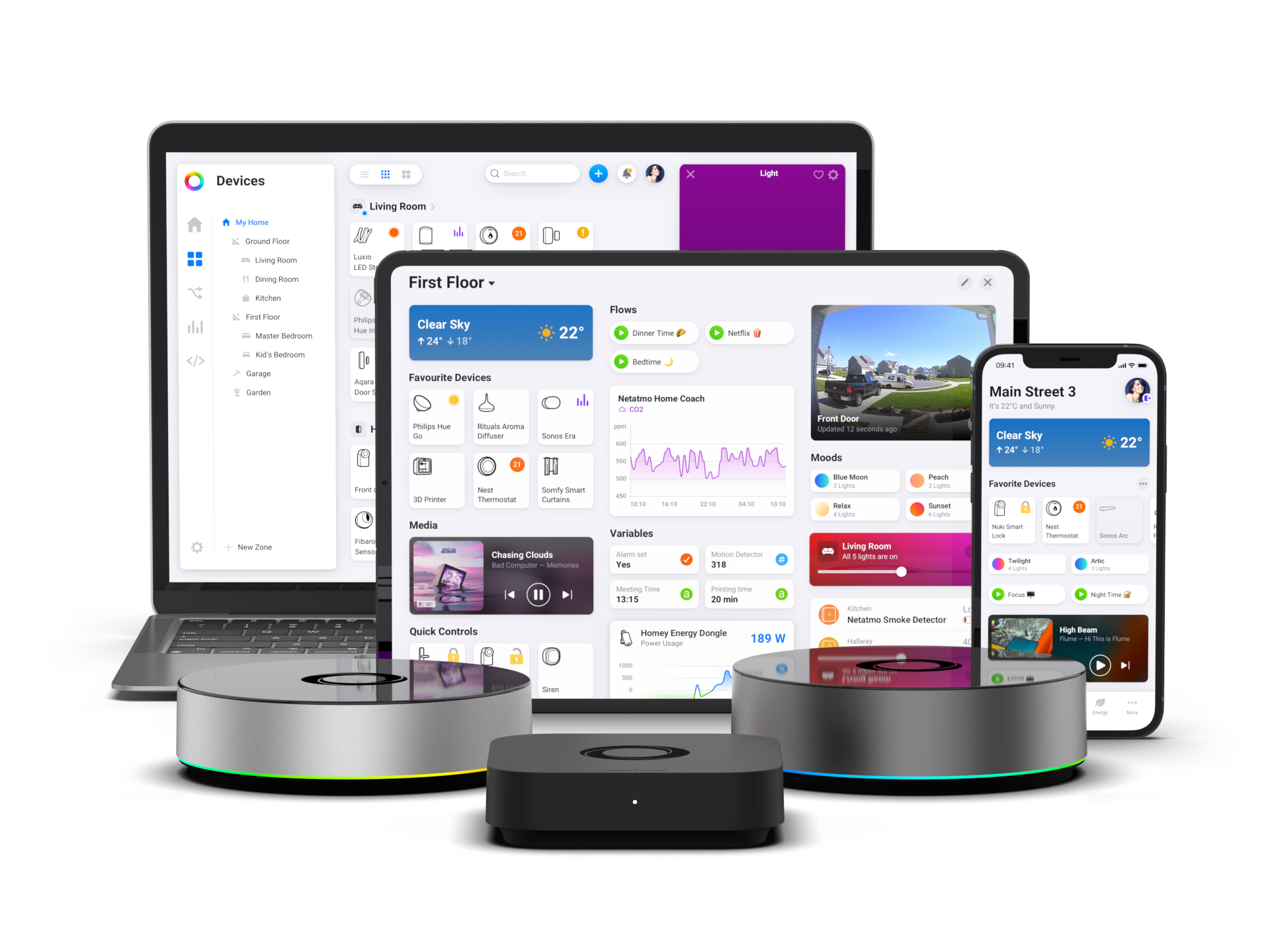
A hub can improve security if built well. It can keep data in your home and reduce cloud calls. It also lets you add features like two-factor login and local backups.
Use strong passwords and turn on multi-factor auth. Keep firmware current. Place hubs away from interference and near the center of your space.
This is the safer way to answer Which Smart Home Technology Requires The Use Of A Device? without risking your data.
Source: homey.app
Troubleshooting and common pitfalls
I have deployed many mixed-protocol homes. Here are fixes that work fast.
- Devices will not pair. Move the hub within a few feet and try again. Power-cycle after 15 seconds off.
- Zigbee or Thread is flaky. Add a few powered repeaters, like plugs or bulbs, to strengthen the mesh.
- Voice is slow. Check Wi‑Fi congestion and disable unused skills or routines.
- Automations fail at night. Keep your hub on Ethernet, not Wi‑Fi. Avoid placing it behind a TV or inside a cabinet.
- The remote control fails. Verify your account login, hub internet link, and time settings.
Keeping a clear map of which Smart Home Technology Requires The Use Of A Device helps you solve issues in minutes.

Source: amazon.com
Frequently Asked Questions: Which Smart Home Technology Requires The Use Of A Device?
Do all smart lights need a hub?
No. Many Wi‑Fi bulbs work with only an app. Ecosystems like Philips Hue and Lutron use a bridge for reliability, scenes, and low latency.
Is a Matter controller different from a hub?
A Matter controller can live in a hub, smart speaker, router, or TV. It handles onboarding, control, and automations for Matter devices.
Can I run a smart home without the internet?
Yes, if your hub supports local control. Zigbee, Z‑Wave, and Thread automations can run offline, but voice and remote access will not.
What is a Thread Border Router, and do I need one?
It links your Thread mesh to your IP network. You need one for Thread devices; many new routers and smart speakers include it.
Which Smart Home Technology Requires The Use Of A Device for remote access?
Smart locks, cameras, and most automations need a hub, bridge, or home hub for secure remote control and alerts.
Conclusion
Smart homes feel magical when the right device ties them together. Hubs, bridges, and controllers enable fast scenes, strong meshes, and secure remote access. Now you can spot which Smart Home Technology Requires The Use Of A Device and plan your setup with confidence.
Start small and build a stable core. Pick one ecosystem, choose the needed hub, and add devices in groups. Ready to go deeper? Subscribe for more hands-on guides, or leave a comment with your room-by-room goals.



3 Comments