
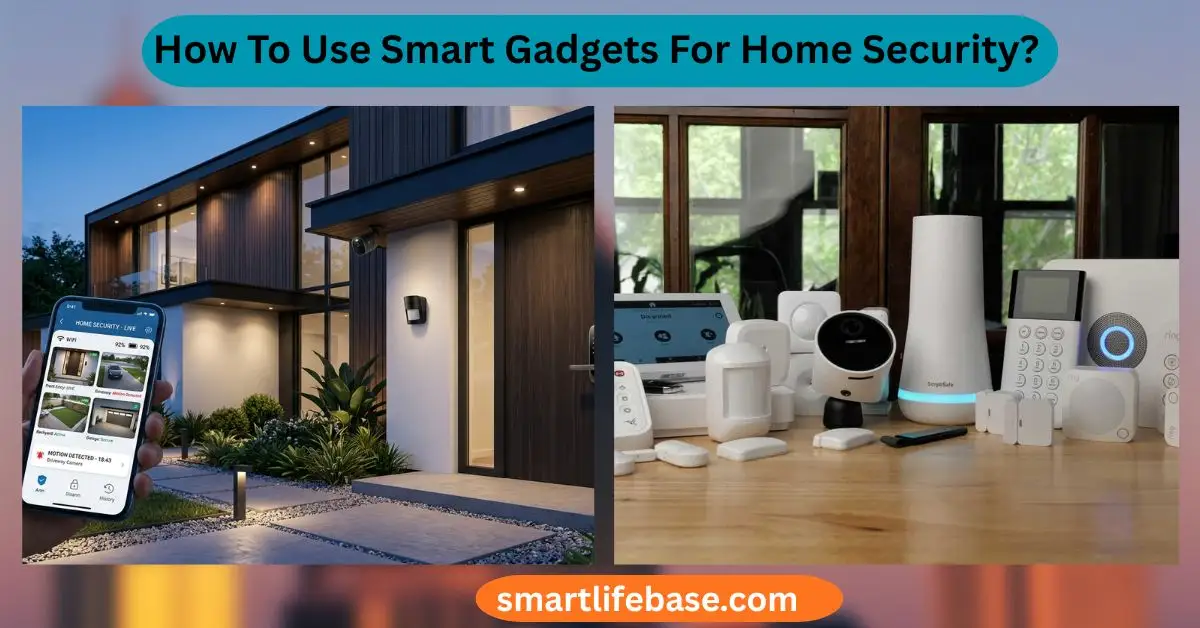
Learn How To Use Smart Gadgets For Home Security? Get 2026 device picks, setup tips, and automation ideas to deter intruders and protect what matters. Use secure smart cameras, locks, sensors, and automations with strong network settings.
If you want to know How To Use Smart Gadgets For Home Security?, you are in the right place. I help people plan, install, and maintain home security systems that work in the real world. You will learn how to pick the right devices, set them up the right way, and link them into useful routines. I will show you tested steps, common mistakes, and tips that save money and time. Read on for a clear path to a safer, smarter home.
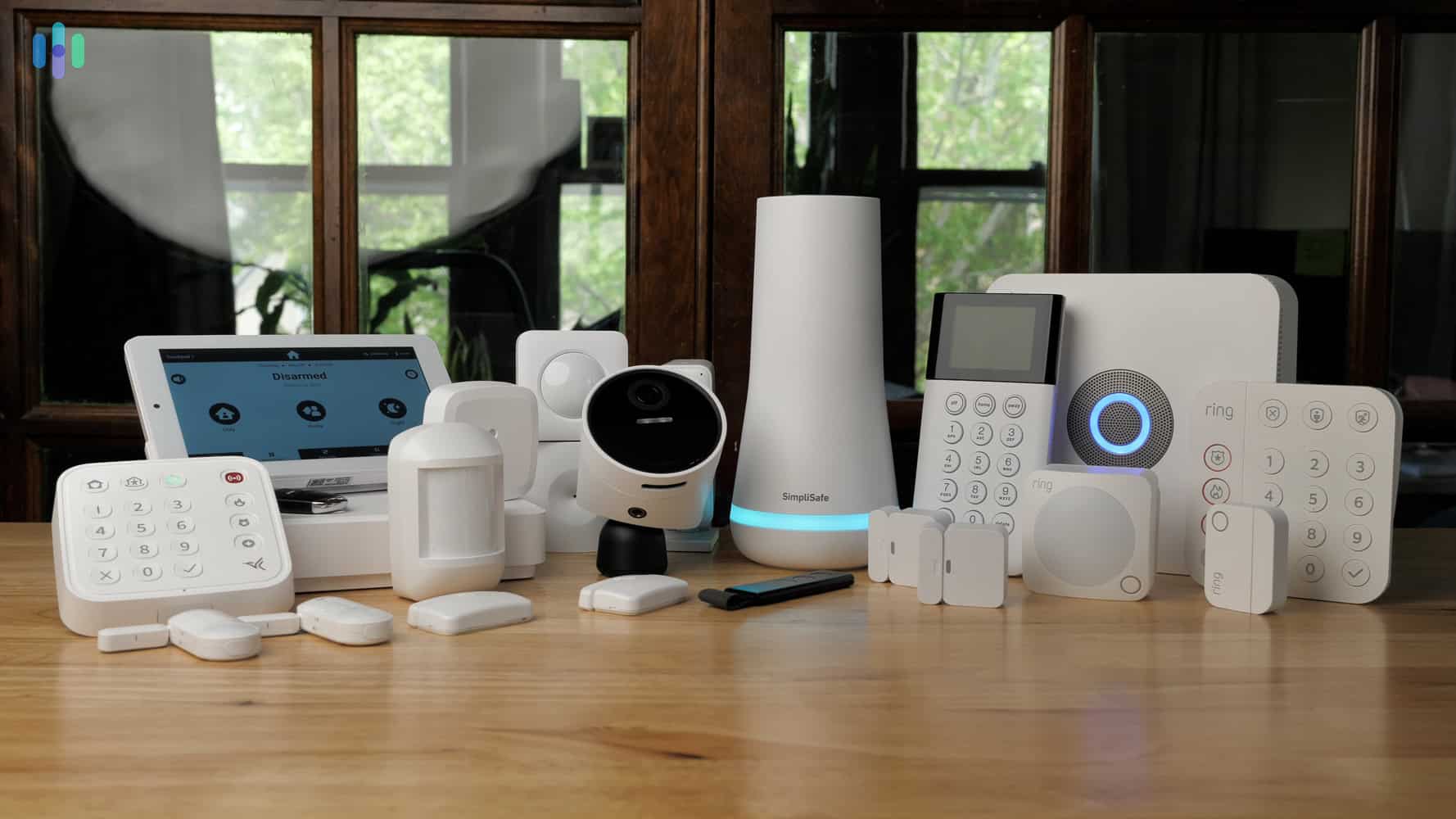
What “smart home security” really means
Smart home security uses connected devices to watch, detect, and act. It blends cameras, doorbells, locks, sensors, alarms, and lights into one system. The key is data that moves fast and triggers helpful actions. This guide explains How To Use Smart Gadgets For Home Security? with care and proof-backed steps.

Core Smart Gadgets and how to use them
Smart security cameras
- Place outdoor cameras to cover entries, driveways, and side yards.
- Use motion zones to cut false alerts from roads or trees.
- Turn on two-factor login and use strong, unique passwords.
- Prefer models with local storage or encrypted cloud, and privacy shutters.
Practical tip: I set one camera low for faces and one high for context. The low angle helped police ID a porch pirate in my block.
Video doorbells
- Aim for a head-to-toe view to see packages and faces.
- Set activity zones and package detection if offered.
- Use pre-recorded quick replies when you cannot talk live.
Smart locks
- Create unique codes for family, cleaner, and dog walker.
- Use auto-lock and geofencing to avoid leaving the door open.
- Log events to know who came and when.
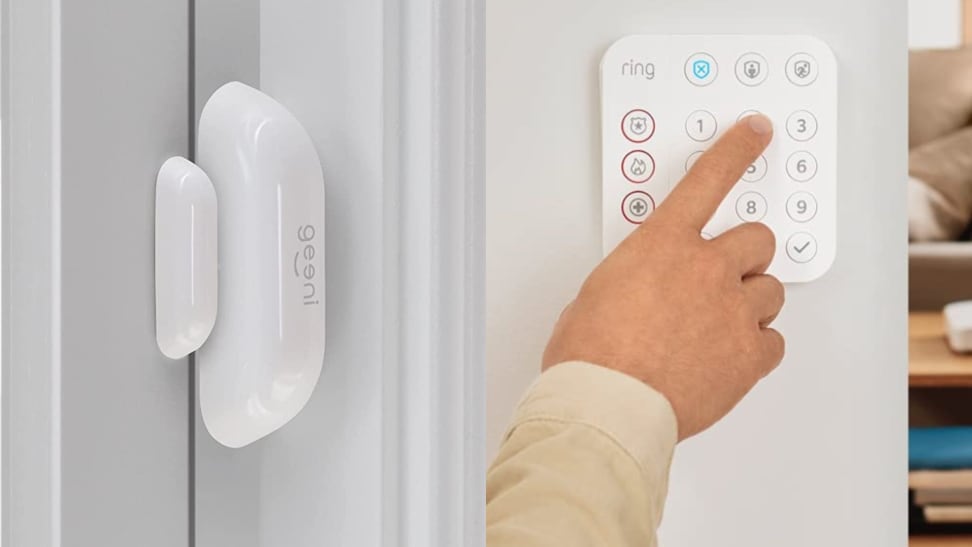
Door and window sensors
- Put them on all ground-floor points and any balcony doors.
- Use instant alerts when a door opens during away mode.
- Tie them to lights and sirens for a fast response.
Motion and glass break sensors
- Cover hallways and main paths inside the home.
- Add glass break sensors to rooms with large windows or sliders.
Smart lighting and plugs
- Use lights as a deterrent with schedules and randomization.
- Trigger lights on motion at night for safe paths.
Sirens and alarm hubs
- A loud siren stops many intruders in seconds.
- Choose hubs that support cellular and battery backup.
Smart detectors and leak sensors
- Connect smoke, CO, and water leak sensors for life safety.
- Get phone alerts when you are away.
This section shows How To Use Smart Gadgets For Home Security by picking gear that fits your space and habits.
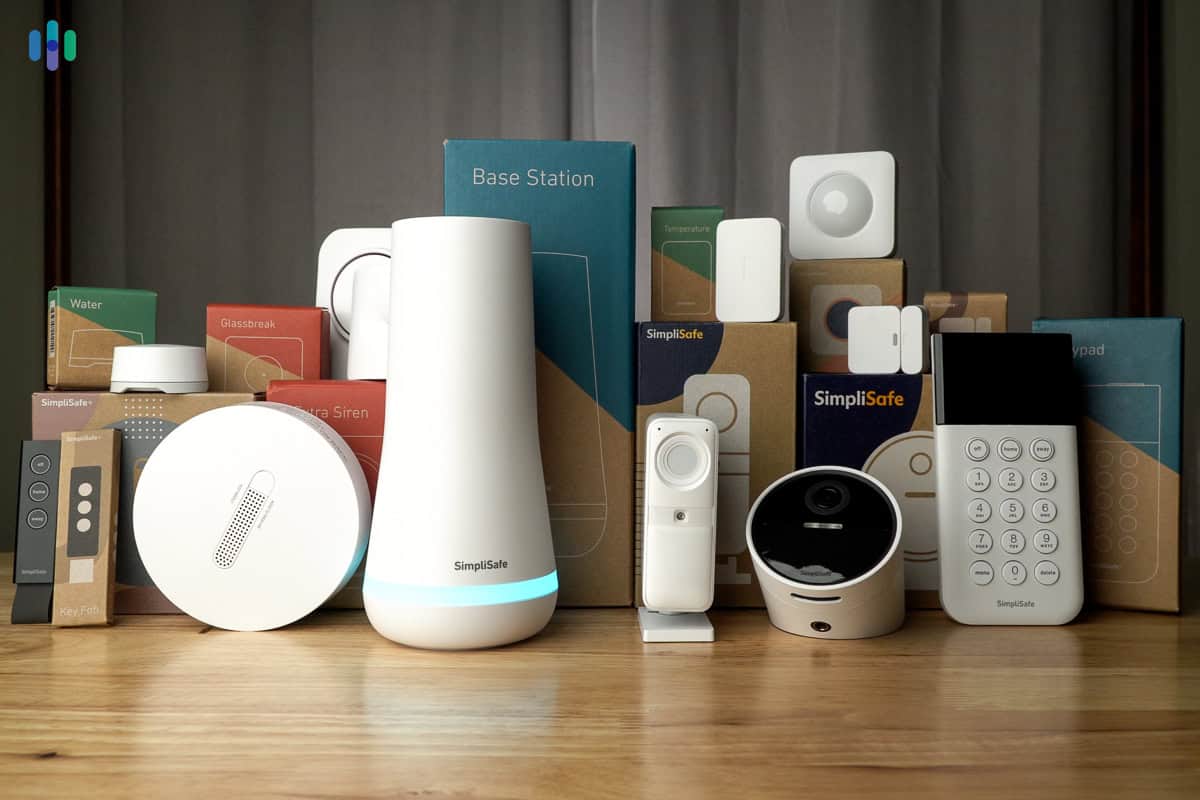
Step-by-step setup plan
- Map your risks
- List entry points, dark zones, and high-value rooms.
- Note weak spots like basement windows or a side gate.
- Pick one ecosystem
- Choose an app or platform that supports your devices.
- Matter, Thread, Zigbee, or Z-Wave reduce Wi-Fi load.
- Secure your network first
- Use WPA3, change default router logins, and enable a guest SSID.
- Put cameras on a separate network if your router supports VLANs.
- Start with the front door
- Install a video doorbell and a smart lock.
- Add a camera for packages and porch activity.
- Add sensors and interior coverage
- Door/window sensors on all entries.
- Motion sensors in key halls, not bedrooms, if privacy is a concern.
- Automate key routines
- Arm away mode when all phones leave the geofence.
- Turn on the lights on motion after sunset.
- Test, refine, and train
- Run a week of tests and tune motion zones and alerts.
- Teach the family how to arm, disarm, and handle false alarms.
Following these steps is a clean way to master How To Use Smart Gadgets For Home Security from day one.
Network and data security essentials
- Strong passwords and a password manager prevent easy breaches.
- Turn on two-factor authentication for every device and app.
- Keep firmware up to date; set auto-updates when possible.
- Prefer end-to-end encrypted video. Use local storage or a secure cloud.
- Limit device permissions. Turn off features you do not use.
- Back up power with a UPS for your modem, router, and hub.
In my home, a simple router update fixed random camera drops at night. Small network tweaks make a big difference. These basics are core to How To Use Smart Gadgets For Home Security? with trust.
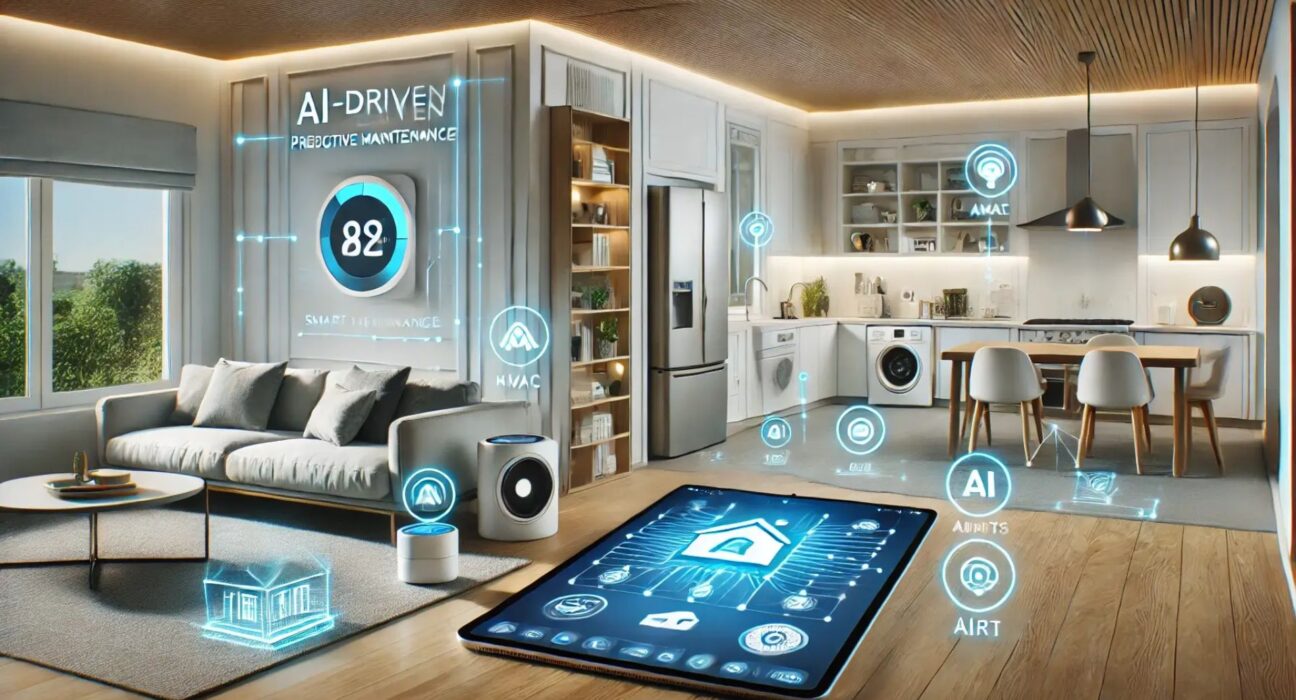
Smart automations that stop threats fast
- Geofencing
- Auto-arm when you leave and disarm on return.
- Time-based lighting
- Vary schedules to mimic normal life during travel.
- Event chains
- The door opens while armed triggers lights, cameras, and a siren.
- Away scenes
- One tap locks doors, sets alarms, and lowers shades.
- Voice control with care
- Limit voice disarm to a secure PIN and trusted hubs.
- Critical alerts
- Use high-priority alerts for alarms, smoke, CO, and leaks.
With good rules, How To Use Smart Gadgets For Home Security? becomes proactive. The system sees, decides, and reacts in seconds.
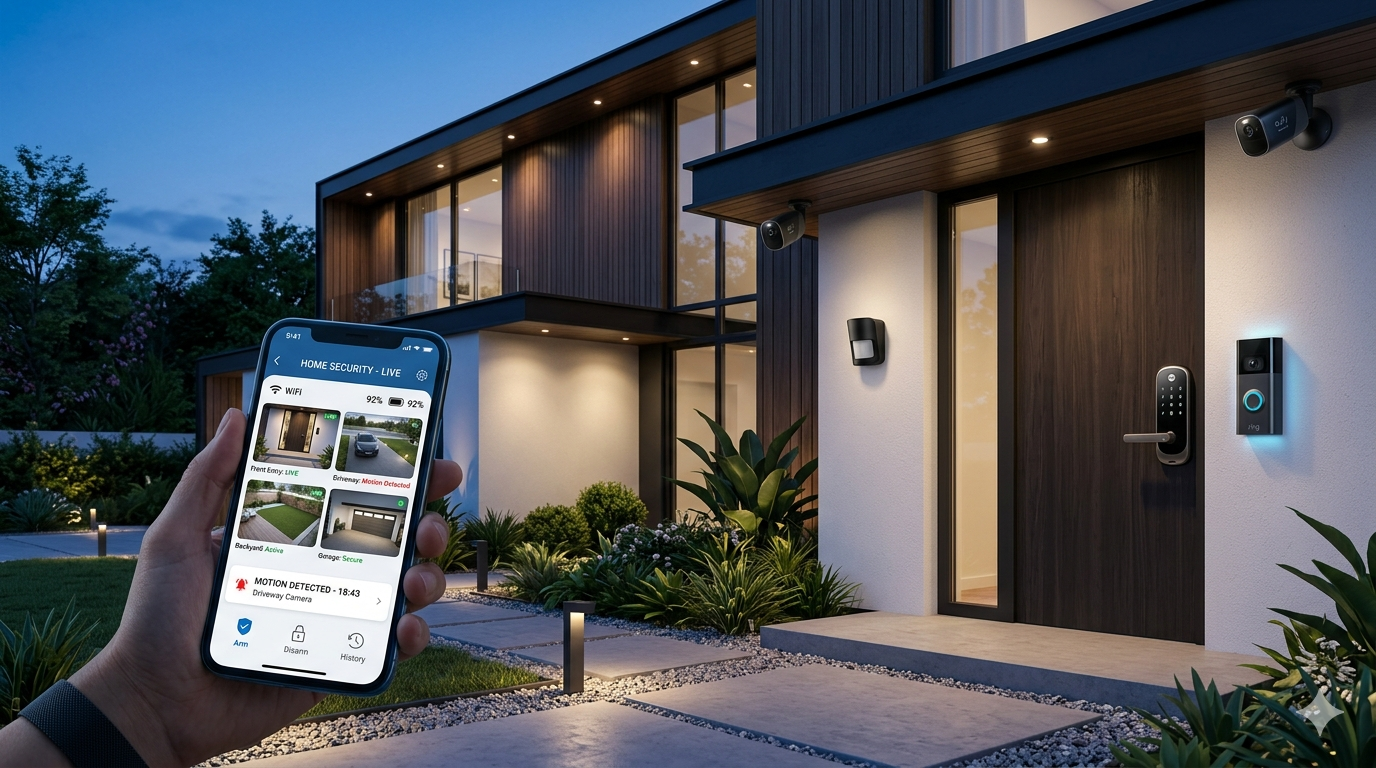
Real-world lessons and mistakes to avoid
From installs I have done and managed:
- Do not overbuy cameras
- Two well-placed units can beat six random ones.
- Mounts and angles matter more than specs
- A budget cam at the right angle beats a premium cam pointed wrong.
- Avoid Wi-Fi overload
- Spread devices across 2.4 GHz and 5 GHz. Use Ethernet or PoE where you can.
- Respect privacy
- Turn off audio or mask neighbor areas if required in your region.
- Test at night
- Walk-test paths at dusk. Adjust IR brightness and glare.
- Have a plan for power and internet loss
- Use battery locks, local sirens, and offline automations.
These points are the heart of How to Use Smart Gadgets for Home Security? without headaches.

Choosing platforms and building a budget
- Start small
- Front door kit first, then add sensors and lights.
- Ecosystem fit
- Confirm support for Matter, Thread, Zigbee, Z-Wave, and your voice assistant.
- Storage costs
- Compare free local storage, NAS, and cloud plans.
- Reliability and support
- Look for long update policies and active support.
- Total cost of ownership
- Include mounts, cables, batteries, and backup power.
Smart picks make How to Use Smart Gadgets for Home Security? affordable and robust.

Maintenance, testing, and audits
- Monthly
- Test sirens, sensors, and camera live views. Replace low batteries.
- Quarterly
- Review access codes, remove old users, and rotate Wi-Fi passwords.
- Yearly
- Clean camera lenses, check sealants, and update scenes for new routines.
A simple audit plan keeps How To Use Smart Gadgets For Home Security? effective long-term.

Quick PAA-style answers
- Do I need a smart hub, or can Wi-Fi do it?
Wi-Fi works for a few devices. Large homes benefit from hubs with Zigbee, Z-Wave, or Thread for stability and battery life. - Can smart security work without the internet?
Many sensors and sirens can work locally. You lose remote access and cloud video, so use local storage and a hub with offline rules. - Are wired cameras better than wireless?
Wired PoE is more reliable and secure. Wireless is easier to install but depends on Wi-Fi and batteries.
These short answers support the core theme: How to Use Smart Gadgets for Home Security? with the right trade-offs.
Frequently Asked Questions on How To Use Smart Gadgets For Home Security?
What is the first device I should buy?
Start with a video doorbell or front door camera. Most threats start at the front door, so this gives immediate impact.
How many cameras do I need for a small home?
Two to three cameras usually cover the front, back, and a side path. Add more only if you have blind spots.
Can smart locks be hacked?
Any device can be at risk if set up poorly. Use strong passwords, 2FA, and updates to reduce risk to a low level.
Should I use cloud or local storage?
Local storage gives control and no monthly fees. Cloud adds off-site backup and easy sharing; many homes use both.
How do I cut false motion alerts?
Use activity zones, person detection, and lower sensitivity. Avoid pointing at roads, trees, or reflective surfaces.
Conclusion
Smart devices raise safety when they work as one team. Secure the network, pick the right gear, and build smart rules that act fast. Test often and fix small gaps before they grow.
Take one step this week. Secure your Wi-Fi, set up a doorbell, or add a sensor. If you found this guide useful, subscribe for more tips or share your experience in the comments.
One Comment