
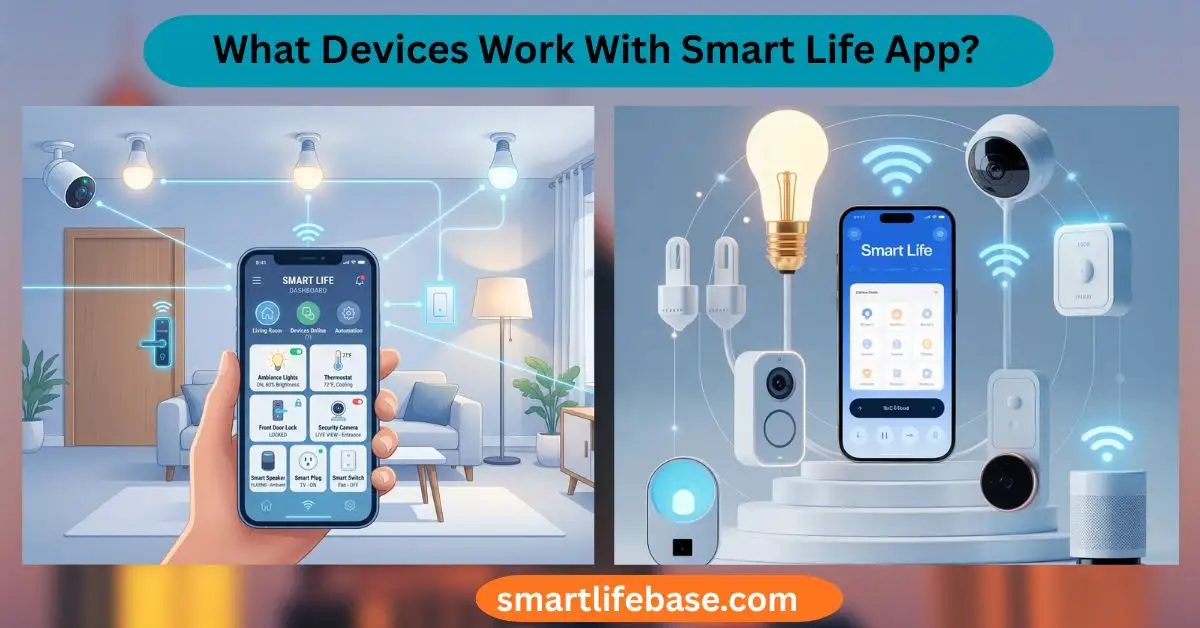
Find compatible brands, bulbs, plugs, sensors, and cameras: answers What Devices Work With Smart Life App while helping you pick and set up the right devices. Smart Life works with most Tuya-based Wi‑Fi, Bluetooth, and Zigbee smart devices.
If you have ever wondered what devices work with Smart Life app, you are not alone. I have spent years testing Tuya-powered gadgets, setting up homes for clients, and fixing the small issues that can slow you down. This guide explains, in plain English, what devices work with Smart Life app, how to check compatibility, and how to get the most from your setup without guesswork.
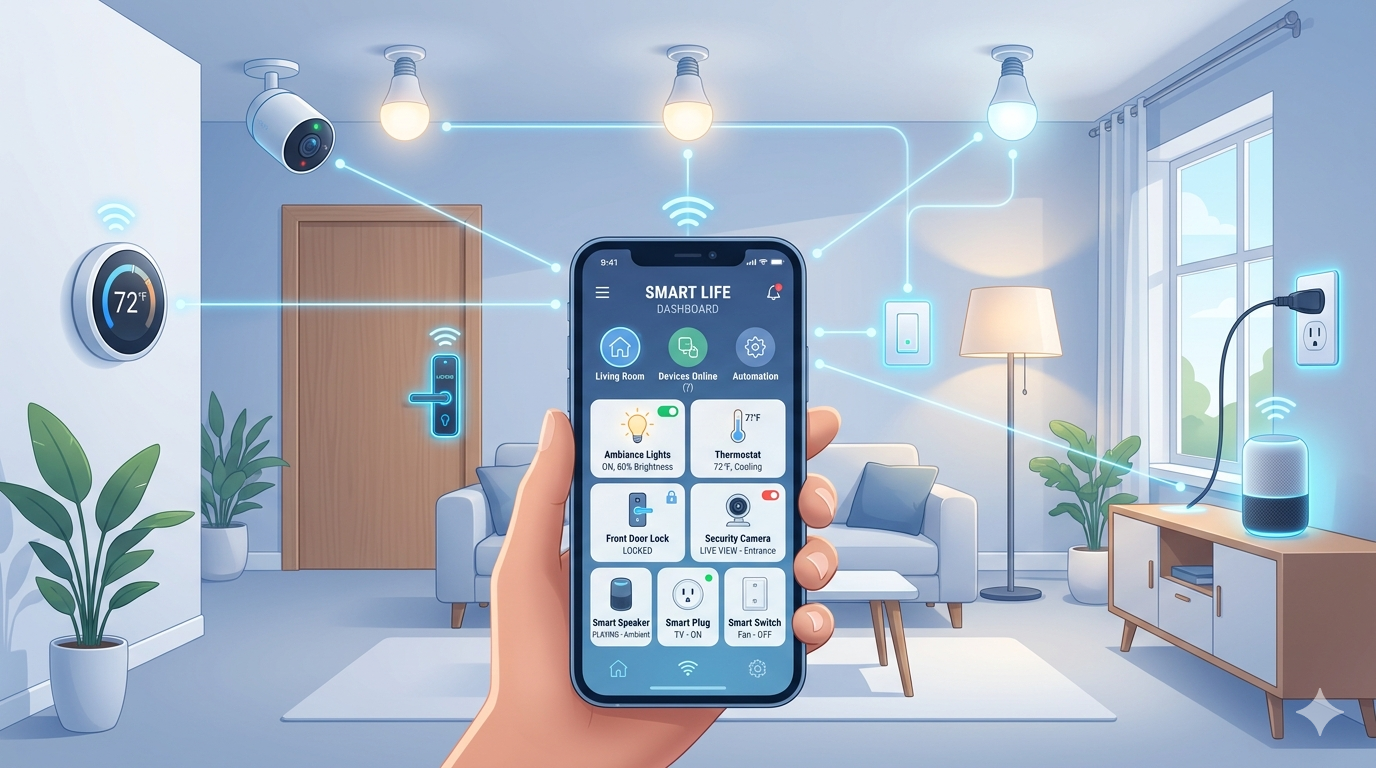
How Smart Life Works Behind The Scenes
Smart Life is a control app built on the Tuya IoT platform. Many budget-friendly and mid-range smart devices use Tuya chips and cloud services. That is why many different brands can all connect to the same app.
When you ask what devices work with Smart Life app, the short answer is any device that is Tuya-compatible and marked for the Smart Life app. Most of these products connect over 2.4 GHz Wi‑Fi, Bluetooth, or Zigbee through a Tuya hub. Some newer models also support Matter for wider ecosystem access.

Source: excellentwebworld.com
Core Device Categories That Work With Smart Life
If you are mapping out what devices work with the Smart Life app, start with these common types. I list examples and what to expect in daily use.
- Smart plugs and power strips. Great for lamps, coffee makers, and holiday lights. Many include energy tracking.
- Smart bulbs and light strips. RGB and tunable white options. Scenes, schedules, and music sync on some models.
- Switches and dimmers. Replace wall switches for whole-circuit control. Neutral-wire models are most stable.
- Sensors. Motion, door/window, water leak, temperature, humidity, smoke, and CO models exist.
- Cameras and video doorbells. Cloud and microSD storage options. Features vary by model and region.
- IR remotes. Control TVs, ACs, fans, and set-top boxes with one app and voice.
- Climate devices. Air purifiers, heaters, humidifiers, dehumidifiers, thermostats, and mini-split controllers.
- Robot vacuums. Basic cleaning controls and schedules were supported.
- Blinds and curtain motors. Open/close, set position, and run scenes with sunrise or motion triggers.
- Smart locks and garage modules. Region and safety rules apply. Confirm certification and local codes.
- Kitchen and pet gear. Air fryers, rice cookers, pet feeders, and fountains with timers and alerts.
- Energy monitors and relays. Track usage and automate cutoffs for safety and savings.
Tip from the field: When clients ask what devices work with the Smart Life app for lighting, I suggest bulbs for renters and switches for owners. Switches keep normal wall control and work even if someone flips the switch.
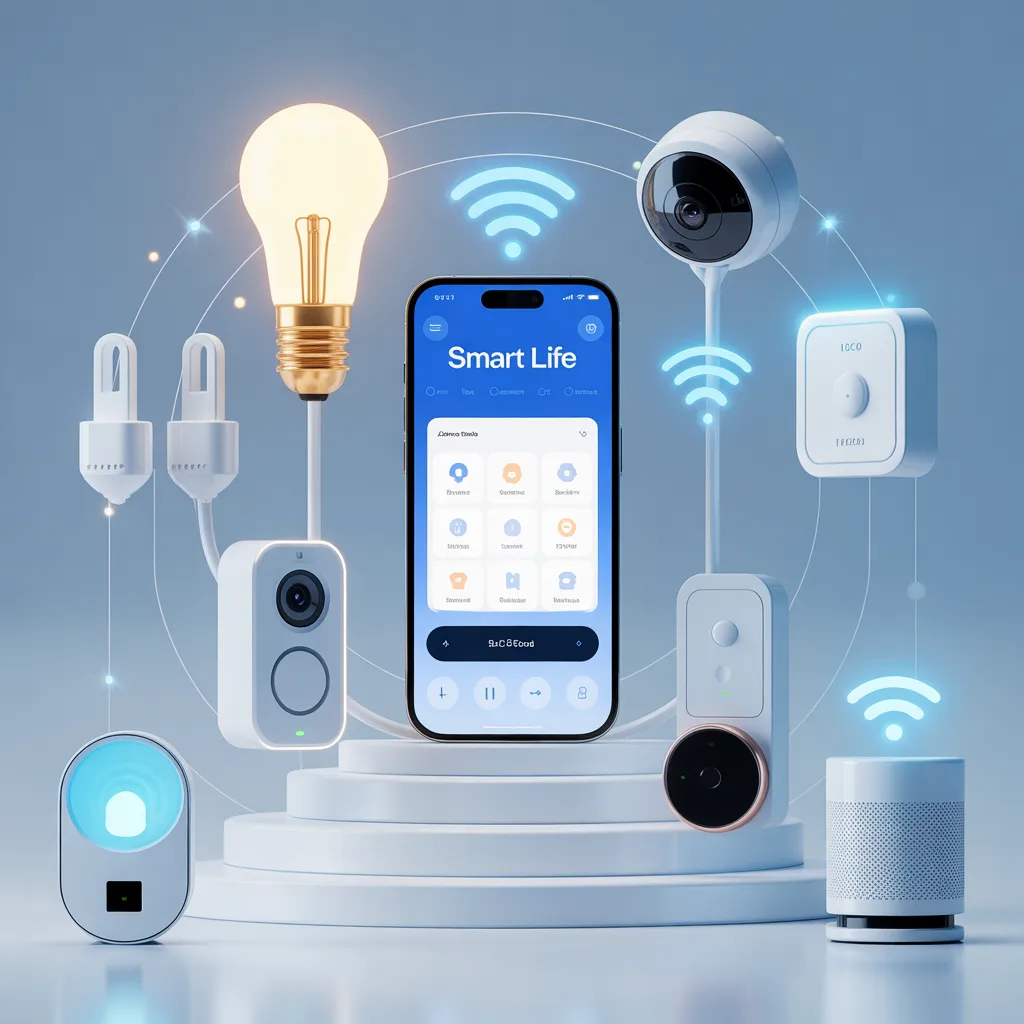
Connectivity: Wi‑Fi, Bluetooth, Zigbee, and Matter
Getting the network right is half the job. This is where many setup issues start.
- Wi‑Fi 2.4 GHz. Most devices use 2.4 GHz. Many do not support 5 GHz for pairing or control.
- Bluetooth and BLE Mesh. Short-range devices pair faster and can use a Bluetooth gateway for remote control.
- Zigbee. Needs a Tuya Zigbee hub. Good for low-power sensors and larger homes.
- Matter. Some newer Tuya devices ship with Matter. Check the specs and pairing steps for your model.
If you want to future-proof what devices work with the Smart Life app, pick Zigbee sensors and switches with a Tuya Zigbee 3.0 hub. They mesh well and keep battery devices stable. Wi‑Fi is fine for plugs, cameras, and high-bandwidth gear.
Brand Compatibility: Who Makes Tuya/Smart Life Devices?
Many brands on Amazon, eBay, and regional shops are white-label Tuya products. The listing often says Tuya, Works with Smart Life, or shows the Smart Life logo.
- Common Tuya-first brands include Moes, Zemismart, Treatlife (select models), BN-LINK, Aoycocr, and Lumiman. Availability varies by region and product line.
- Some brands ship the same hardware with a different app by default. You can often still pair with Smart Life if the device is Tuya-based.
The safest path when you ask what devices work with the Smart Life app is to read the product page. Look for Tuya, Smart Life, or Pair with Smart Life instructions. If in doubt, ask the seller before buying.
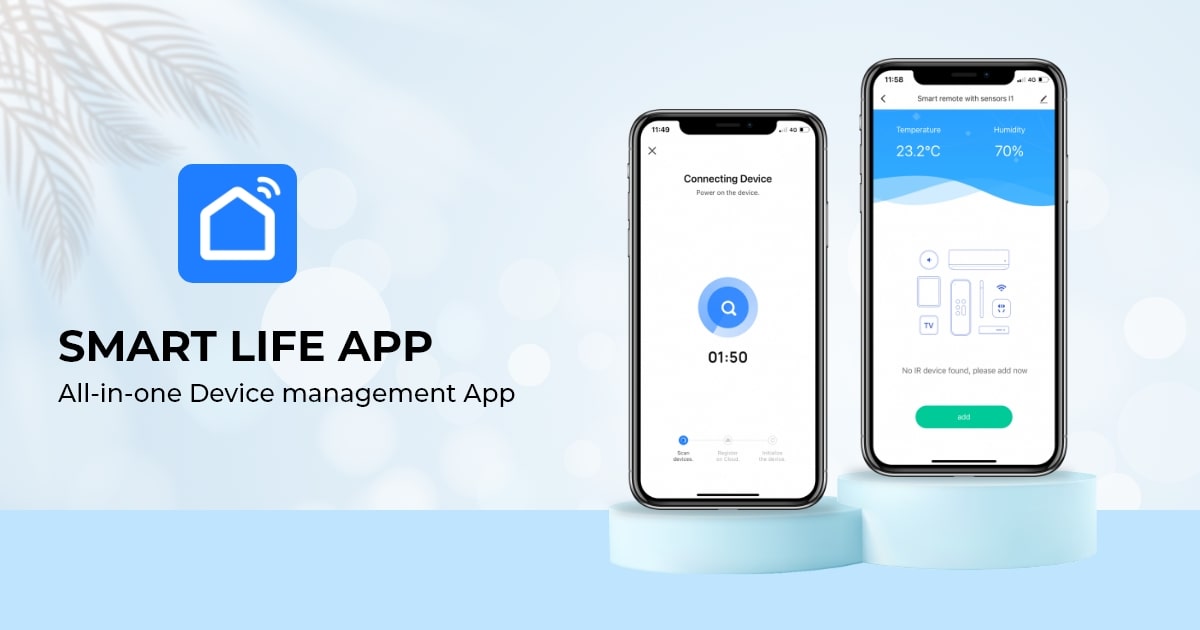
Source: ifttt.com
How To Verify Compatibility Before You Buy
Avoid returns and wasted time. Use this quick check.
- Read the listing closely. Look for the Smart Life logo or the Tuya mention.
- Scan reviews. Search for Smart Life in user comments.
- Check the manual. Many sellers post PDFs with pairing steps.
- Ask the seller. Request confirmation that the device pairs with the Smart Life app.
- Confirm radio type. Is it 2.4 GHz Wi‑Fi, Bluetooth, or Zigbee? Do you need a hub?
This is how I confirm what devices work with the Smart Life app for clients. Ten minutes of checking beats hours of troubleshooting later.
Setup And Pairing Tips From Real Projects
Small tweaks make a big difference. Here are the steps I follow on jobs.
- Use a 2.4 GHz SSID name. If you have a mesh router, set the 2.4 GHz network name visible during pairing.
- Turn off mobile data. Keep the phone on Wi‑Fi only while adding devices.
- Enable location and Bluetooth permissions for the app. Many Android and iOS versions need these to scan.
- Reset the device correctly. Follow the manual. Most use a long press until a rapid blink.
- Add one device at a time. Name it clearly and test before moving on.
If you ever wonder what devices work with the Smart Life app and why some fail to pair, it is often a 5 GHz issue or an aggressive router setting. WPA2, no captive portal, and no client isolation are your friends.
Voice Assistants, Routines, And Interoperability
Smart Life links to major voice platforms for hands-free control.
- Amazon Alexa. Control lights, plugs, scenes, and some sensors. Create routines with voice triggers.
- Google Assistant. Similar to Alexa with scenes and room control support.
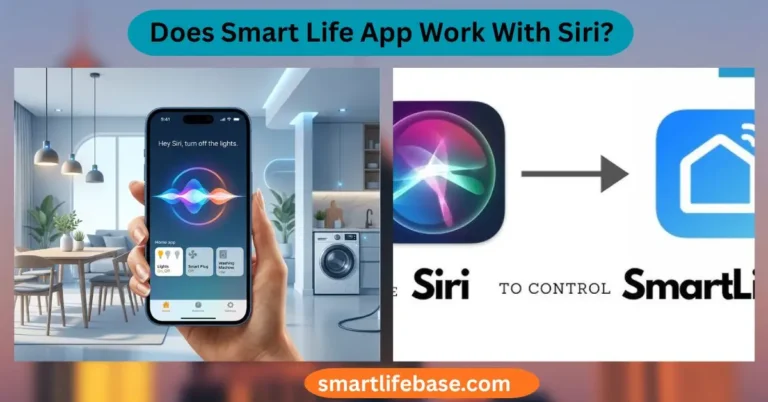
- Siri Shortcuts. You can run Smart Life scenes from Shortcuts. Native HomeKit is not standard unless the device supports Matter or HomeKit natively.
- Home Assistant and SmartThings. Community and official integrations exist for many devices. Features vary.
Ask yourself what devices work with the Smart Life app and your voice assistant. If voice control matters, pick a gear that lists Alexa and Google logos on the box.

Source: amazon.com
Limits, Gotchas, And How To Avoid Them
No platform is perfect. Here are the common pain points and fixes.
- 5 GHz-only routers. Use 2.4 GHz for setup and control. Many devices cannot see 5 GHz.
- ISP routers with captive portals. Move IoT devices to your own router or bridge.
- Region locks. Cameras and doorbells can be region-tied. Buy from your country’s store.
- Cloud dependence. Most features need the internet. For local-first needs, choose Zigbee devices with local hubs or consider platforms that support local control.
- Mixed ecosystems. Not every Zigbee device works with every Zigbee hub. Stick to Tuya-certified hubs for Smart Life.
When you think about what devices work with Smart Life app long-term, plan your network and keep the ecosystem simple. Fewer brands, more stability.
Security, Privacy, And Reliability Best Practices
Strong basics keep your home stable and safe.
- Use a unique email and a strong password. Enable two-factor authentication.
- Update firmware often. Schedule a monthly check-in in the app.
- Put IoT on a guest or VLAN network. Limit access to your main devices.
- Review permissions. Only grant mic, camera, and location access when needed.
- Monitor automations. Keep logs and alerts for doors, locks, and critical devices.
When I deploy what devices work with Smart Life app for clients, I always segment the IoT network. It prevents one weak link from affecting the whole home.
Real-World Automations You Can Try Today
Automations make the system feel smart, not just connected.
- Wake-up scene. Lights to warm white at 30 percent, blinds to 25 percent, coffee plug on.
- Away mode. Lock the door, arm the cameras, and turn off the HVAC plug after 5 minutes.
- Leak protection. If the water sensor trips, cut power to the water heater plug and send a push alert.
- Sleep routine. Dim the lights to five percent, turn off the TV with the IR blaster, and set the bedroom fan to low.
These show what devices work with the Smart Life app in daily life. Start simple, then layer more rules as you go.
Frequently Asked Questions: What Devices Work With Smart Life App?
Does Smart Life work with 5 GHz Wi‑Fi?
Most devices need 2.4 GHz Wi‑Fi to pair and run. Use a 2.4 GHz SSID or split your bands during setup.
Do I need a hub for Smart Life devices?
Wi‑Fi devices do not need a hub. Zigbee and many Bluetooth devices need a Tuya-compatible gateway for remote control and automations.
Can Smart Life control Matter devices?
Some Tuya devices now support Matter. Check the product page for Matter and follow the pairing guide for your phone and platform.
Which brands are compatible with Smart Life?
Many Tuya-based brands work, including Moes, Zemismart, BN-LINK, and Lumiman. Always verify the listing says Smart Life or Tuya to be sure.
Is Smart Life the same as Tuya Smart?
They are sister apps on the Tuya platform with similar features. Many devices can pair with either app, but use the one listed by the manufacturer.
Can I use Smart Life with Apple HomeKit?
Not by default. You need devices that support Matter or native HomeKit, or use Siri Shortcuts for scenes.
Why won’t my device pair in the app?
Common causes are 5 GHz Wi‑Fi, VPNs, or captive portals. Reset the device, switch to 2.4 GHz, and try again near the router.
Conclusion
Your best path to a smooth setup is to match your needs with the right gear, then confirm compatibility before you buy. Now that you know what devices work with the Smart Life app, build a stable base with 2.4 GHz Wi‑Fi, add a Tuya Zigbee hub for sensors, and grow room by room with clear naming and simple automations.
Try one scene this week, measure what helps, and expand with confidence. If this guide helped, subscribe for more hands-on smart home tips or leave a comment with your setup questions.





5 Comments