
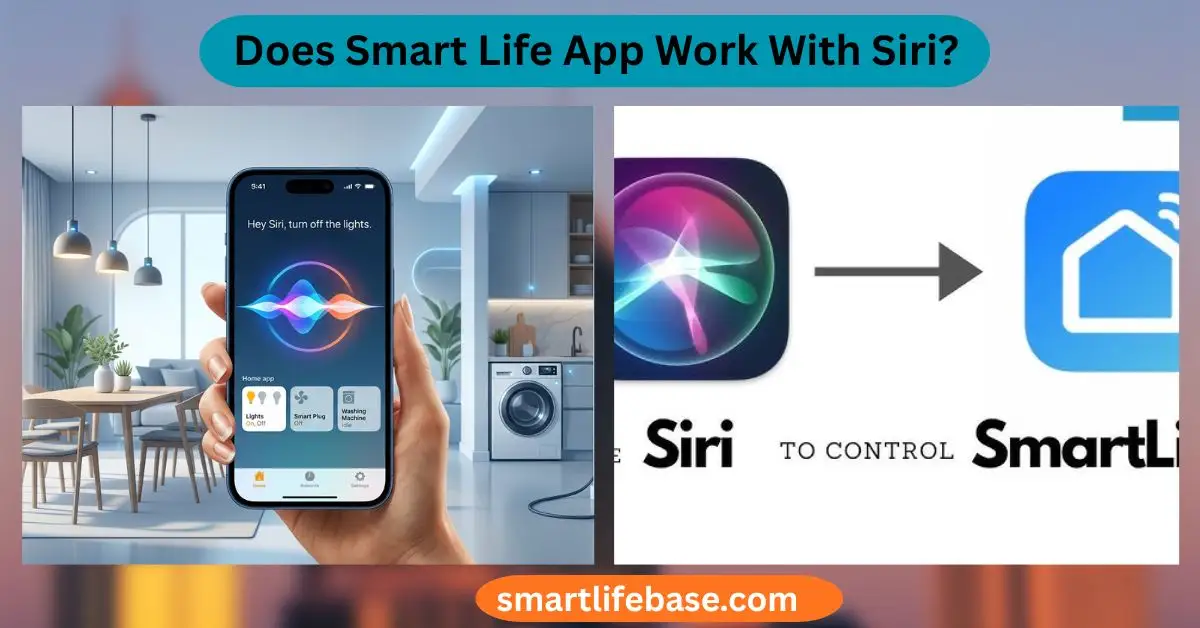
Curious about compatibility? Does Smart Life App Work With Siri? See how to enable Siri Shortcuts, voice control, and HomeKit bridges, plus pro tips. Yes, but not natively with HomeKit; it works via Siri Shortcuts and Matter.
If you have Smart Life devices and love Siri, you can still get voice control that feels smooth and fast. In this guide, I explain whether Smart Life App works with Siri in clear terms, show working methods I use at home, and share the exact steps, pros, and limits. You will learn what actually works today, what to avoid, and how to plan a stable setup that fits your budget and goals.
How Siri control fits with Smart Life today
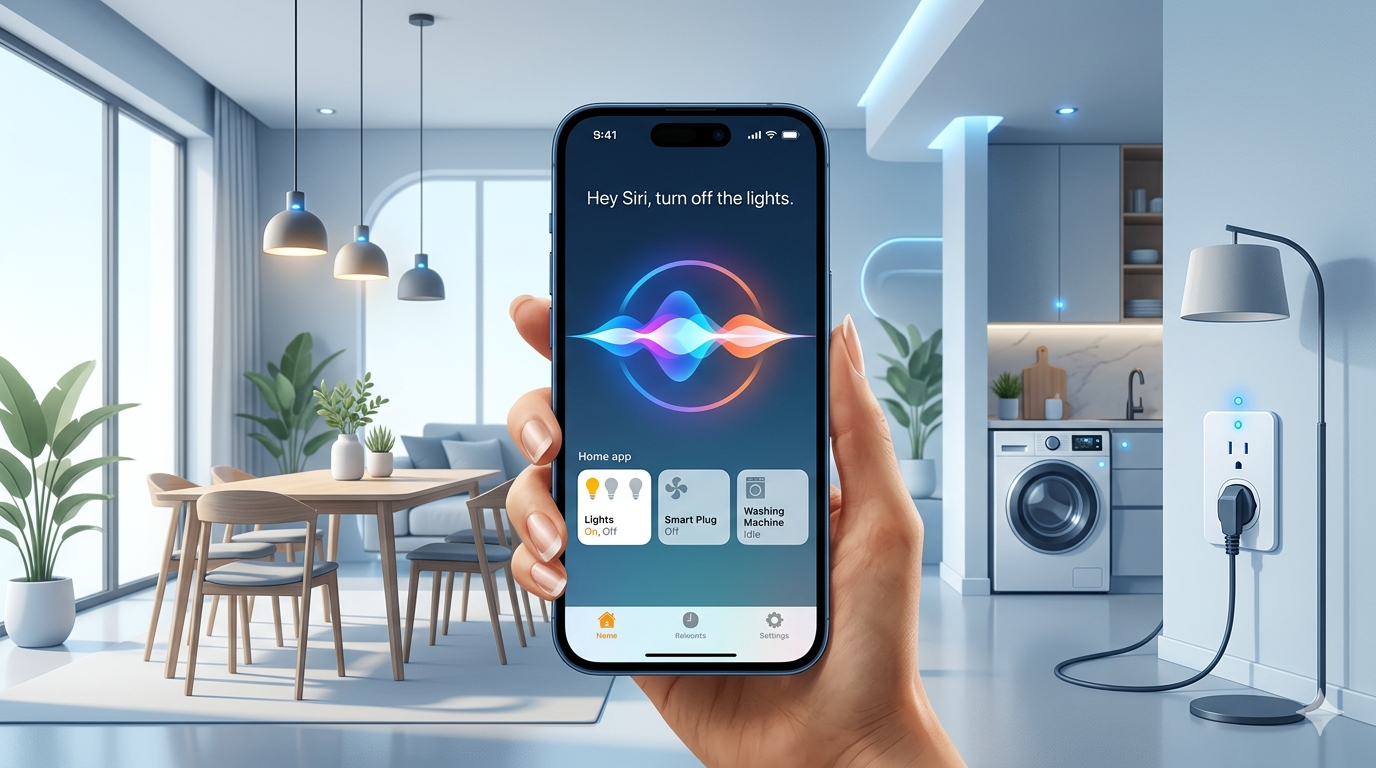
Many people ask, Does Smart Life App Work With Siri? The short answer is yes, but it depends on the method you use. Smart Life supports Siri Shortcuts for scenes, and many Tuya-made devices now support Matter, which brings direct Apple Home and Siri control.
Here is the key idea. If your gear is Matter-enabled, Siri can control it through Apple Home as if it were native HomeKit. If not, you can still say, Does Smart Life App Work With Siri? and get a useful path via Siri Shortcuts that trigger Smart Life scenes. This is not a full HomeKit, but it works well for common tasks.

All the ways to use Siri with Smart Life
People often phrase it this way: Does Smart Life App Work With Siri without HomeKit? Not fully. But you have three strong options that cover most needs.
1) Siri Shortcuts for Smart Life scenes (Tap-to-Run)
This works with almost any Smart Life account. You create a scene in Smart Life, then map it to a Siri phrase. Siri then runs the scene in the Smart Life cloud.
Pros:
- Simple to set up on iPhone or iPad.
- No new hardware.
Cons:
- No device state in Apple Home.
- Limited to the actions in that scene.
2) Matter to Apple Home (best long-term path)
If your device or hub supports Matter, you can add it to Apple Home. After that, Siri can turn the device on or off, change brightness, and more, natively.
Pros:
- Local control in many cases.
- The device shows in Apple Home with status and automations.
Cons:
- Not all Tuya/Smart Life devices support Matter yet.
- Some devices need a Tuya hub with Matter.
3) Homebridge or Home Assistant as a bridge
This is a DIY route. Use Homebridge with a Tuya plugin or Home Assistant with a HomeKit Bridge. Siri then sees your devices as if they were HomeKit.
Pros:
- Works with many non-Matter devices.
- Flexible and powerful.
Cons:
- Setup takes time and skill.
- Cloud limits and reliability can vary.
In real-world use, I start with Siri Shortcuts for quick wins. Then I favor Matter for new buys. I use Homebridge only for edge cases that lack Matter. If you wonder, does Smart Life App Work With Siri for complex scenes? Siri Shortcuts can stack tasks, but full device sync still needs Matter or a bridge.

Step-by-step: Add Smart Life scenes to Siri with Shortcuts
If your main goal is voice control, this path is fast and free. I set up our entryway lights this way in five minutes.
Steps:
- Open Smart Life and create a Tap-to-Run scene. Pick the devices and target states.
- Save the scene. Tap the scene’s three dots. Look for Add to Siri or Siri Shortcuts.
- Record a natural phrase like “Entry lights on.”
- Test with “Hey Siri, Entry lights on.” Confirm the device change.
- Repeat for off-scenes, dim levels, or groups.
Tips from experience:
- Use short, unique phrases. Siri understands them faster.
- Group common actions into one scene to cut the number of commands.
- If you have different homes, name scenes with room tags.
So, does Smart Life App Work With Siri for daily routines? Yes. Siri Shortcuts can run your morning, leave home, and bedtime scenes with one line.

Step-by-step: Use Matter to link Smart Life devices to Apple Home
This gives you the most “native” Siri feel. It also adds device tiles and automation inside Apple Home.
Check support:
- Look for the Matter logo on the device box or product page.
- In Smart Life, open device settings and check for a Bind to Matter or Matter pairing code.
- For Zigbee or Bluetooth devices, you may need a Tuya hub that supports Matter.
Add to Apple Home:
- Update the device firmware in Smart Life.
- In Smart Life, find the Matter pairing code (QR or numeric).
- Open the Apple Home app. Tap Add Accessory. Scan the Matter code.
- Place the device in a room and test basic control.
- Ask, “Hey Siri, turn on [device name].”
Notes:
- Some devices expose only basic features in Matter.
- If you use both Smart Life and Apple Home, avoid creating loops with overlapping automations.
If you ask again, does Smart Life App Work With Siri the same way as HomeKit gear? With Matter, it is very close to many categories like plugs and bulbs.

Troubleshooting Siri + Smart Life: common fixes
I have hit most of these snags and fixed them with quick checks.
If Siri Shortcuts fail:
- Reopen Smart Life and confirm you are logged in.
- Re-record the Siri phrase or recreate the scene.
- Check Wi-Fi and mobile data. Smart Life scenes need the cloud.
If Matter devices act up:
- Power cycle the device and your router.
- Update firmware in Smart Life and iOS on your iPhone.
- Remove and re-add the device in Apple Home if the QR code has changed.
If you still wonder, does Smart Life App Work With Siri under weak Wi‑Fi? It may, but delays rise. Stable 2.4 GHz Wi‑Fi and good router settings help a lot.

Pros, cons, and when each path makes sense
Pros of Siri Shortcuts:
- Easy, fast, and free.
- Works with most Smart Life devices.
Cons of Siri Shortcuts:
- No live status in Apple Home.
- Scene-only control can feel limited.
Pros of Matter:
- Near-native Siri control.
- Better speed and local support on many devices.
Cons of Matter:
- Not all devices support it yet.
- Some advanced features may not show in Apple Home.
Pros of bridges (Homebridge/Home Assistant):
- Wide device coverage.
- Deep automations.
Cons of bridges:
- Technical setup and upkeep.
- Possible cloud/API limits.
Does Smart Life App Work With Siri in rentals or shared homes? Yes. Siri Shortcuts is perfect for renters. Matter is ideal if you plan to grow an Apple Home setup over time.

Privacy, security, and reliability
Siri Shortcuts for Smart Life scenes run through the Smart Life cloud. Matter devices can run more locally, which can improve privacy and speed. Apple’s Home architecture adds secure pairing and encrypted control.
Practical tips:
- Turn on two-factor authentication for Smart Life and Apple ID.
- Keep firmware and apps up to date.
- Name devices clearly to avoid mis-voice matches.
When people ask, Does Smart Life App Work With Siri in a secure way? Yes, if you follow basic hygiene and prefer Matter where possible.

Frequently Asked Questions: Does Smart Life App Work With Siri?
Does Smart Life App Work With Siri if I have no Apple HomeKit hub?
Yes, via Siri Shortcuts for scenes on your iPhone or iPad. You do not need a Home Hub for basic scene voice control.
Does Smart Life App Work With Siri for dimming and color changes?
Yes, if you build separate scenes for each level or color. With Matter devices, you can ask Siri to set brightness or color directly.
Does Smart Life App Work With Siri when I’m away from home?
With Siri Shortcuts, yes, as long as your phone has internet and Smart Life can reach the device. With Matter in Apple Home, the remote control may need a Home hub.
Does Smart Life App Work With Siri on Apple Watch or HomePod?
Yes. Siri Shortcuts run from Apple Watch, too. For native Apple Home control, use Matter devices and a HomePod or Apple TV as a hub.
Does Smart Life App Work With Siri if my devices are Zigbee?
Yes, through a Tuya hub that supports Matter, then add to Apple Home. Without Matter, use Siri Shortcuts for scenes in Smart Life.
Does Smart Life App Work With Siri for multi-home setups?
Yes. Use clear room names and unique scene phrases. Matter helps organize devices in the home inside Apple Home.
Conclusion
Smart Life and Siri can work well together when you choose the right path. Siri Shortcuts give quick wins for scenes, while Matter delivers native Apple Home control that feels seamless and fast. Bridges fill gaps when older or niche devices need help.
If you still ask yourself, Does Smart Life App Work With Siri for your exact gear, start with Siri Shortcuts today and plan to add Matter devices over time. Try one scene now, test a voice command, and see how it fits your routine. Want more guides like this?
Subscribe for updates, or leave a comment with your setup and goals.





One Comment