
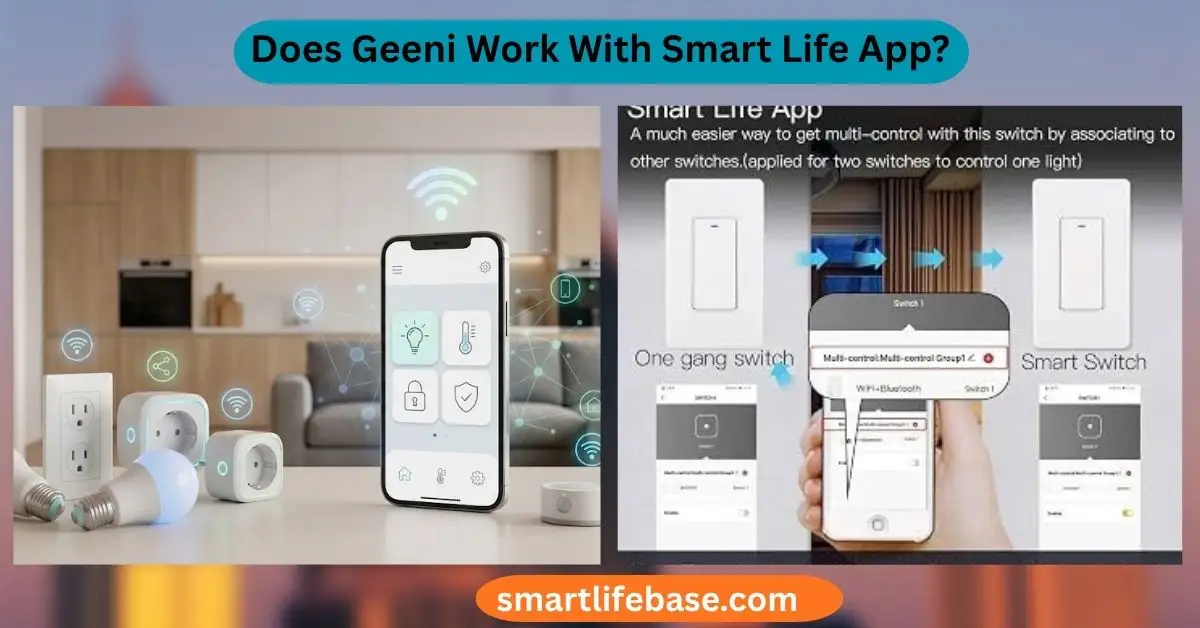
Get a clear answer to Does Geeni Work With Smart Life App?, plus compatibility tips, setup steps, and fixes so your smart devices work smoothly. Often yes for bulbs, plugs, and switches; cameras and some models won’t. You want one app that runs your whole home. This guide answers the question, ” Does Geeni Work With Smart Life App? with clear steps, real tests, and honest limits.
I work with Tuya-based gear every week. You will learn what works, what does not, and how to move devices with as little pain as possible.
Source: theatermichaelbeuern.com
Understanding Geeni, Smart Life, and Tuya
Geeni is a smart home brand by Merkury Innovations. Most Geeni Wi‑Fi bulbs, plugs, and switches run on the Tuya platform. The Geeni app is a custom front end for those Tuya devices.
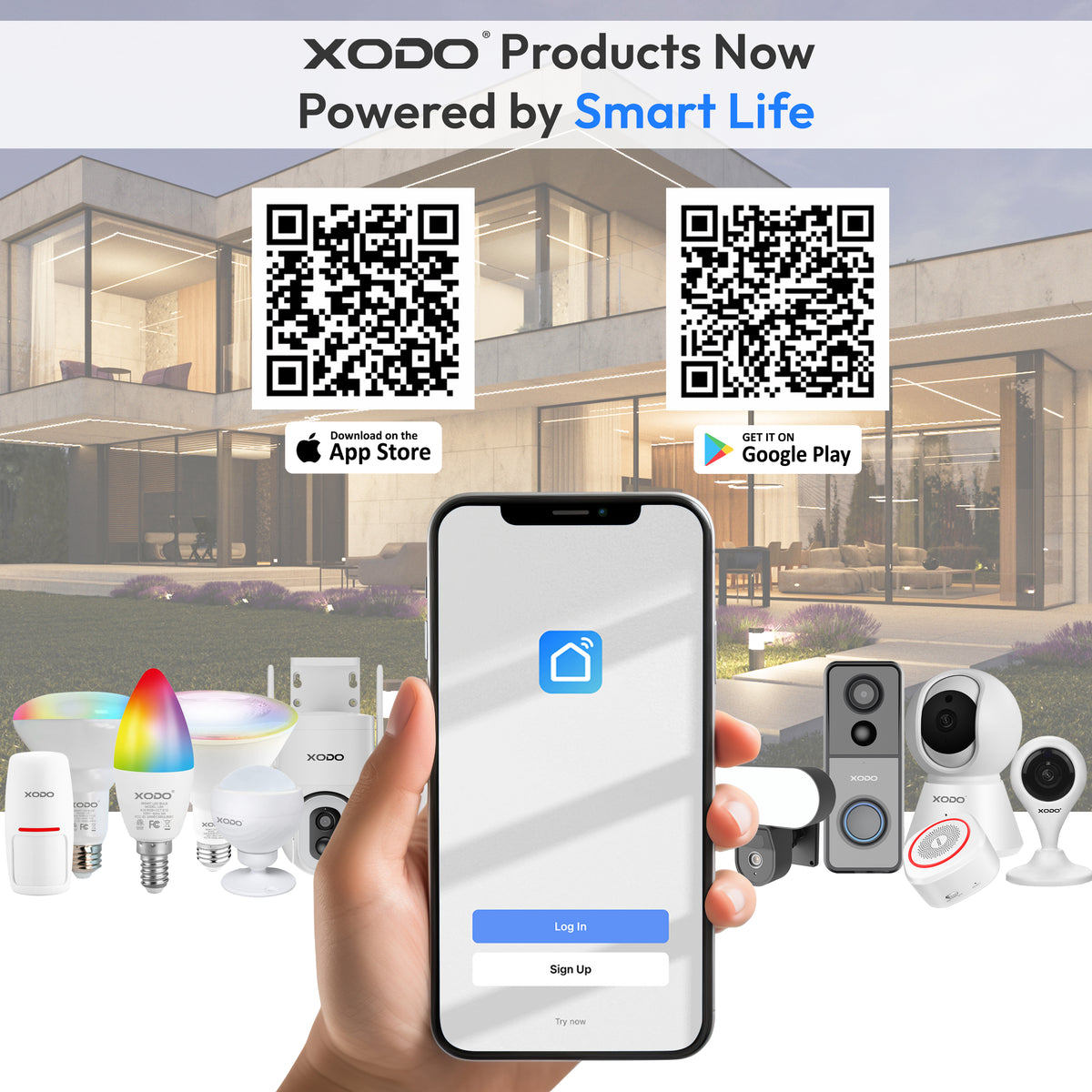
Smart Life is Tuya’s general consumer app. It supports a wide range of Tuya-based products from many brands. This shared backbone is why many users ask, Does Geeni Work With Smart Life App?
In practice, many Geeni devices pair fine with Smart Life. But not all do. Some products use brand locks, custom firmware, or unique keys. Those can block cross-app pairing, especially for video gear.

Source: amazon.com
Does Geeni Work With Smart Life App? Explained
The short answer to Does Geeni Work With Smart Life App? is “often, yes” for Wi‑Fi lights, plugs, and simple switches. Those devices use common Tuya profiles. Smart Life can discover and control them after a factory reset and re-pairing.
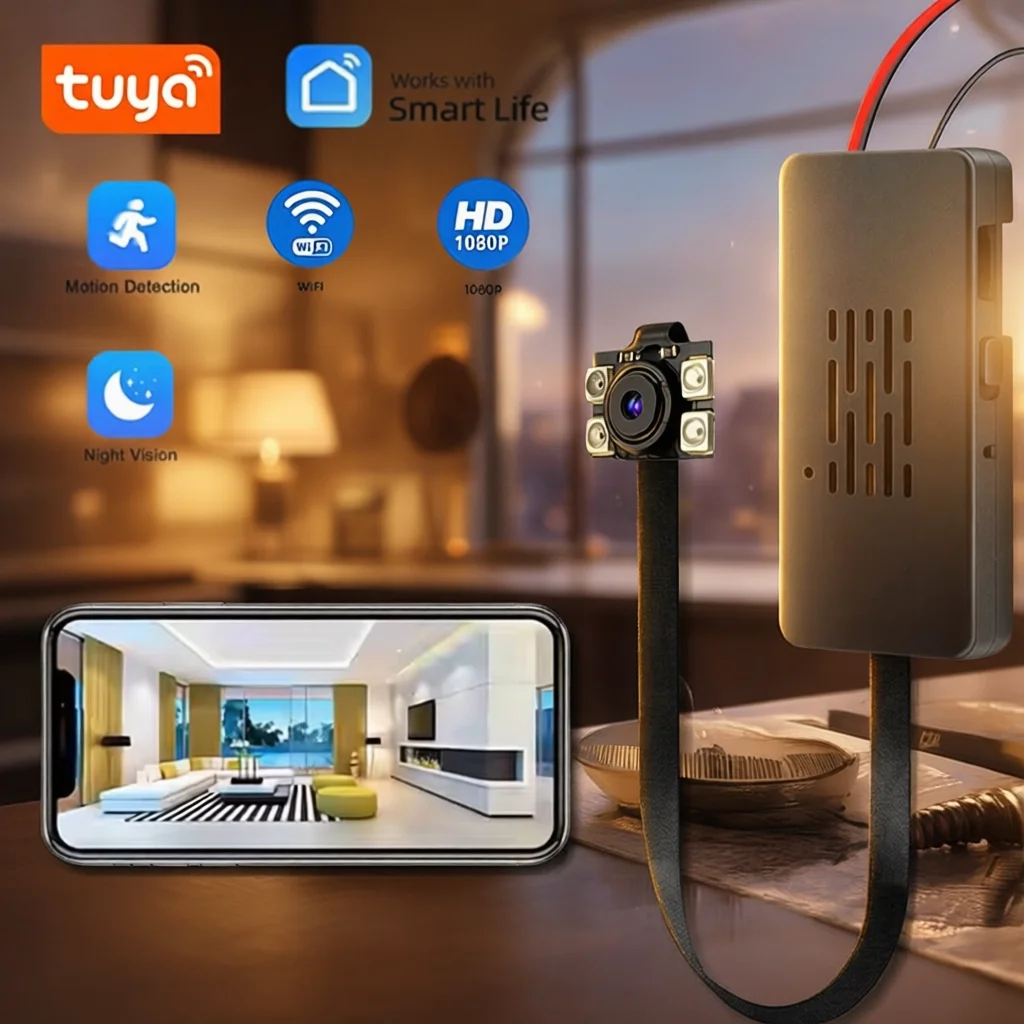
If you wonder, Does Geeni work with the Smart Life App? for cameras, the answer is usually no. Many Geeni cameras need the Geeni app because of video encryption keys and cloud services. Some specialty devices also rely on brand-only features.
You cannot use the same device in both apps at once. A Tuya device can be bound to only one owner account at a time. If you move it to Smart Life, it leaves the Geeni app. Voice platforms like Alexa or Google can still control it after you re-link.
Source: msdcusa.com
What Works, What Doesn’t: Device Compatibility
Here is what I see in real homes.
Often works with Smart Life:
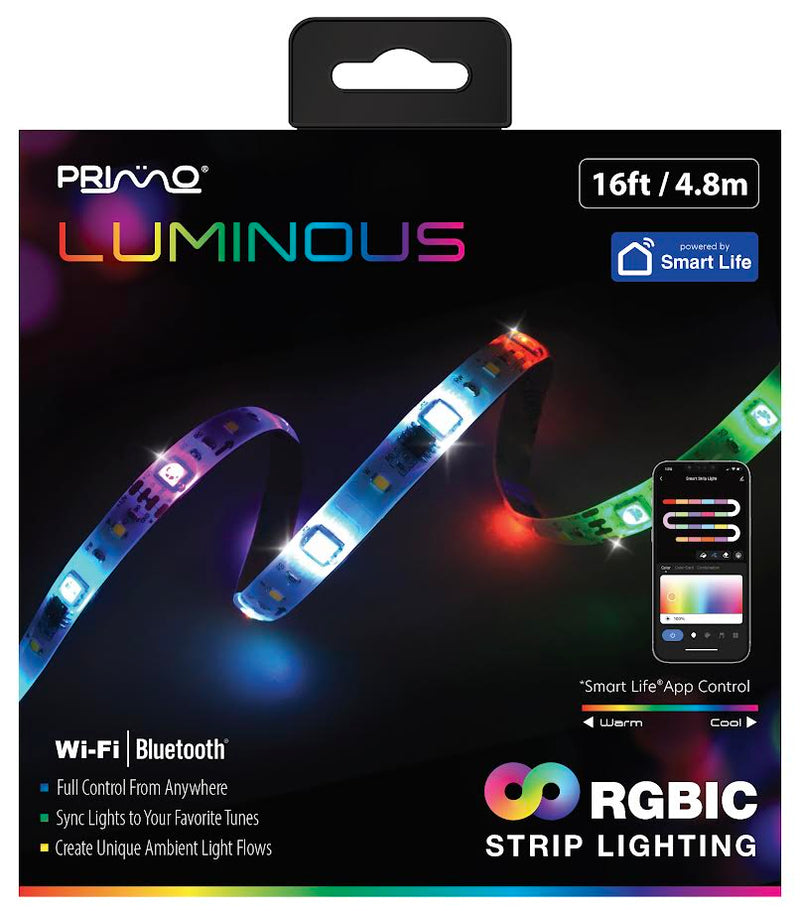
- Wi‑Fi bulbs and light strips
- Single-outlet smart plugs
- Power strips with independent outlets
- Basic in-wall Wi‑Fi switches and dimmers
Might work but with limits:
- RGB scenes or dynamic effects can differ
- Energy charts may not match across apps
- Some Bluetooth or BLE+Wi‑Fi models need special pairing steps
Usually does not work:
- Wi‑Fi cameras and video doorbells
- Devices that require a brand-only cloud service
- Zigbee or Matter devices that need a specific hub or controller
So, Does Geeni Work With Smart Life App? for your setup depends on the device class and firmware. Also note that most Tuya Wi‑Fi devices use only 2.4 GHz networks.
Source: mygeeni.com
How to Add a Geeni Device to Smart Life
Before you start, confirm whether the Geeni Work With Smart Life app for your model. Then follow these steps.
- Remove the device from the Geeni app.
- Factory reset the device.
- Bulbs and light strips: power on and off 3–5 times until it blinks.
- Plugs and switches: hold the power or reset button for 5–10 seconds until it blinks.
- Put your phone on a 2.4 GHz Wi‑Fi network. Avoid 5 GHz for pairing.
- Open Smart Life. Create or sign in to your account. Pick the right country or region.
- Tap Add Device. Choose the correct category (Lighting, Socket, Switch).
- Select EZ mode first. If it fails, switch to AP mode.
- EZ mode: the app sends credentials to the device directly.
- AP mode: the device creates a hotspot; you join it, then return to the app.
- Allow location and Bluetooth permissions if prompted. These help with discovery.
- Wait for pairing to finish. Name the device and assign a room.
- Re-link to Alexa or Google if you use voice control.
If pairing fails, try again in AP mode. Move your phone and device closer to the router. Turn off VPNs during setup.

Source: amazon.com
Troubleshooting When Smart Life Won’t Add Your Geeni Device
When you ask “Does Geeni Work With Smart Life App?” and pairing fails, it is often a network issue. Here is what to check.
Network checks:
- Use 2.4 GHz only. Many routers mix bands; split SSIDs if needed.
- Turn off VPNs, ad blockers, and private DNS during setup.
- Use WPA2 security. Avoid enterprise Wi‑Fi or captive portals.
- Ensure your phone is on the same Wi‑Fi and can reach the internet.
Pairing tips:
- Try AP mode if EZ mode fails.
- Reset the device again. Wait for a slow blink (AP) or rapid blink (EZ), based on the device.
- Stand close to the router and the device.
Account and region:
- Make sure your Smart Life account region matches your location.
- If you imported the device, try a Smart Life account in that device’s primary region.
Device limits:
- Some models are locked to the Geeni app, especially cameras.
- If several attempts fail, the device may not support cross-app binding.
If you still wonder, Does Geeni Work With Smart Life App?, the issue may be the 5 GHz band, a router setting, or a brand lock. A quick test with a cheap Tuya plug can confirm your network is fine.
Source: wemobouw.nl
Pros and Cons of Using Smart Life With Geeni
Benefits:
- One app for many brands and rooms
- Rich scenes and automations across devices
- Broad support for Alexa, Google, and widgets
- Fast device discovery for many Tuya products
Trade-offs:
- Some features may differ from Geeni (effects, energy graphs)
- Cameras usually cannot move over
- You cannot keep the device in both apps at the same time
- A few models are firmware-locked to the Geeni app
Before you decide, ask yourself again: Does Geeni Work With Smart Life App? for your exact models and needs? Start with one device and expand if it goes well.

Source: gov.pl
Security, Privacy, and Data Regions
Tuya cloud uses data centers by region. Your Smart Life account region controls where your data lives. This matters for speed and compliance. It also affects whether a device can bind to your account.
Part of why Does Geeni Work With Smart Life App? is nuanced is data and encryption. Cameras often use brand encryption keys that do not move across apps. That protects your video stream but blocks migration.
Good practices:
- Use strong passwords and turn on two-factor authentication
- Put IoT devices on a guest network or VLAN
- Update firmware in the app you keep long-term
- Remove old device links from Alexa or Google
Local control fans can explore advanced options outside these apps. That is a different setup and needs care.

Source: walmart.com
Real-World Tips and Lessons Learned
I move mixed Tuya homes to Smart Life several times a year. My success rate for plugs, bulbs, and basic switches is high. Cameras do not move over. Expect that and plan for it.
My rule when I test, Does Geeni Work With Smart Life App?, is to start with a cheap plug. If it pairs fast in Smart Life, the network is good. Then I try a bulb and a strip. This step-by-step check saves time.
Mistakes to avoid:
- Skipping the factory reset
- Pairing on a 5 GHz-only phone connection
- Leaving a VPN on during setup
- Ignoring the account region
Nice wins:
- Smart Life scenes can trigger many brands at once
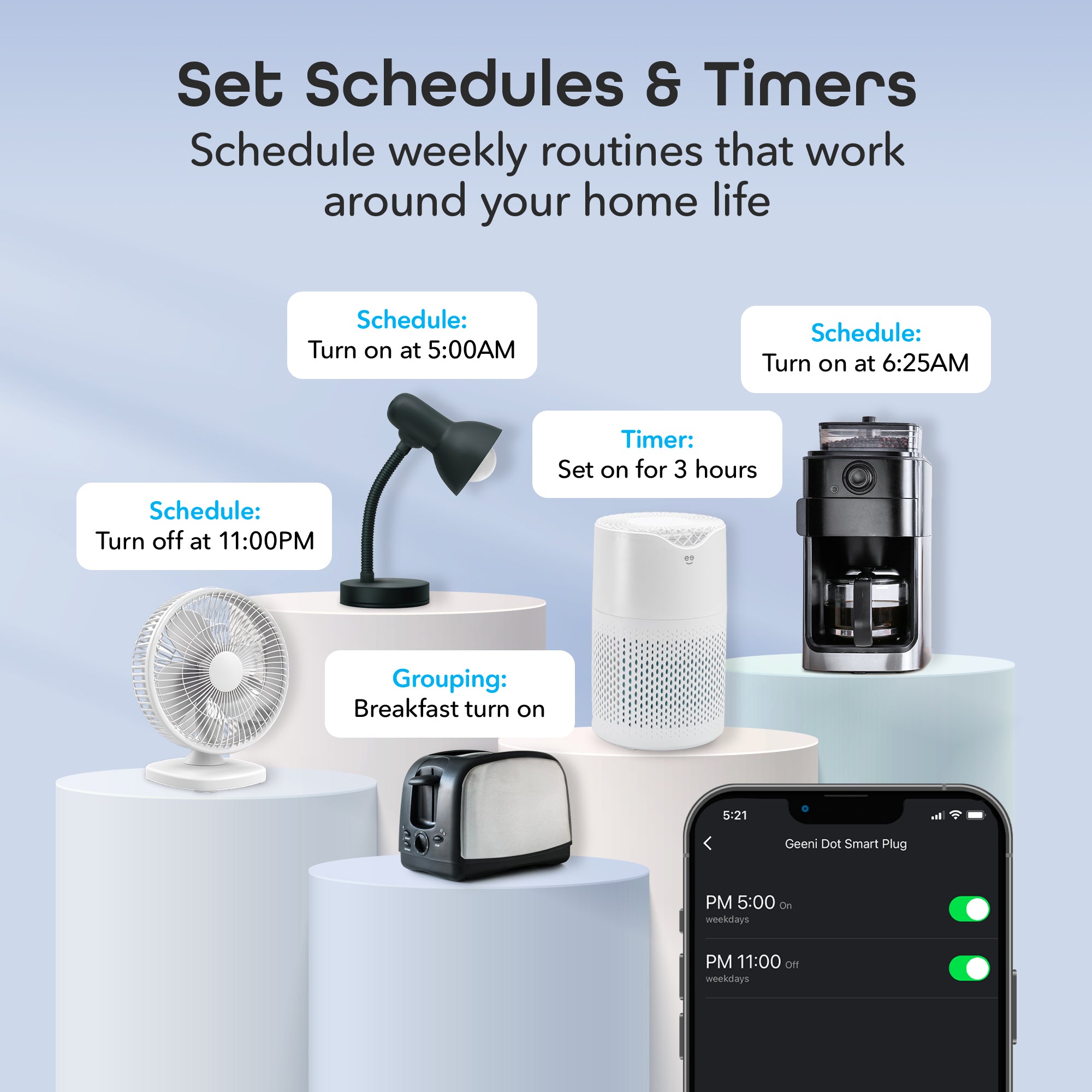
- Schedules keep working even if your phone is offline
- Voice control stays the same after you re-link accounts
Frequently Asked Questions: Does Geeni Work With Smart Life App?
Does Geeni work with Smart Life app?
Often yes for Wi‑Fi bulbs, plugs, and basic switches. Cameras and some brand-locked models usually do not.
Can I keep a device in both Geeni and Smart Life at the same time?
No. A Tuya device binds to one owner account at a time. You must reset and re‑pair to switch apps.
Will I lose features if I move from Geeni to Smart Life?
Some features can differ, like lighting effects or energy graphs. Core on/off, dim, color, and schedules usually work fine.
How do I reset a Geeni bulb or plug for pairing?
For bulbs, toggle power 3–5 times until it blinks. For plugs or switches, hold the power or reset button for 5–10 seconds until it blinks.
Will Alexa or Google Assistant still work after I move to Smart Life?
Yes. Remove the old Geeni link, add the Smart Life skill, and sync devices. Routines should update after you reassign devices.
Why does my device only connect to 2.4 GHz Wi‑Fi?
Most budget smart devices use 2.4 GHz for range and cost. Set your phone to 2.4 GHz during setup or split your SSIDs.
Conclusion
Many Geeni devices play well with Smart Life, but not all. Lights, plugs, and simple switches tend to work. Cameras and some special models do not. The clean path is to test one device, confirm, then move the rest.
Take control of your setup today. Try one device in Smart Life, build smart scenes, and link your voice assistant. If you found this helpful, subscribe for more guides or share your results in the comments.


One Comment