Does Broadlink Work With Smart Life? Get a clear answer, setup steps, and tips to link Broadlink remotes with Smart Life for a smoother smart home. BroadLink does not natively work with Smart Life, but workable bridges exist. If you have both ecosystems at home, you are not alone. I set up and troubleshoot BroadLink and Tuya Smart Life systems for clients every week.
In this guide, I break down Does Broadlink Work With Smart Life? with plain words, tested methods, and clear steps you can use today. Read on to see what works, what does not, and how to make both play nice without headaches.
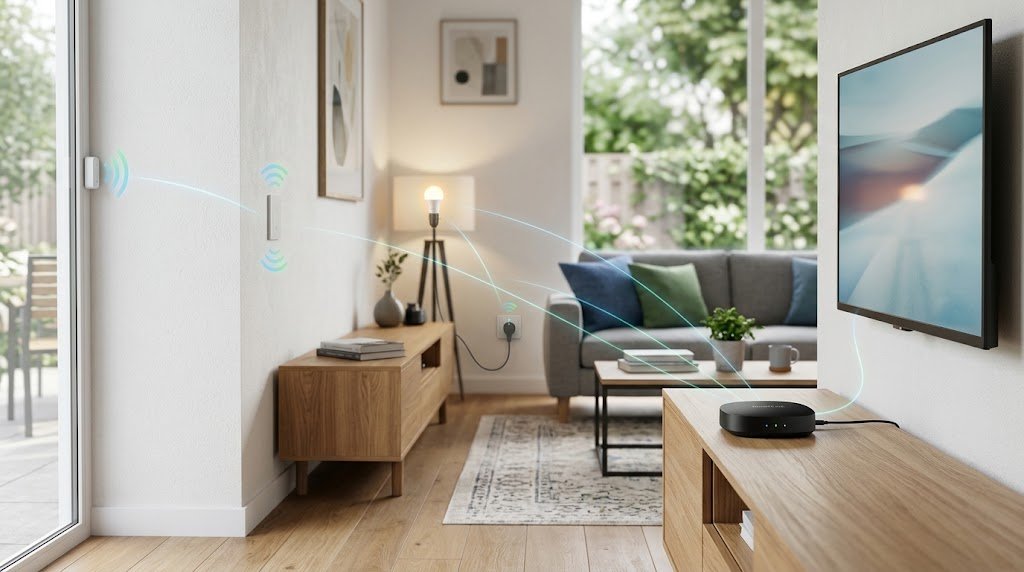
What Does “Works With Smart Life” Actually Mean?
Smart Life is the Tuya ecosystem. It controls Wi-Fi, Zigbee, and Bluetooth devices inside one app. When a device “works with Smart Life,” it pairs right in the Smart Life app, shows up in rooms, and can run in scenes with other Tuya devices.
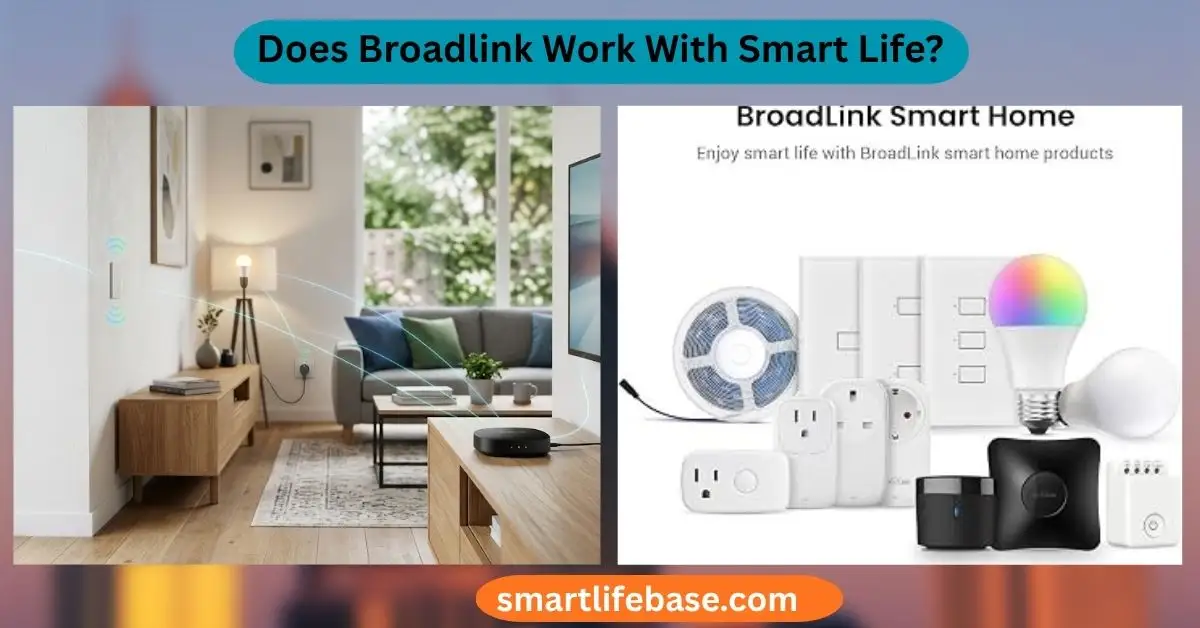
BroadLink is a separate brand and cloud. It focuses on IR and RF remotes, smart plugs, and FastCon BLE accessories. Most BroadLink devices pair only with the BroadLink app. That is why the question Does Broadlink Work With Smart Life? keeps coming up.
The key point is the layer you connect to. App-to-app links are rare. Cross-platform links through Alexa, Google Home, Home Assistant, or Matter can bridge the gap and feel like one system.
Source: graines-voltz.com
Does Broadlink Work With Smart Life?
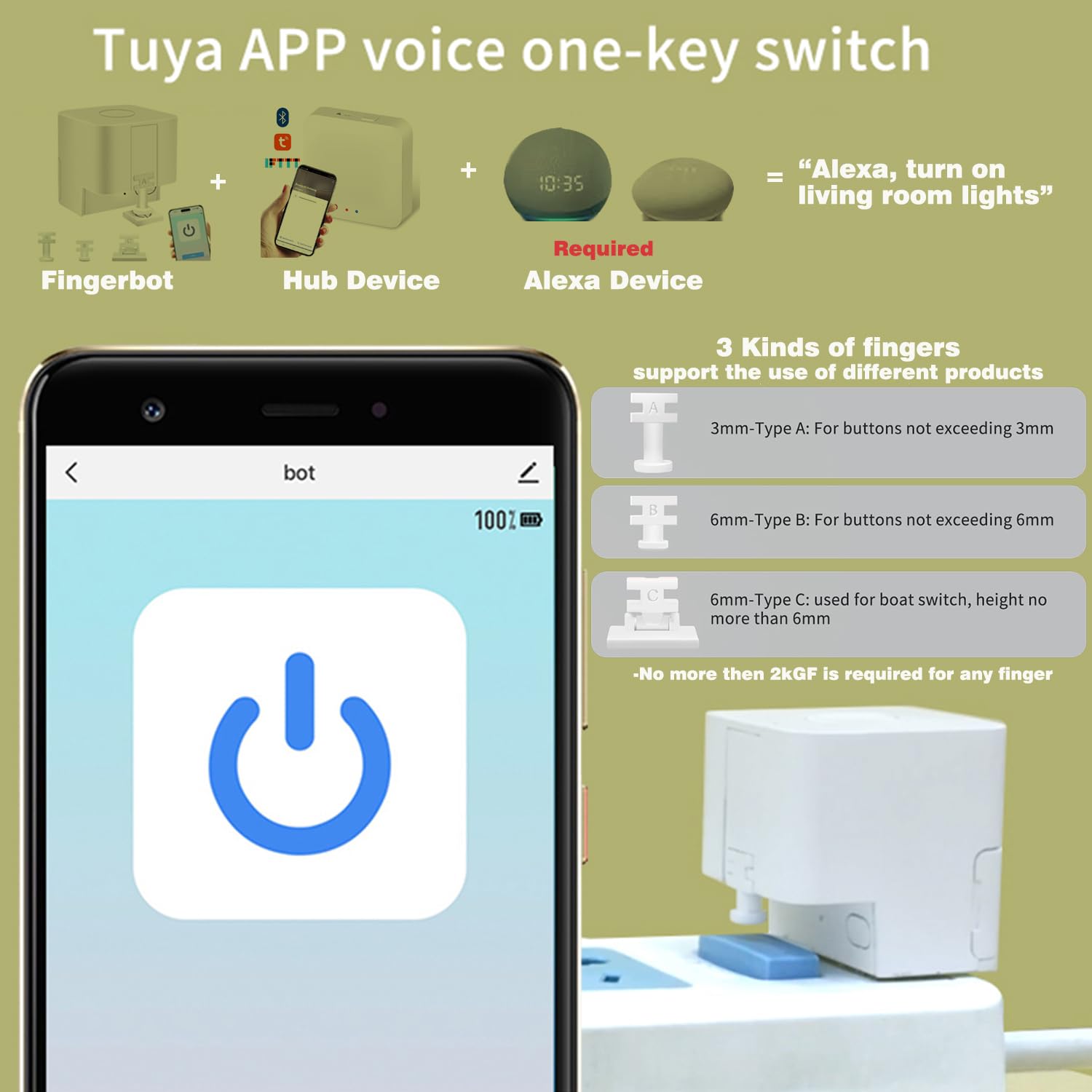
Short answer: not directly. You cannot add a BroadLink RM4 Mini, RM4 Pro, or SP4 plug to the Smart Life app. They live in the Broadlink app. So, if you ask Does Broadlink Work With Smart Life?, the direct pairing answer is no.
There are workarounds. You can link both brands to Alexa or Google Home and run routines across them. You can also use Home Assistant for local control that stitches both worlds. Some newer BroadLink hubs advertise Matter bridge features.
In some regions, a Matter path can help, but support inside the Smart Life app varies by version and device. So when we ask Does Broadlink Work With Smart Life?, the real answer is: not natively, but you have good bridges.
In my installs, these bridges have been stable once set up right. You will still manage device setup in each native app. Then you unify control in one hub for scenes and voice.
Source: zemismart.com
The Three Practical Ways To Link Them Today
Here are the options I use most when clients ask Does Broadlink Work With Smart Life? and want one control surface.
- Voice assistants as a hub. Link both the BroadLink app and the Smart Life app to Amazon Alexa or Google Home. Build routines that call devices from both sides.
- Local control with Home Assistant. Add both integrations. Create automations that run even if the internet drops. This is the most flexible option.
- Matter-enabled hubs and bridges. Select BroadLink hubs that expose sub-devices via Matter may join a Matter controller. Smart Life’s Matter support exists in some regions and app builds, but it is not uniform. Treat this as model- and market-specific.
Each path has pros and cons. But they all answer Does Broadlink Work With Smart Life? with a yes-by-bridge approach.

Source: amazon.com
Step-by-Step: Automate BroadLink With Smart Life Using Alexa Routines
This is the fastest route I use in many homes.
- Prepare your devices
- Set up BroadLink devices in the BroadLink app. Test each button or plug.
- Set up Smart Life devices in the Smart Life app. Name them clearly.
- Link accounts to Alexa
- In the Alexa app, add the BroadLink skill and log in.
- Add the Smart Life skill and log in.
- Run device discovery. Check that all devices appear.
- Create cross-system routines
- In the Alexa app, make a routine.
- Choose a trigger, like a voice command, a schedule, or a sensor.
- Add actions. Pick a Smart Life plug to turn on. Add a BroadLink scene to blast TV power or AC cool.
- Save and test. Tweak names for easy voice use.
- Polish for daily use
- Use simple names. Example: TV Power, AC Cool 24, Lamp Desk.
- Group rooms. Add both brands to the same room for one-shot voice control.
This simple flow answers Does Broadlink Work With Smart Life? for most users. It is fast, free, and easy to manage.

Source: youtube.com
Step-by-Step: Link Through Home Assistant (Local)
If you want local, fast, and private control, use Home Assistant. This is how I build pro-grade scenes when someone asks Does Broadlink Work With Smart Life? and wants zero cloud lag.
- Install Home Assistant
- Use a Raspberry Pi, a mini PC, or a NAS.
- Update to the latest release.
- Add integrations
- Add the BroadLink integration. Enter the IP for RM4 or other devices. Learn IR or RF codes if needed.
- Add the Tuya integration for Smart Life. Use your Tuya region, account, and the Tuya IoT setup if required.
- Create entities and scripts
- Name scripts like ac_cool_24 or tv_power_toggle.
- Test each entity from the dashboard.
- Build automations
- Trigger: motion, time, or door sensor.
- Action: send a Broadlink IR code and turn on a Tuya light.
- Add conditions for time or temperature.
- Expose to voice
Now Does Broadlink Work With Smart Life? Yes, through one local brain that ties both cleanly.
Source: aliexpress.com
Device Compatibility Summary
This quick map will help set expectations and avoid dead ends when you plan around Does Broadlink Work With Smart Life?.
- BroadLink RM4 Mini and RM4 Pro. Do not pair in Smart Life. Use Alexa, Google, or Home Assistant to bridge.
- BroadLink smart plugs and switches like SP4 and TC3. Pair in BroadLink. Use a bridge for scenes with Tuya.
- BroadLink FastCon BLE sub-devices. Pair to a BroadLink hub. Some hubs can expose devices to other ecosystems. Check model notes.
- BroadLink hubs with Matter bridge features. Model and region dependent. Some can be added to Matter controllers. Smart Life Matter support exists but can be limited.
- Tuya Smart Life IR blasters. If you need native Smart Life pairing, buy a Tuya-based IR blaster instead of BroadLink.
For a clean setup, decide where you want native control. Then plan a bridge. That is the sure way to say “yes” when you ask Does Broadlink Work With Smart Life?.
Source: wattcycle.com
Common Roadblocks And How I Fixed Them
I see the same issues when people test Does Broadlink Work With Smart Life? at home.
- IR codes do not work every time. Use the built-in BroadLink code library first. If a code fails, learn it from the original remote. Aim the remote well and hold the button until the app confirms.
- AC control acts odd. Use the correct AC template. If the AC has a stateful remote, match modes, not just on or off.
- Names confuse voice assistants. Keep names short and unique. Avoid the same name in both apps.
- Wi-Fi drops. Place the RM4 where it sees both the device and the router. Use 2.4 GHz.
- Scenes do not fire on time. In Alexa, set a time routine with a slight delay if the first action is IR, then Tuya. This reduces overlap issues.
Fixing these small kinks turns Does Broadlink Work With Smart Life? into a daily win.

Source: amazon.com
Pros, Cons, And When To Choose Each Route
These notes come from many installs where the core question was: Does Broadlink Work With Smart Life?
- Alexa or Google bridge
- Pros: Fast to set up. Free. Good voice control.
- Cons: Cloud link. Limited complex logic.
- Use it if: You want quick scenes and voice with low effort.
- Home Assistant local bridge
- Pros: Local, fast, private, very flexible.
- Cons: Setup time. Some learning curve.
- Use it if: You want rich automations and less cloud.
- Matter path
- Pros: Multi-ecosystem promise. One standard.
- Cons: Model- and region-specific. Features can be limited.
- Use it if: Your Broadlink hub and Smart Life app both support Matter well.
Source: aliexpress.com
Security, Privacy, And Reliability
This part matters as much as the question: Does Broadlink Work With Smart Life?.
- Cloud vs. local. Voice assistants use the cloud. Home Assistant can run locally.
- Data and accounts. Use strong passwords and two-factor login. Keep apps up to date.
- Backups. In Home Assistant, back up your config. In Alexa or Google, export routine notes.
- Network tips. Give your smart devices a 2.4 GHz SSID. Keep channel congestion low.
- Updates. BroadLink and Tuya push updates often. Update firmware to fix bugs and add codes.
These steps keep your setup safe and smooth long-term.
Frequently Asked Questions: Does Broadlink Work With Smart Life?
Does Broadlink Work With Smart Life without any bridge?
No. BroadLink devices do not pair in the Smart Life app. You need Alexa, Google Home, Home Assistant, or a supported Matter path.
Can I control my AC and Tuya lights together in one scene?
Yes. Use an Alexa or Google routine, or a Home Assistant automation. Trigger both the BroadLink AC command and the Tuya light in one flow.
Will a Matter-enabled BroadLink hub appear in Smart Life?
It can in some cases, but support varies. Compatibility depends on the BroadLink model, your region, and the Smart Life app’s Matter features.
Is Home Assistant hard to set up for this?
It takes a little time, but it is simple with guides. Add the BroadLink and Tuya integrations, then build scenes step by step.
What if my IR device is not in the BroadLink library?
Use IR learning in the BroadLink app. Capture power, input, and key functions from the original remote, then test and save.
Does Broadlink Work With Smart Life for voice control only?
You can do more than voice. With Alexa or Google, routines can run on schedules and sensors. With Home Assistant, you can build full local automations.
How do I make routines more reliable?
Use clear names, stable Wi-Fi, and short delays between steps. Keep firmware updated and test each action alone before linking them.
Conclusion
If you came here asking Does Broadlink Work With Smart Life?, the honest answer is this: not natively, but yes with smart bridges. Alexa or Google gives you quick wins. Home Assistant brings powerful local control. A Matter path can help in select cases if your gear supports it.
Pick the route that fits your skill, time, and privacy needs. Start small with one routine, prove it works, then grow. If this helped, subscribe for more step-by-step guides, or drop a comment with your setup, and I will help you tune it.