
Get the answer to Does Smart Life App Work With Alexa?, plus quick setup steps, fixes, and voice command tips to connect your devices fast. Yes, Smart Life works with Alexa through the official skill for easy voice control. If you are setting up a smart home, you likely asked: Does Smart Life App Work With Alexa?
I have set up dozens of Tuya-based devices over the years. In this guide, I break down what works, what does not, and how to link your gear the right way for smooth, fast control. Read on to get the most from your Smart Life and Alexa setup.
Source: youtube.com
How Smart Life Works With Alexa
Smart Life is a Tuya-powered platform for smart plugs, bulbs, switches, sensors, and more. Alexa connects to it using the Smart Life skill. Once you link accounts, Alexa sees your devices and scenes and lets you control them by voice or with routines.
Under the hood, most devices use a cloud-to-cloud link. Some newer products support local control or Matter. If your device supports Matter, Alexa may work even without the Smart Life skill. But for most users today, the Smart Life skill is still the fastest way to get started.
You might still ask yourself: Does Smart Life App Work With Alexa? Yes, and it is stable for daily use. I use it for lights, fans, and sockets in my home, and it has been reliable.

Source: amazon.com
Compatibility: What You Can Control
Most Tuya/Smart Life devices work with Alexa once linked. This includes a wide range of products.
- Smart plugs and outlets turn on or off by voice or routine.
- Smart bulbs adjust power, brightness, color temperature, and color.
- Switches and dimmers handle lights and small loads.
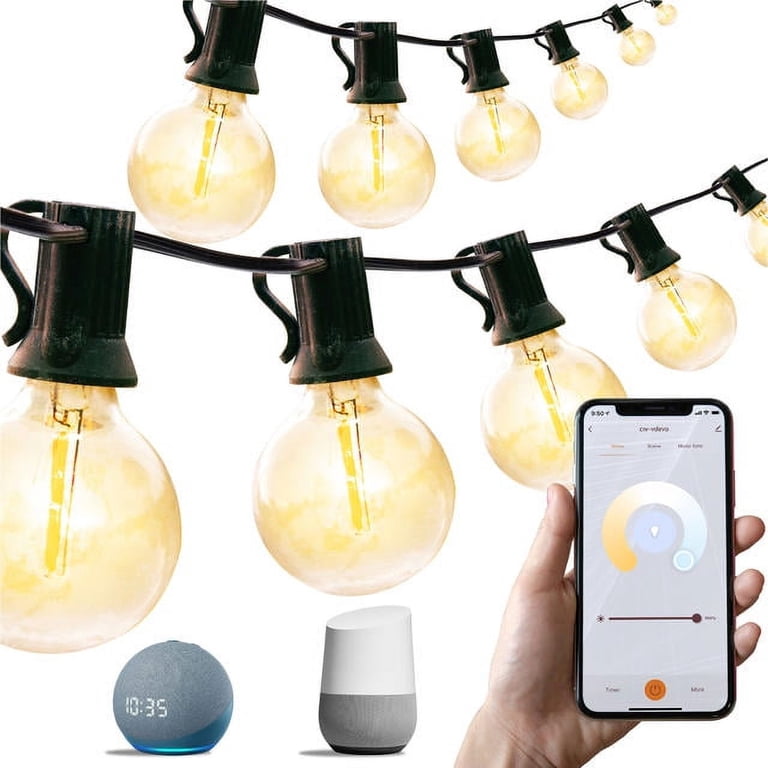
- Strips and string lights support scenes and color presets.
- Sensors, like contact and motion, can trigger Alexa routines if exposed to Alexa.
- Thermostats and IR blasters may work with limits, based on model support.
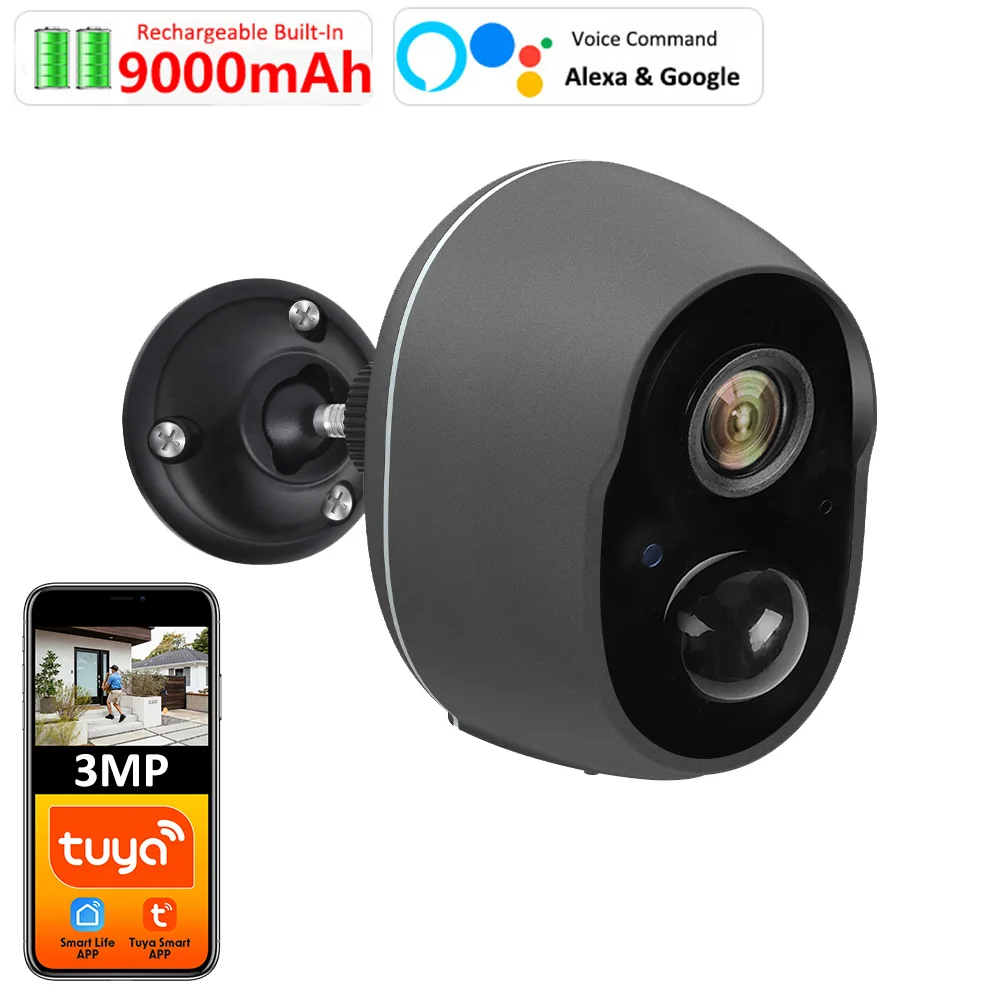
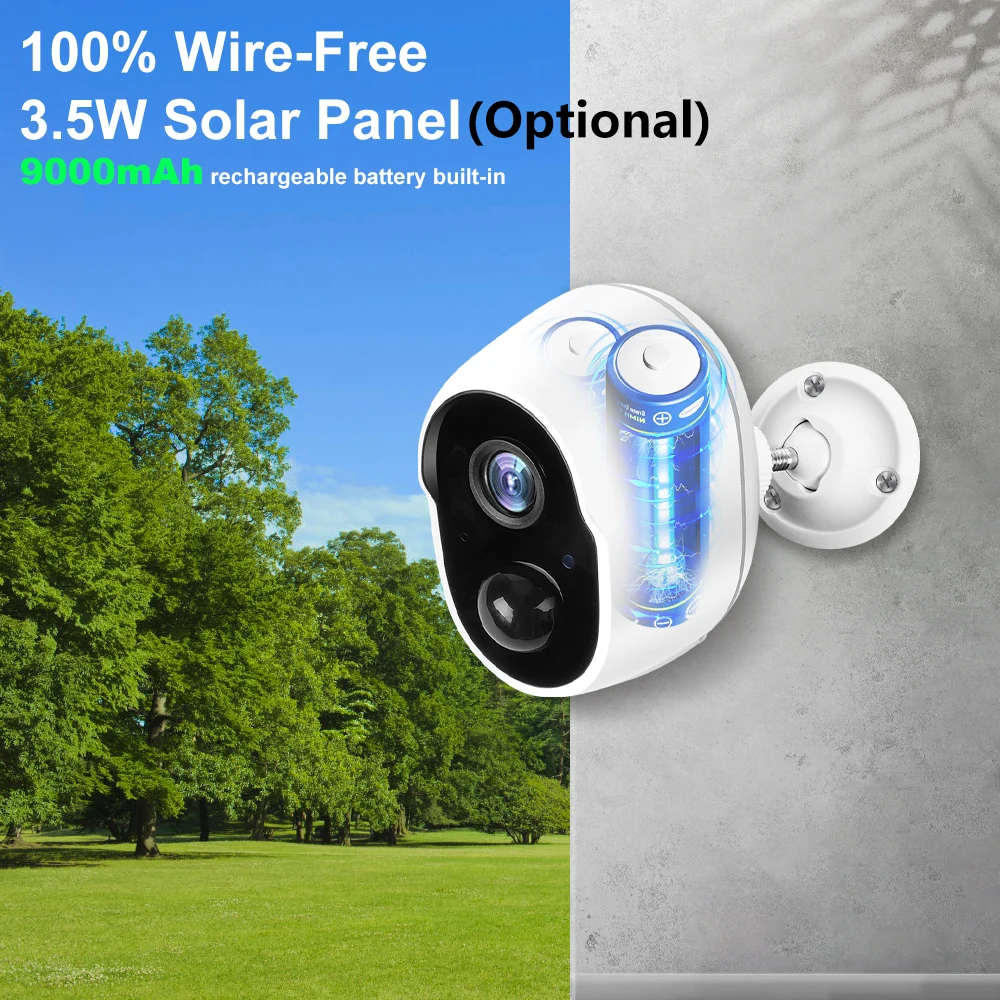
- Cameras vary; many support live view on the Echo Show, but not all models do.
Scenes you make in Smart Life often sync to Alexa as scenes. Automations you make in Smart Life do not sync; you will need to rebuild them as Alexa routines.
If you wonder, does Smart Life App Work With Alexa? It does for most device types. Very niche or region-specific models can be hit or miss.
Source: larraurimadrid.com
Step-by-Step: Connect Smart Life To Alexa
Follow these simple steps. It takes a few minutes.
- Install Smart Life and add your devices to the 2.4 GHz Wi‑Fi. Name them clearly, like “Kitchen Lamp”.
- Open the Alexa app. Go to More, then Skills & Games.
- Search for Smart Life. Select the Smart Life skill.
- Tap Enable to Use. Sign in with your Smart Life account. Grant access.
- Alexa will prompt you to Discover Devices. Tap Discover Devices.
- Assign devices to rooms and groups. Test with voice on an Echo.
A common question is, Does Smart Life App Work With Alexa if I already use the Tuya Smart app? It does, but link only one account to avoid duplicates. Pick Smart Life or Tuya Smart, not both.

Source: amazon.com
Voice Commands And Routines That Work Well
Simple commands work best. Use clear names and groups.
- “Alexa, turn on the kitchen lamp.”
- “Alexa, set Bedroom Light to 30%.”
- “Alexa, set Office Light to warm white.”
- “Alexa, turn on Movie Scene.”
Build routines for more power.
- Time-based: Turn porch lights on at sunset.
- Sensor-based: If motion after 10 pm, turn on the Hall Light at 20%.
- Voice-triggered: “Alexa, good night” turns off all lights and plugs.
Does Smart Life App Work With Alexa for multi-room control? Yes. Put devices in Alexa groups to control whole rooms with one phrase.
Source: larraurimadrid.com
Troubleshooting, Fixes, And Best Practices
Most issues are easy to fix if you know where to look.
- Devices offline: Ensure 2.4 GHz Wi‑Fi, a strong signal, and DHCP on your router. Reboot the device and router.
- Discovery fails: Re-link the Smart Life skill. Then run Discover Devices again.
- Wrong names: Use short, unique names. Avoid similar words like “Lamp 1” and “Lamp 2”.
- Duplicate devices: Disable either the Smart Life or Tuya Smart skill. Keep only one active link.
- Delay or lag: Update device firmware in Smart Life. Reduce Wi‑Fi congestion. Use groups for fewer commands.
- Region mismatch: Make sure your Smart Life region matches your account and device location.
From my own setups, the biggest pain point was duplicate devices when I tried both the Smart Life and Tuya skills. Removing one skill fixed Alexa’s confusion at once. If you ask, Does Smart Life App Work With Alexa without lag? It does, but naming, Wi‑Fi, and clean linking make a big difference.

Source: amazon.com
Privacy, Security, And Data Flow
When you link the Smart Life skill, Alexa gets permission to see and control your devices. Commands usually route through the cloud. Some devices or Matter bridges may allow local control, which can reduce latency.
Best practices to stay safe:
- Use a strong, unique password and enable two-factor authentication for your Smart Life account.
- Audit device and scene permissions in the Alexa app.
- Remove old devices from Smart Life and Alexa to limit exposure.
- Keep the firmware and the Alexa app updated.
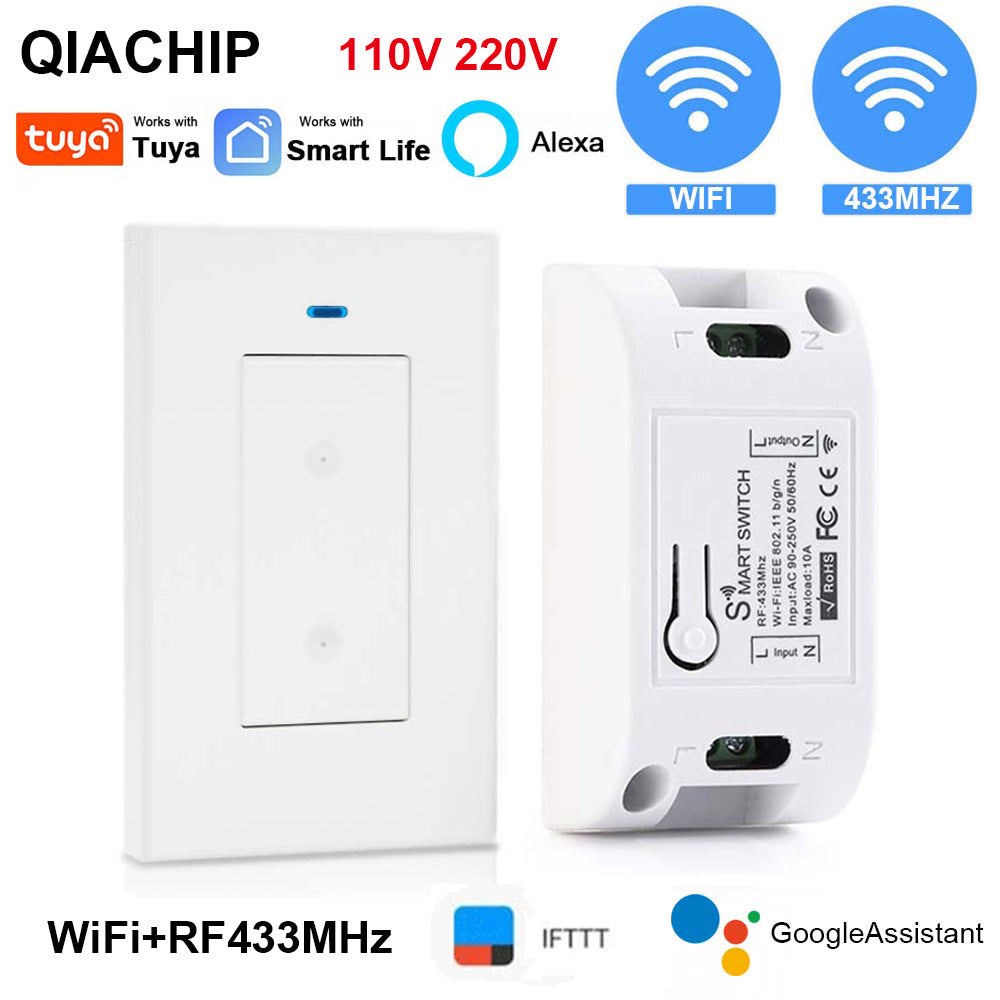
- Consider a guest Wi‑Fi or VLAN for IoT devices.
Those steps help you enjoy the convenience while keeping your home secure.
Source: simoncrowe.tv
Pros And Cons Of Using Smart Life With Alexa
Here is a clear view of the trade-offs.
- Pros
- Wide device support and low cost.
- Fast setup with the Smart Life skill.
- Works well with Alexa groups and routines.
- Cons
- Some devices depend on the cloud for control.
- Camera support is uneven across models.
- Duplicate devices can appear if you link multiple skills.
If you still ask, Does Smart Life App Work With Alexa for everyday use? Yes, and for most homes, the benefits outweigh the limits.

Source: amazon.com
Smart Life, Tuya, And Matter: What To Choose With Alexa
Smart Life and Tuya Smart are sibling apps on the Tuya platform. Both can link to Alexa. Choose one, set all devices there, and link only that account to Alexa.
Matter is a newer standard that aims for local, fast, and private control. Many Tuya devices now support Matter via bridges or native chips. If your device says Matter, you can add it to Alexa directly. In that case, you may not need the Smart Life skill. Still, the Smart Life app can remain useful for advanced settings and firmware updates.
So, does Smart Life App Work With Alexa in a Matter world? Yes. It adds value for device setup, scenes, and updates, even when devices use Matter for control.
Source: walmart.com
Real-World Examples And Lessons Learned
Here are setups I use at home and with clients.
- Evening lights: A sunset routine turns on porch and living room lamps at warm white. Voice commands handle small tweaks.
- Sleep mode: “Alexa, good night” shuts off all lights, powers down office plugs, and sets bedroom lamps to 1%.
- Guest mode: A routine turns hallway lights on with a gentle motion at night so guests can walk safely.
Lessons learned:
- Keep names short and clear. “Desk Lamp” beats “Tuya LED A19 2”.
- Link only one skill. Mixing Smart Life and Tuya creates duplicates.
- Plan groups and scenes first. It cuts voice friction and speeds up routines.
If you are still wondering, does Smart Life App Work With Alexa for complex routines? Yes. Plan your scene names and build routines in Alexa for the best results.
Quick Answers To Popular Questions
Can I use Smart Life scenes with Alexa?
Yes. Most scenes sync to Alexa as scenes. You can trigger them by voice or add them to routines.
Will sensors in Smart Life trigger Alexa routines?
Often yes, but it depends on the model and region. When supported, the sensor appears in Alexa as a trigger.
What if my device supports Matter?
Add it to Alexa with Matter for faster, local control. Keep Smart Life for updates or extra features if needed.
Frequently Asked Questions: Does Smart Life App Work With Alexa?
Does Smart Life App Work With Alexa if I have multiple homes?
Yes. Use Alexa’s Household and Groups to split devices by room and home. Name groups clearly to avoid mix-ups.
Does Smart Life App Work With Alexa without the internet?
Most devices need the internet due to cloud control. Matter-enabled or local devices may keep working on your LAN.
Does Smart Life App Work With Alexa on the Echo Show for cameras?
Some Tuya cameras support live view on the Echo Show. Check the camera’s listing for Alexa video support.
Does Smart Life App Work With Alexa if I bought devices in another region?
It can, but region settings must match in Smart Life and Alexa. If not, discovery may fail.
Does Smart Life App Work With Alexa for dimming and color?
Yes, for supported bulbs and strips. You can set brightness, color temperature, and colors by voice.
Does Smart Life App Work With Alexa if I rename devices?
Yes. Rename in Smart Life and then sync with Alexa. Run “Discover Devices” or edit names in Alexa to match.
Conclusion
Smart Life and Alexa make a powerful, budget-friendly smart home. Account linking is simple, voice control is smooth, and routines cover most daily needs. Plan clear names, use groups, and stick to one skill for the best results.
If you were asking, Does Smart Life App Work With Alexa?, you now have the full playbook. Try a few devices, build one routine, and see how much easier your day can be. Want more tips like this? Subscribe, share your setup, or leave a question below.

3 Comments