Are smart locks easy to hack? Learn the key security risks, common vulnerabilities, and simple ways to protect your smart home., Smart locks are not easy to hack when properly secured, updated, and installed, but no connected lock is risk-free. Are smart locks easy to hack? The honest answer depends on the lock, its software, your Wi-Fi network, and your daily security habits.
A smart lock can offer strong protection and useful features, yet poor passwords, outdated firmware, or weak account security can create an open door. This guide explains the real risks, common attack methods, safety benefits, and practical steps that help you choose and use a smart lock with confidence.
Source: makeitright.ca
Are Smart Locks Easy To Hack?
Are smart locks easy to hack? Usually, no. A modern smart lock from a trusted brand can use encryption, secure Bluetooth connections, app protection, and signed software updates. These features make casual attacks difficult.
However, smart locks are small computers attached to your door. Like any internet-connected device, they can have weak points. A criminal may target the lock itself, your phone, your cloud account, your home router, or a person who has access to the system.
The greatest risk is often not advanced hacking. It is poor security behavior. A reused password, an old phone, an unknown guest account, or an unlocked email account may give an attacker an easier path than breaking the lock’s encryption.
A useful way to think about a smart lock is this: the lock is only one part of the security chain. Your account, app, network, battery, and physical door all matter.
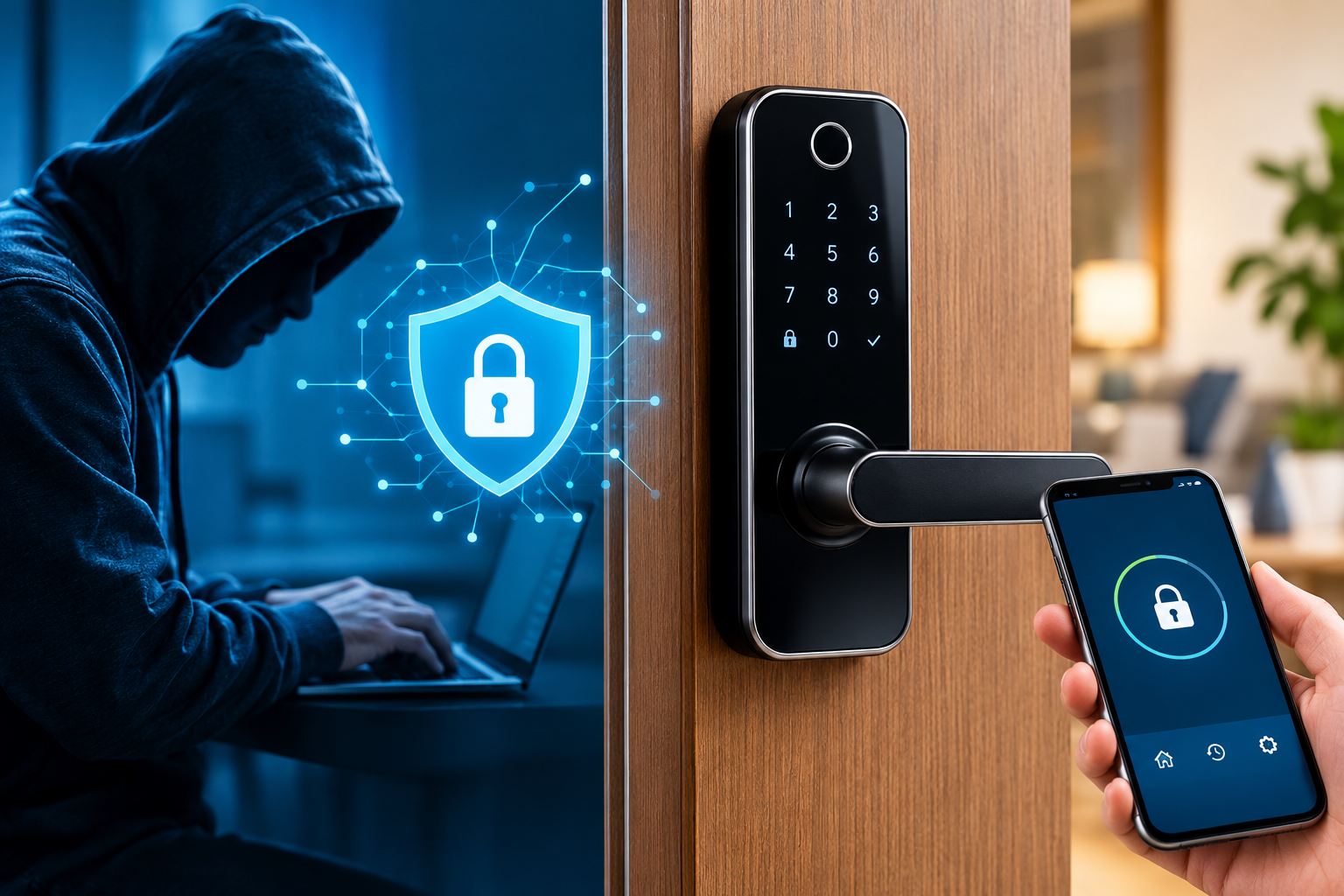
How Smart Locks Work
Most smart locks use one or more wireless methods to receive commands. These may include Bluetooth, Wi-Fi, Z-Wave, Zigbee, Thread, or Matter.
A Bluetooth lock may connect directly to your phone. A Wi-Fi lock can connect to your home network and often allows remote access. A Z-Wave or Zigbee lock may communicate through a smart home hub. Some models support several methods at once.
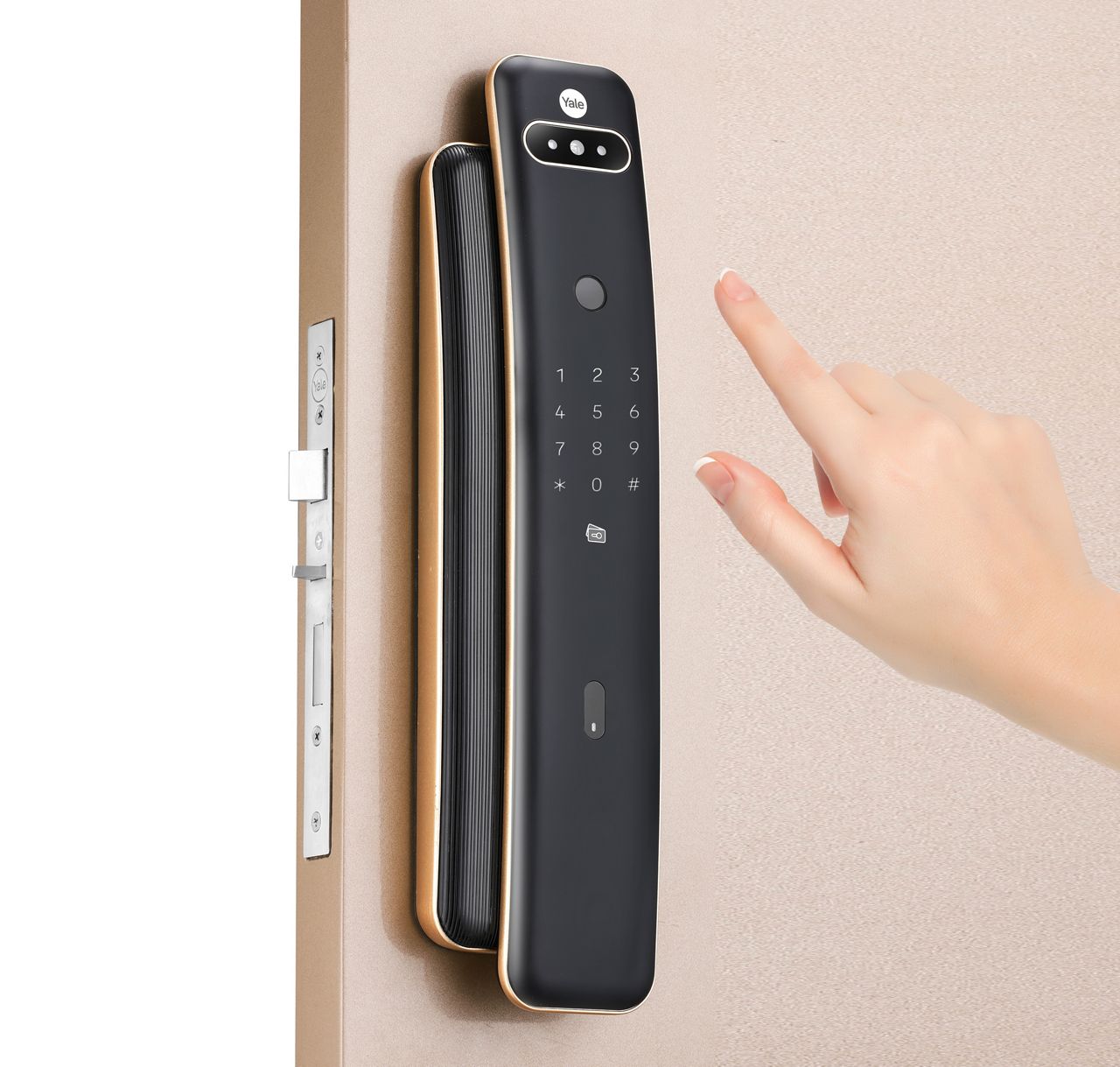
A typical smart lock system includes:
• A motor that turns the deadbolt or latch
• A wireless radio for phone or hub communication
• A mobile app or web account
• A local control method, such as a keypad or fingerprint reader
• A backup key, battery terminal, or emergency power option
• Firmware that controls the lock’s functions
The lock may also create digital records. These logs can show who unlocked the door and when. That feature helps families and property managers, but it also makes account privacy important.
Are smart locks easy to hack through Bluetooth or Wi-Fi? Not usually when the connection uses current encryption and proper authentication. Still, an unsafe router, weak app password, or poorly designed device can increase the risk.
Source: yalehome.com
Common Ways Smart Locks Can Be Attacked
Understanding possible attacks helps you judge risk without fear. Most threats fall into a few clear groups.
Weak or stolen account passwords
If an attacker gets your smart lock account password, they may control the lock through the app. Password reuse is a major problem because a breach at another website can expose the same password.
Use a long, unique password for your lock account. Turn on multi-factor authentication when the manufacturer offers it.
Phishing and social engineering
A criminal may send a fake message that looks like it came from the lock company. The message may ask you to confirm your account or reset your password.
This attack targets you, not the lock. Check the sender, avoid strange links, and open the official app directly instead.
Outdated firmware
Firmware is the software inside the lock. Manufacturers sometimes release updates to fix security flaws, improve battery use, or strengthen communication.
A lock that never receives updates may become harder to trust over time. Before buying, check whether the brand provides regular support and clear update information.
Unsafe home networks
A poorly secured router can expose many smart devices. Weak Wi-Fi passwords, old router software, and unknown connected devices all increase risk.
Use WPA2 or WPA3 security, change the router’s default administrator password, and install router updates. A separate guest or smart-home network can also reduce exposure.
Stolen or compromised phones
If someone gains access to your unlocked phone, they may open the lock app. Malware or a stolen phone can create a similar problem.
Use a strong screen lock, biometric protection, device tracking, and remote erase tools. Remove lock access from old phones that you no longer use.
Physical attacks
A smart lock does not make a weak door strong. A thin door, short screws, loose strike plate, or exposed hinges may offer a simple physical route.
Install a strong deadbolt, use long screws in the strike plate, and check that the door frame is solid. Physical security still matters as much as digital security.
Insider access
Family members, former roommates, cleaners, contractors, and guests may have digital keys. If you forget to remove their access, they may still unlock the door.
Review users every few months. Give each person a separate code or account instead of sharing one master credential.

Source: youtube.com
Are Smart Locks Safer Than Traditional Locks?
Are smart locks easy to hack compared with traditional locks? The comparison is not simple. Traditional locks avoid online attacks, but they can still be picked, bumped, copied, forced, or opened with a lost key.
Smart locks offer controls that a basic lock cannot provide. You may receive an alert when someone unlocks the door, remove access instantly, or create a temporary code for a guest.
Smart lock benefits include:
• Remote locking and unlocking
• Temporary access codes
• Activity logs
• Automatic locking
• Phone alerts
• Integration with alarms and cameras
• No need to copy physical keys
Traditional locks also have strengths:
• No battery to replace
• No internet account to protect
• No app outage
• Lower digital privacy risk
• Simple operation
The safest choice often combines both approaches. A quality smart lock with a strong deadbolt, a protected account, and a backup key can provide convenience without ignoring basic door security.

Source: reddit.com
What Makes a Smart Lock Secure?
Are smart locks easy to hack when they use strong security features? The risk is lower, but features must be correctly designed and maintained.
Look for these protections when comparing products:
Strong encryption
The lock should protect data during communication with your phone, hub, or cloud service. Encryption helps prevent outsiders from reading or changing messages.
Secure authentication
The device should verify that a command comes from an approved user. A PIN alone may not be enough if the system lacks proper account controls.
Multi-factor authentication
Multi-factor authentication adds another check after your password. This may be an approval notification, security key, or one-time code.
Signed firmware updates
Signed updates help confirm that new software came from the manufacturer. This reduces the chance of malicious software being installed.
Access logs
Clear logs help you spot unusual activity. They should show which user, code, or device unlocked the door.
Revocable digital keys
You should be able to remove a user without changing every other person’s access. This is especially useful for rentals, offices, and shared homes.
Local operation
A lock that can work locally may remain useful during an internet outage. Local control can also reduce dependence on cloud services.
Security support
Check the company’s update policy, support period, vulnerability reporting process, and privacy policy. A low price is less valuable if the product receives no security care.
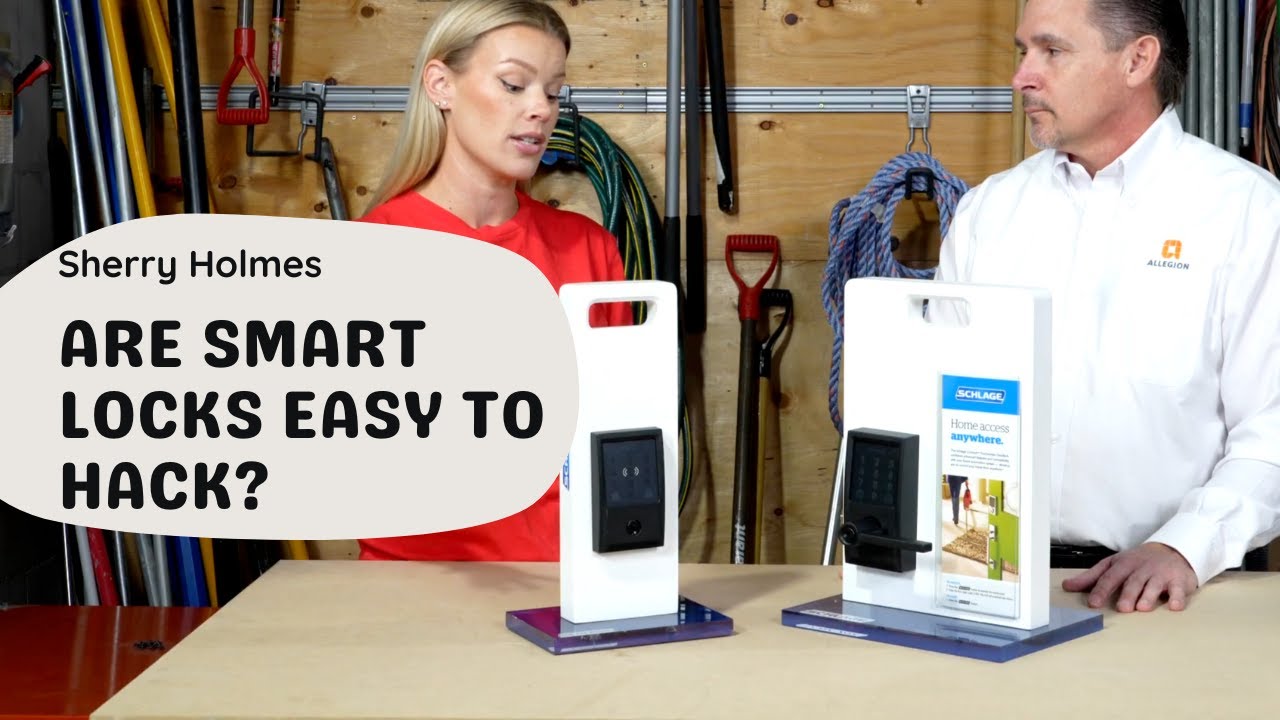
Source: youtube.com
Are Smart Locks Easy To Hack Through Bluetooth?
Are smart locks easy to hack through Bluetooth? In normal use, Bluetooth attacks are not simple. Secure locks use pairing controls and encrypted communication.
Older or poorly designed devices may have flaws in pairing, authentication, or command handling. An attacker may also try to intercept an unsafe connection or exploit a known software weakness.
Bluetooth range is usually limited, but range can vary by device and building materials. Do not assume that a short range makes a device automatically safe.
For better protection:
• Keep the lock and phone software updated
• Pair the lock only through the official app
• Avoid unknown third-party apps
• Turn off access for lost or old phones
• Use a lock that supports modern security standards
• Do not share your account password

Source: iplugindia.com
Are Smart Locks Easy To Hack Through Wi-Fi?
Are smart locks easy to hack through Wi-Fi? A secure Wi-Fi lock is not automatically unsafe, but it depends on both the lock and the network.
Remote access can be convenient when you need to let in a family member while away. It also creates another connection that must be protected. If your account or router is compromised, remote control may become a concern.
Improve Wi-Fi security by following these steps:
- Use a long, unique Wi-Fi password.
- Enable WPA2 or WPA3 encryption.
- Update the router firmware.
- Change the router’s default administrator login.
- Disable remote router management unless you need it.
- Review connected devices for anything unfamiliar.
- Place smart-home devices on a separate network when possible.
- Turn on multi-factor authentication for the lock account.
A Wi-Fi lock should not be judged by the word “Wi-Fi” alone. The brand’s security design, update record, and account controls matter more.

Source: youtube.com
How to Secure a Smart Lock
Are smart locks easy to hack when owners follow good security habits? The chance of a successful attack drops when you secure every layer.
Use this practical checklist:
• Buy from a well-known company with a clear support policy.
• Read independent security reviews before purchasing.
• Replace default PINs immediately.
• Create a unique account password.
• Enable multi-factor authentication.
• Install firmware and app updates promptly.
• Protect your phone with a passcode or biometric lock.
• Remove access for former users.
• Avoid sharing permanent guest codes.
• Use auto-lock only when it will not trap people or create safety problems.
• Keep a backup key in a safe place, not under a nearby flowerpot.
• Test the battery warning system.
• Inspect the door frame and strike plate.
• Keep a written emergency plan for power, battery, or app failure.
One lesson from real-world smart-home testing is that setup errors cause many avoidable problems. People often spend money on a high-end lock but leave the default code active or forget to remove a former guest. The best device cannot correct careless access management.
Source: homedepot.com
Smart Lock Limitations and Privacy Risks
Security is not the only concern. Smart locks can collect information about when people enter and leave your home. That data may be stored on the device, your phone, or the manufacturer’s cloud service.
Review the privacy policy before buying. Look for details about data collection, retention, sharing, account deletion, and law enforcement requests. A lock with fewer cloud features may offer better privacy for some households.
Smart locks also have practical limits:
• Batteries can run low.
• Internet service can fail.
• Apps may stop supporting older devices.
• Software bugs can cause delays.
• A shared account can weaken accountability.
• Remote unlocking may create safety concerns if your phone is lost.
• Some locks work poorly with unusual doors or multipoint hardware.
Keep a backup entry method. Many models include a physical key, an external battery contact, or a keypad. Test that backup before you need it.
No honest expert can promise that any smart lock is impossible to hack. Security changes over time, and new flaws can appear. The goal is to reduce risk, detect problems early, and maintain a safe way to enter your home.
How to Choose a Reliable Smart Lock
Are smart locks easy to hack when you buy the cheapest model available? Price alone does not determine security, but extremely low-cost products may have limited support or unclear software practices.
Before buying, ask:
• Does the brand publish security updates?
• Does the lock support multi-factor authentication?
• Can you delete users and digital keys easily?
• Does it work if the internet goes down?
• Is there a physical backup method?
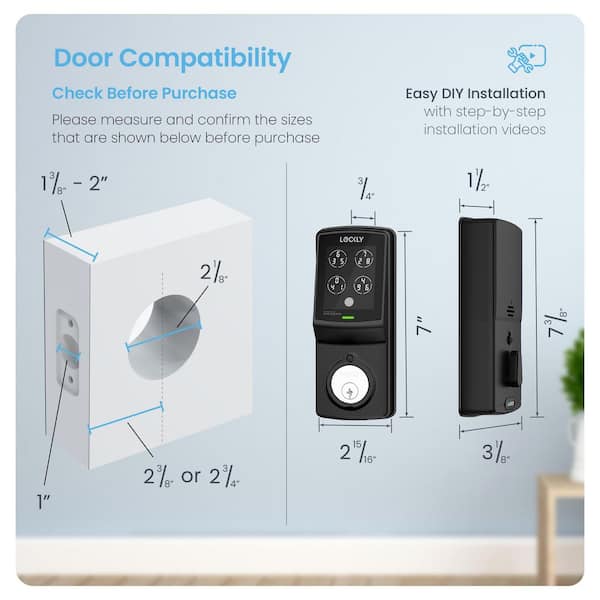
• Does it fit your door and deadbolt?
• Does the company explain its privacy practices?
• Has the product received independent testing or certification?
• Can you contact customer support?
Standards and certification can provide useful signals, but they are not a complete guarantee. A certified device can still become unsafe if you ignore updates or use a weak password.
For apartments, rentals, and shared homes, prioritize access management. For families, activity alerts and temporary codes may matter most. For privacy-focused users, local control and limited cloud dependence may be better choices.
Frequently Asked Questions About Are Smart Locks Easy To Hack?
Can a smart lock be hacked remotely?
A smart lock can be targeted remotely through a weak account, insecure cloud service, compromised phone, or unsafe network. Strong passwords, multi-factor authentication, updates, and a trusted brand greatly reduce this risk.
Are smart locks safer than key locks?
Neither type is always safer. Smart locks offer alerts, temporary access, and activity logs, while traditional locks avoid digital threats and battery problems.
Can someone unlock my smart lock with Bluetooth?
A properly secured Bluetooth lock is difficult to control without authorization. Risk rises when the device uses outdated software, weak pairing, or poor authentication.
What happens if a smart lock battery dies?
Most smart locks provide a warning before the battery is empty. Depending on the model, you may use a physical key, an external battery connection, or an emergency power contact.
Should I connect my smart lock to Wi-Fi?
Wi-Fi is useful for remote access and alerts, but it adds another security layer. Use a protected router, updated firmware, a unique password, and multi-factor authentication.
Can a smart lock be picked like a normal lock?
Many smart locks still use a standard deadbolt or latch, so physical attacks remain possible. A strong door, quality hardware, and proper installation are essential.
How often should I review smart lock access?
Review users and digital keys at least every few months and after a roommate, employee, guest, or contractor no longer needs access. Remove lost phones and unused codes at once.
Conclusion
Are smart locks easy to hack? Not when you choose a reputable model, install it correctly, protect your accounts, and keep the software current. The biggest risks usually come from weak passwords, forgotten users, unsafe networks, outdated firmware, and poor physical door security.
Treat your smart lock like a complete system rather than a single gadget. Check the door, app, phone, router, battery, and guest list. Take these steps before relying on remote access, and explore trusted security guidance before buying or upgrading your lock.