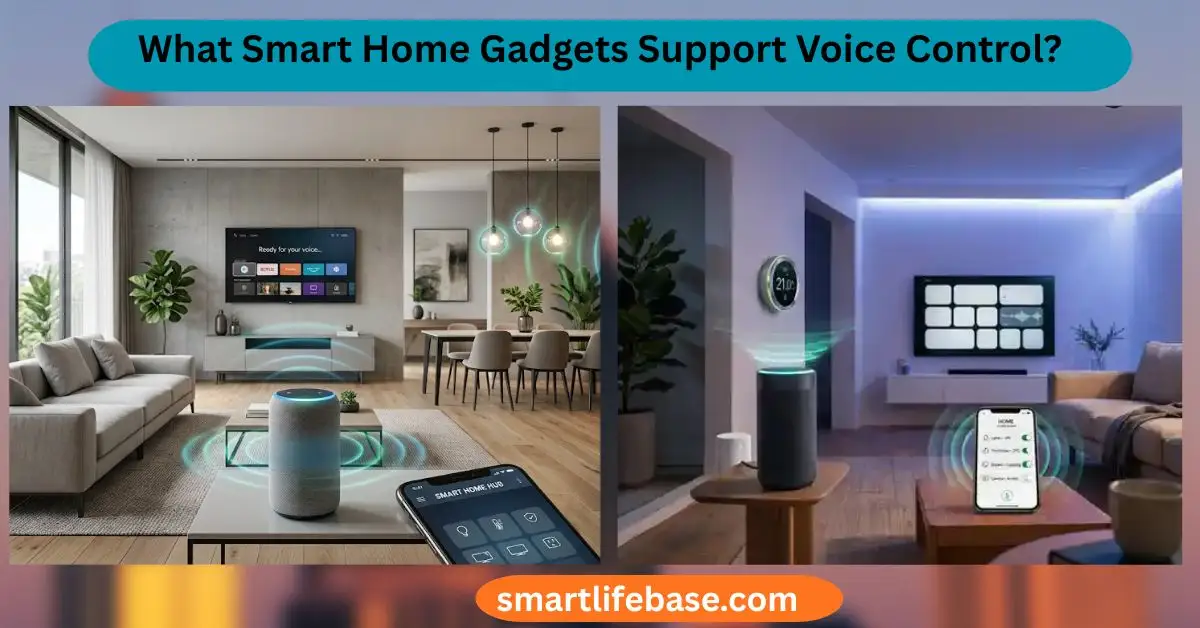
Find out what smart home gadgets support voice control in 2026, with top picks by Alexa, Google, and Siri, plus tips to choose, set up, and save money. Most mainstream lights, plugs, thermostats, locks, cameras, and TVs now support voice control. If you want a home you can talk to, you’re in the right place.
I’ve spent years testing smart gear for real homes. Below, I explain What Smart Home Gadgets Support Voice Control in plain English. You’ll learn what works, how to connect it, and how to avoid common mistakes.
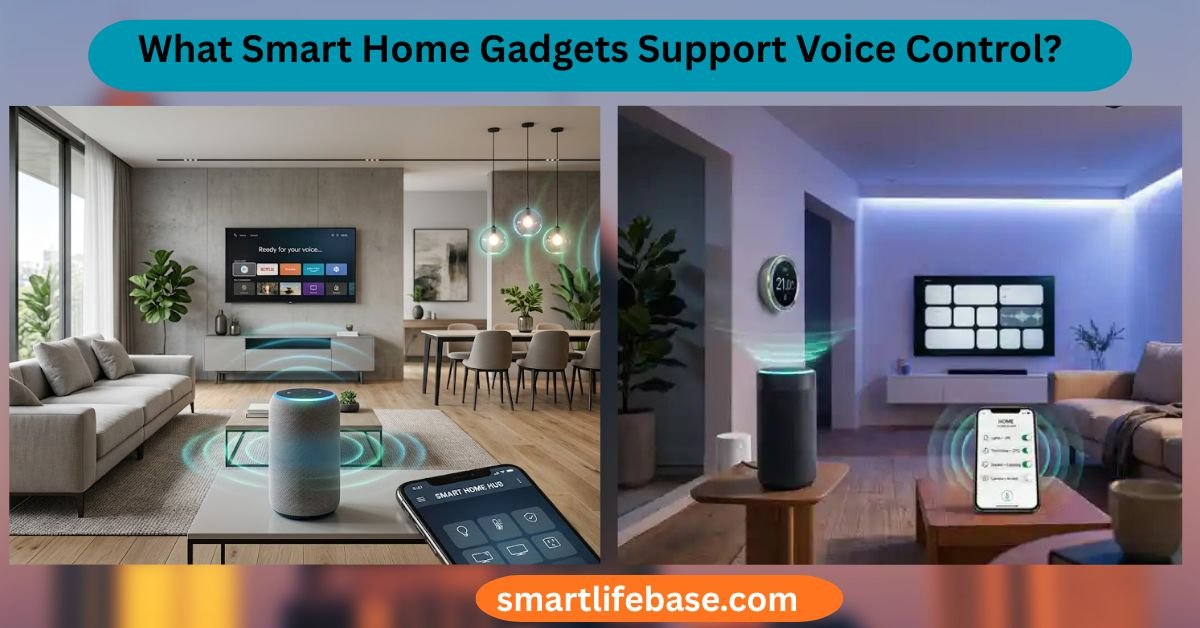
How Voice Assistants Power Your Smart Home
What Smart Home Gadgets Support Voice Control? The answer starts with your voice assistant. It is the hub that hears you and routes commands.
The big four assistants:
- Amazon Alexa. Works with a huge list of devices and Skills.
- Google Assistant. Great search. Strong routines. Good device support.
- Apple Siri with HomeKit. Strong privacy. Tight iPhone and HomePod links.
- Samsung Bixby. Often built into Samsung TVs and phones.
Core voice actions you can expect:
- On and off. Lights, plugs, fans, and more.
- Set and change. Brightness, color, temperature, and scenes.
- Secure access. Locks, garage doors, and alarms with a PIN.
- Media control. Music, TV inputs, volume, and search.
- Status checks. Battery level, camera state, door open, or temp.
Tip from real use: Pick one primary assistant per home. It cuts confusion. You can mix assistants. But start simple and expand later.
Source: audioxpress.com
Device Categories That Work Well With Voice
What Smart Home Gadgets Support Voice Control? Most major device types do. Here is what to buy and how it behaves.
Lighting: Bulbs, Switches, and Strips
- Smart bulbs change color and dim by voice.
- Smart switches control built-in lights. Guests still use the wall switch.
- Light strips add accent light behind TVs and cabinets.
Common commands:
- “Set kitchen lights to 40%.”
- “Make the bedroom light warm white.”
My take: In busy homes, switches beat bulbs for reliability. Kids love wall switches.
Smart Plugs and Power Strips
- Turn lamps and small appliances on and off.
- Track energy use on some models.
Use cases:
- “Turn on the coffee maker.”
- “Shut off the Christmas lights at 11 PM.”
Thermostats and HVAC
- Adjust heat and cool by room or zone.
- Ask for current temperature or humidity.
Safety note: Add a PIN for heat pumps or vacation homes.
Locks and Access
- Smart locks open, close, and report status by voice.
- Garage controllers let you ask if the door is shut.
Best practice: Enable voice unlock only with a PIN. Or turn it off.
Cameras and Video Doorbells
- Show live video on a smart display or TV.
- Control floodlights and sirens.
Keep in mind: Voice control is limited on privacy features. Use the app for shares.
Speakers, Soundbars, TVs, and Streaming Devices
- Change inputs, volume, and channels.
- Launch apps like Netflix or YouTube.
Helpful tip: Put the TV and the soundbar in the same room group.
Large Appliances and Kitchen Gear
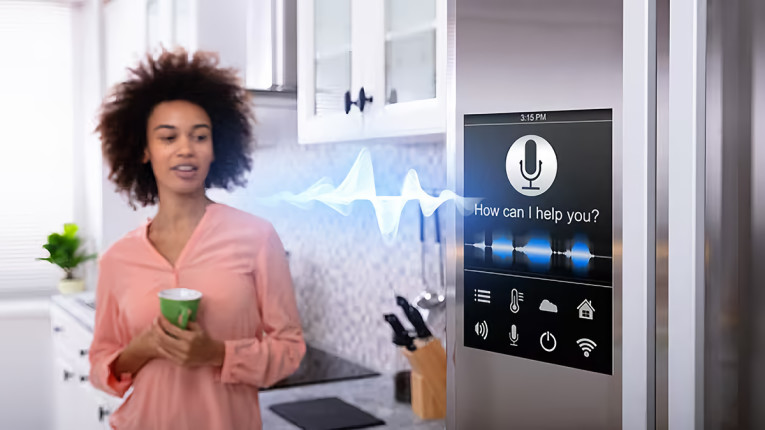
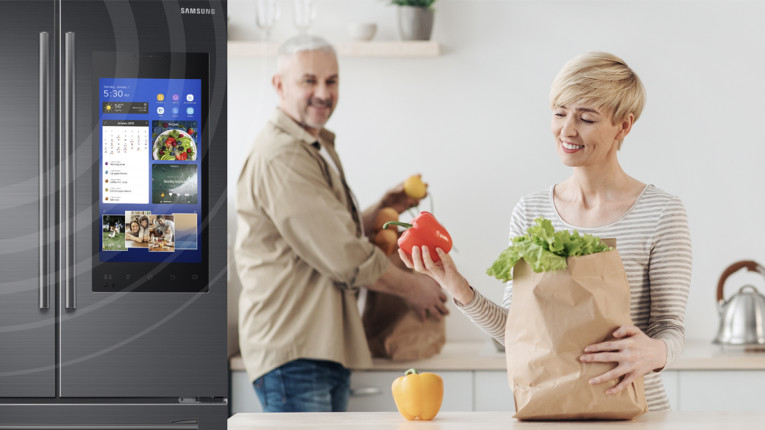
- Ovens, microwaves, dishwashers, and fridges can take voice tasks.
- Coffee makers and kettles work well on smart plugs or native skills.
Be safe: Don’t start heat cycles when you’re away unless the maker supports it.
Robot Vacuums and Mops
- Start, stop, and dock by voice.
- Send to rooms with supported maps.
I use a voice command called “Crumb Patrol” after dinner. It works.
Shades and Blinds
- Raise, lower, and set to percent.
- Group by room for sunrise routines.
Irrigation and Outdoor Gear
- Start zones by name and set minutes.
- Check rain delays or skip a day.
Sensors, Hubs, and Bridges
- Ask about motion, doors, water leaks, or air quality.
- Hubs connect Zigbee, Z-Wave, or Thread devices to your Wi‑Fi.
Energy Monitors and EV Chargers
- Ask how much power you use now.
- Start or stop EV charging at off-peak times.
Source: anjielo.com
Compatibility, Standards, and The Logo Maze
What Smart Home Gadgets Support Voice Control? Look for the right badges. They tell you what works.
Key logos to watch:
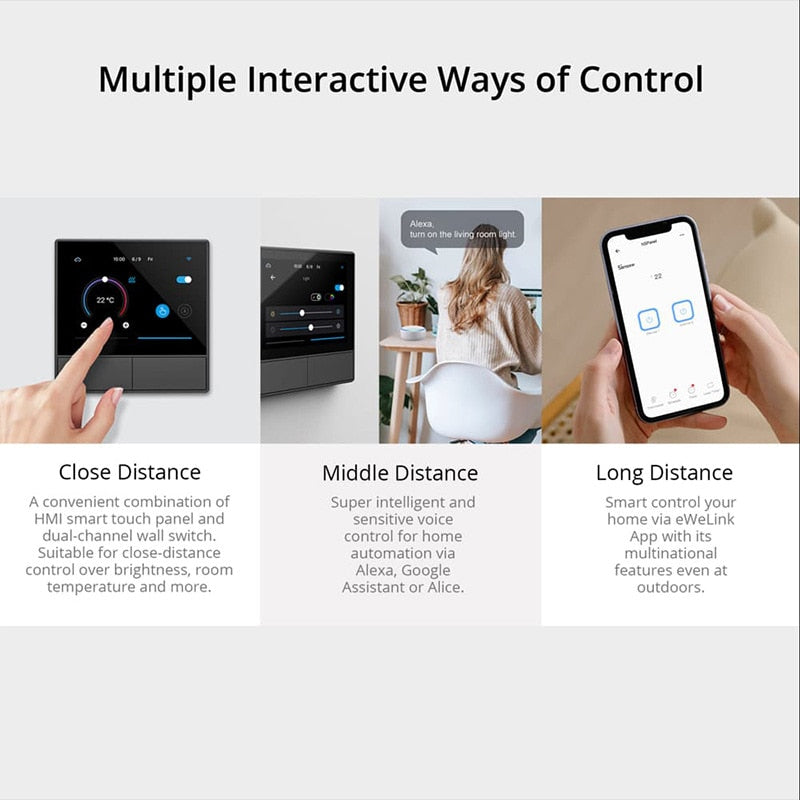
- Works with Alexa. Great for Echo and Fire TV homes.
- Works with Google Home. Good fit for Nest and Android users.
- Works with Apple Home. Needed for Siri and Home app control.
- Matter. The new cross-brand standard for local and fast control.
- Thread. A low-power mesh network that helps Matter devices shine.
Network notes:
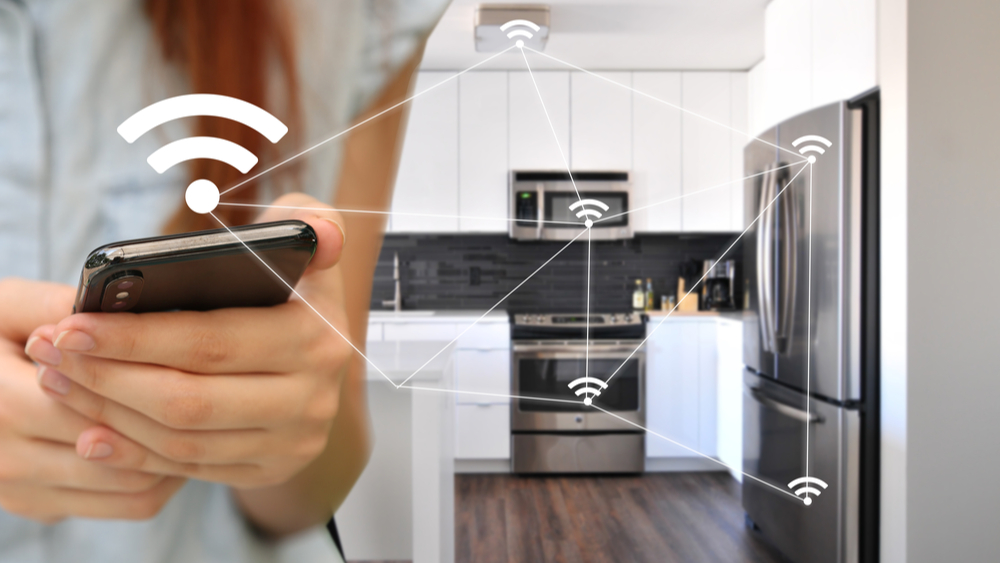
- Wi‑Fi is common and fast. It can crowd your router.
- Zigbee and Z‑Wave need a hub. They are stable and low power.
- Thread is modern and fast. It needs a Thread Border Router.
Pro tip: If you use iPhone and want Siri, buy Matter or HomeKit gear. If you want the broadest list, Alexa is still king.
Source: nordicsemi.com
Setup Steps and Best Practices
What Smart Home Gadgets Support Voice Control? The ones you name well and group right. A good setup makes voice feel magic.
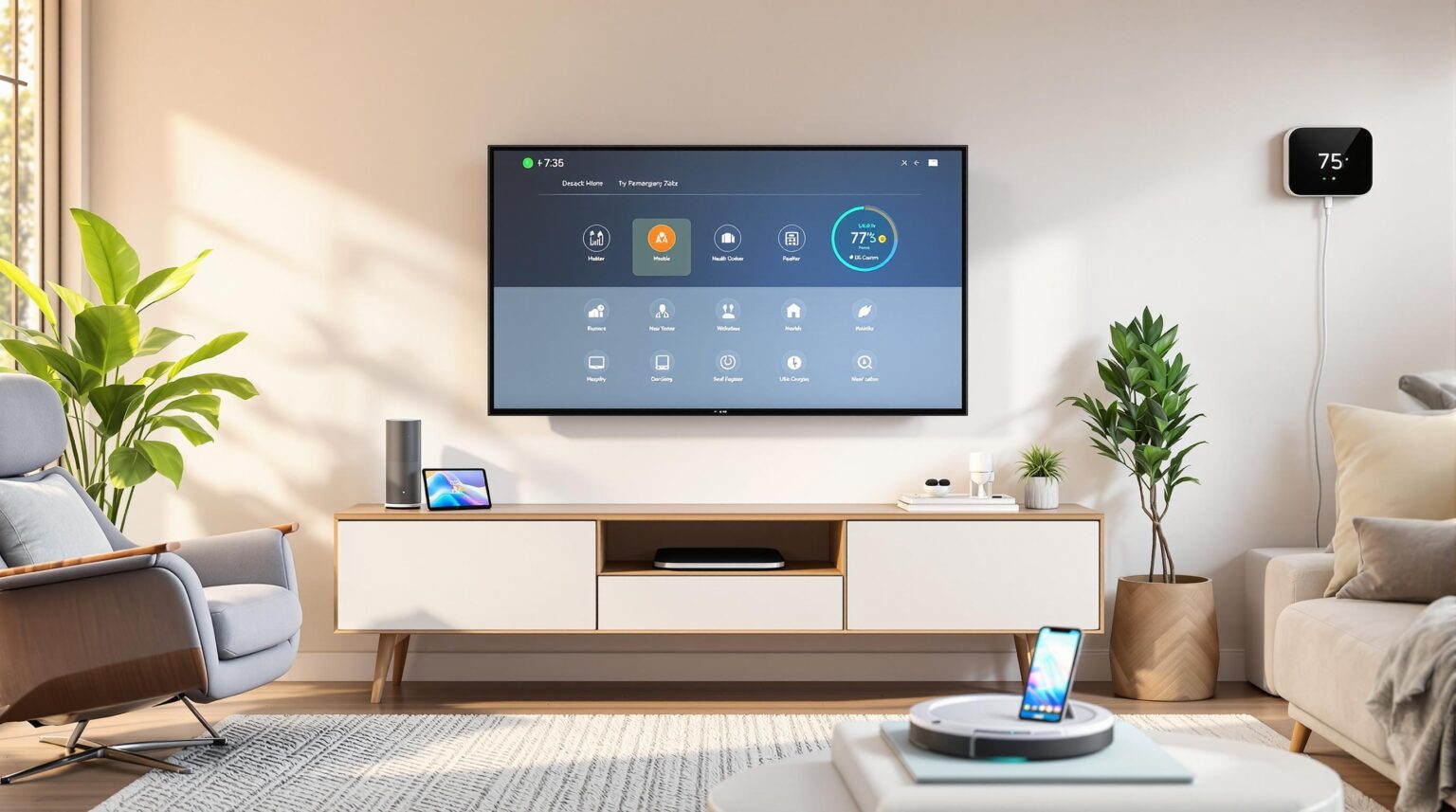
Follow this simple flow:
- Install and update the device in its own app first.
- Link it to Alexa, Google Home, or Apple Home.
- Rename devices to short, clear words. Example: “Hall Lamp.”
- Make rooms. Group by the real room, not by brand.
- Create scenes and routines. Example: “Goodnight” sets lights and locks.
- Turn on Voice Match or Voice Profile for multi-user homes.
- Test commands. Try variants to see what lands best.
Naming rules that work:
- Use unique names. Avoid “Light 1” or “Lamp A.”
- Don’t repeat room names across floors if you can avoid it.
- Use scenes for moods. Movie, Focus, Dinner, Sleep.
Source: allseniors.org
Privacy, Security, and Safety
What Smart Home Gadgets Support Voice Control? Only the ones you secure. Smart homes are powerful. Treat them with care.
Security basics:
- Turn on two-factor authentication for all accounts.
- Set a PIN for locks, garage doors, and purchases.
- Use guest access for visitors. Avoid sharing main logins.
Privacy tools:
- Mute microphones on speakers when you need quiet time.
- Review voice history and auto-delete it on a schedule.
- Use local control when possible. Matter helps here.
Home safety tips:
- Add auto-lock rules for doors at night.
- Set water sensor alerts with voice announcements.
- Use camera privacy zones and schedules.

Source: lg.com
Troubleshooting and Performance Tips
What Smart Home Gadgets Support Voice Control? The ones with solid networks. Most issues come from Wi‑Fi or naming.
Fast fixes I use:
- Power cycle the device and your router.
- Keep 2.4 GHz for IoT. Use 5 GHz for phones and TVs.
- Check for firmware and app updates.
Reduce lag:
- Move hubs and routers away from metal and microwaves.
- Avoid channel overlap with neighbors.
- Use Ethernet for hubs when you can.
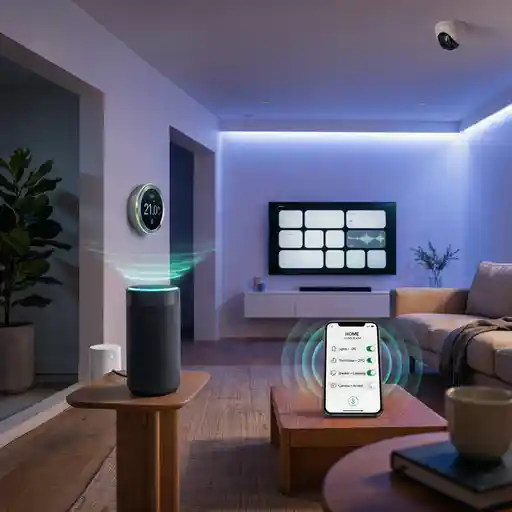
Voice accuracy:
- Rename tricky devices. “Left Lamp” beats “Lamp Two.”
- Train Voice Match for each person.
- Re-link Skills or Services if commands fail.
Buying Guide: Choose Confidently
What Smart Home Gadgets Support Voice Control? The best ones fit your home and budget. Start with a small kit and grow.
Starter sets by home type:
- Apartments and renters. Smart plugs, a few bulbs, and a video doorbell with no drill.
- Families. Smart switches, a thermostat, and a robot vacuum with room names.
- Pet owners. Cameras with pet detection and a feeder on a smart plug.
- Accessibility needs. Voice-first lights, locks with PIN, and smart shades.
Budget tips:
- Buy in multipacks for bulbs and plugs.
- Choose devices with Matter to avoid hubs later.
- Spend more on switches and locks. You touch them every day.
Source: audioxpress.com
Real-World Examples and Lessons Learned
What Smart Home Gadgets Support Voice Control? The ones that survive daily life. Here is what works in my own setups.
My wins:
- I used a “Wind Down” scene. It dims lights, locks doors, and plays soft music. One command helps the whole house relax.
- I set a “Welcome Home” routine. It turns on the hall lamp and reads the weather.
Mistakes to avoid:
- I once named two rooms “Office.” Voice control kept guessing wrong.
- I had five brands of bulbs. Updates broke a scene. Now I standardize.
Practical tips:
- Keep a small label under switches if guests get lost.
- Back up routines by writing them down or taking screenshots.

Source: amazon.com
What’s Next for Voice-First Homes
What Smart Home Gadgets Support Voice Control? The list grows each month. The next wave looks smarter and faster.
Trends to watch:
- Local voice. More commands run on-device for speed and privacy.
- Multimodal control. Voice, touch, and presence work together.
- Smarter context. Your home learns patterns and saves energy.
- Better care tech. Voice helps aging-in-place with safe access.
- Deeper Matter support. Setup gets simpler across brands.
Action idea: Buy Matter-capable devices now to future-proof your home.
Frequently Asked Questions: What Smart Home Gadgets Support Voice Control?
Do I need a smart speaker to use voice control?
You can use a phone, watch, or smart speaker. A speaker or display makes hands-free use easier in shared rooms.
Will voice control work if my internet goes down?
Some local actions still work, such as Thread or Zigbee scenes. Cloud-only devices may pause until the internet returns.
Can I control devices from different brands together?
Yes, use scenes and routines in Alexa, Google Home, or Apple Home. Matter also improves cross-brand control and setup.
Is voice control safe for smart locks and garages?
It is safe when you set a PIN and manage users. Disable remote unlock by voice if you feel unsure.
Which is better for privacy: Alexa, Google, or Siri?
All offer privacy tools, and you can limit data use. Siri with HomeKit leans more local by design, but setup matters most.
Are smart switches better than smart bulbs?
Switches are great for shared spaces and guest use. Bulbs add color and fun but need the switch left on.
How can I fix devices that stop responding to voice?
Check Wi‑Fi, power cycle, and update firmware. Rename the device and re-link the service if needed.
Conclusion
Smart homes should feel simple, safe, and fast. You now know What Smart Home Gadgets Support Voice Control, how to set them up, and how to keep them secure. Start small with one room. Use clear names, scenes, and a single main assistant. Then add devices with Matter support to grow with less pain.
Ready to build a home you can talk to? Try one routine tonight, share your results, and subscribe for more practical guides.