Do Smart Home Gadgets Slow Internet? Get the facts on bandwidth, device limits, and simple tweaks to keep your Wi‑Fi fast without sacrificing comfort. Smart home gadgets can slow the internet if mismanaged, but good setups stay fast. I design and audit home networks.
In this guide, we tackle the question: Do Smart Home Gadgets Slow Internet? You will see clear answers, simple tests, and fixes used in real homes. Read on to keep your network quick and stable.
How internet speed works vs Wi‑Fi capacity
Internet speed is what your service provider gives you. Wi‑Fi is how your devices share that speed at home. Many slowdowns happen on Wi‑Fi, not the actual internet link.
Two ideas matter most. Bandwidth is the max data your link can move. Latency is the delay before data starts to move. Jitter is how much that delay changes over time.
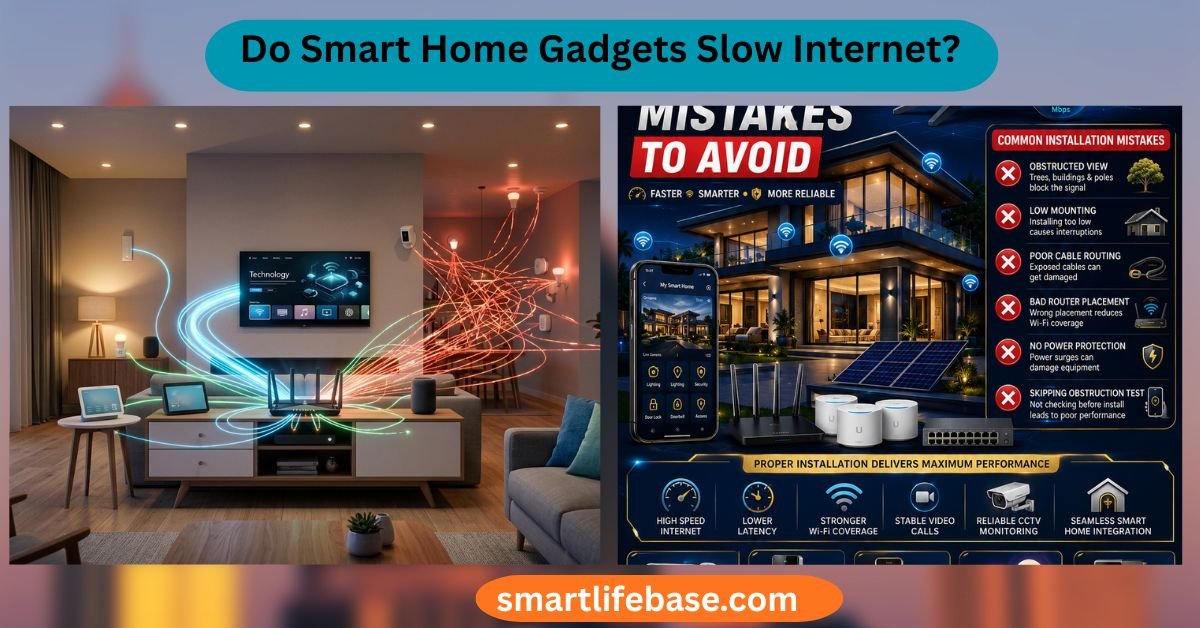
Your smart devices share the same air time. If one device talks a lot, others must wait. Think of a one‑lane bridge. Only one car can pass at a time. If a truck crawls, the line grows. That is Wi‑Fi airtime.

Source: pslightwave.com
Do Smart Home Gadgets Slow Internet? When and why
Do Smart Home Gadgets Slow Internet? Yes, in some cases. The cause is often Wi‑Fi airtime, not raw ISP speed. Here are common reasons.
- Cameras use heavy upload. A 1080p cloud camera can use 2–4 Mbps per stream. Four cams can eat a 10 Mbps upload plan.
- Cloud chatter adds overhead. Many IoT devices ping servers often. Each ping is small. But many devices add up and raise latency.
- 2.4 GHz is crowded. Microwaves, baby monitors, and neighbors can jam it. Bulbs and plugs live here and compete for airtime.
- Router CPU can max out. Low‑end routers choke on many connections. Features like parental controls and logging can add load.
- Firmware updates spike traffic. Overnight rollouts can flood your link. Schedules help avoid busy times.
Do Smart Home Gadgets Slow Internet? Often the slowdown shows as lag, not just lower speed tests. You may see video calls stutter when a doorbell streams. Or pages hang when backups run.
Do Smart Home Gadgets Slow Internet? Not if you plan. Split bands, use wired where it counts, and tune QoS. The right setup keeps speed high and latency low.
Will too many devices slow Wi‑Fi?
Yes, if they share one band and talk at once. Modern routers handle 100+ clients, but airtime is still finite. Spread devices across bands and use mesh with wired backhaul.
Do smart bulbs affect internet speed?
Bulbs use tiny data. Their impact is the radio chatter on 2.4 GHz. Many bulbs in one room can add delay if the router is weak.
Why does my network lag when a camera records?
Uploads saturate first. Most home plans have low upload speeds. Cap the camera bit rate or use local storage to ease the load.

Source: shutterstock.com
Measuring the impact at home
Do Smart Home Gadgets Slow Internet? Test it. Use simple steps to see facts, not guesses.
- Run a speed test with all devices idle. Note download, upload, and latency.
- Start a known heavy task. For example, stream two cameras and a backup. Test again.
- Check your router dashboard. Look for client counts, CPU use, and per‑device traffic.
- Ping your router and a public DNS. Watch latency and jitter during a camera stream.
- Turn devices off in groups. Note when latency drops. This shows the main culprits.
What you want to see is stable latency under load. If latency jumps 5× during a stream, you have a bottleneck. Fix that first.
Source: techtarget.com
Real‑world examples and lessons learned
In my last townhouse project, we had 85 smart devices. Do Smart Home Gadgets Slow Internet? We saw lag only when four 2K cameras uploaded to the cloud. The 10 Mbps upload link maxed out, and video calls froze.
We moved the cameras to local NVR storage. We capped the cloud upload to 1 Mbps per cam. We also set the mesh backhaul to wired. The lag was gone, and calls were smooth.
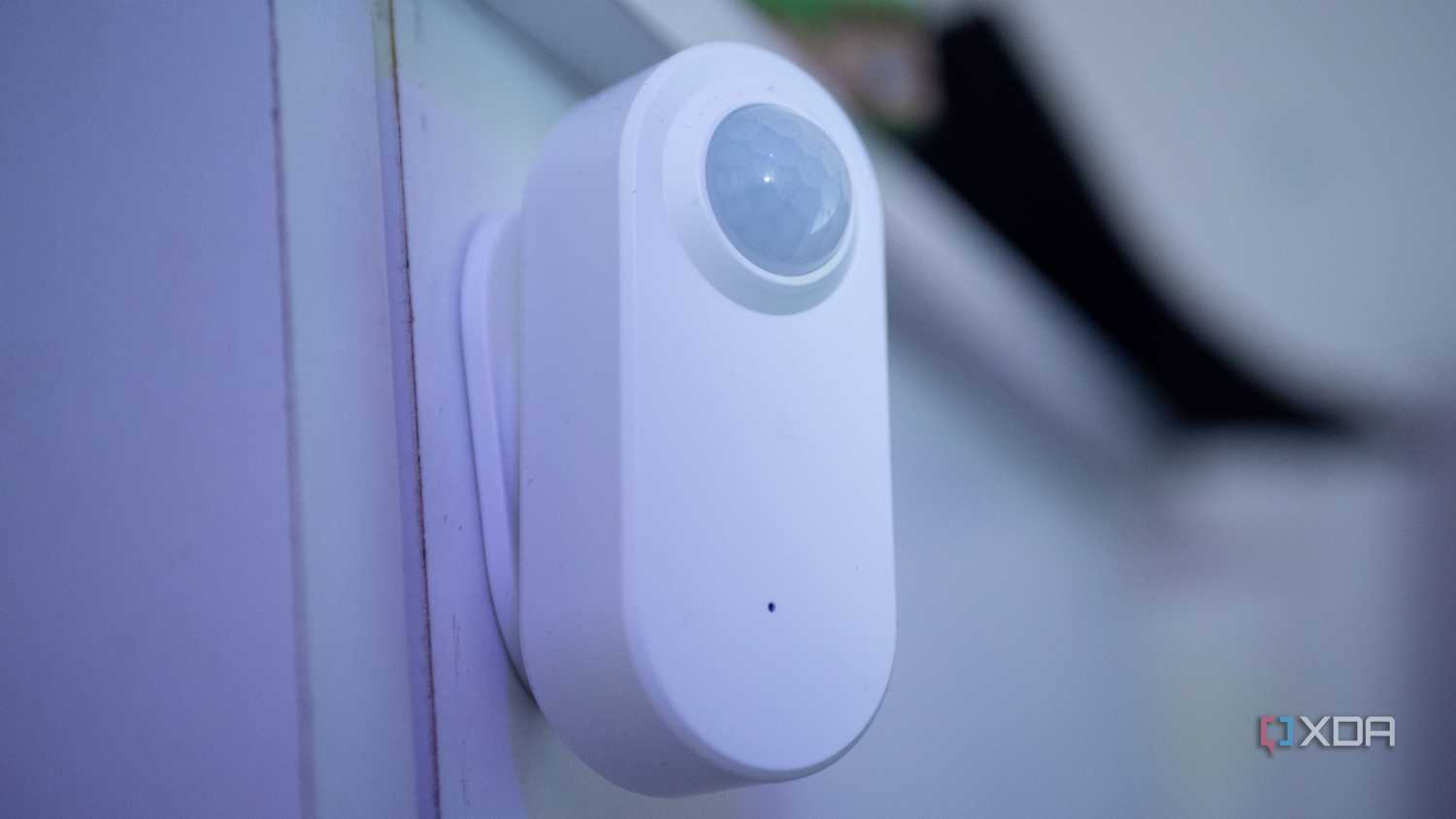
At my home, 40 bulbs and sensors sit on 2.4 GHz. They do not slow the internet. The issue came from a cheap router doing DPI. CPU hit 100%, and pages stalled. A better router with QoS fixed it.
Source: xda-developers.com
How to prevent slowdowns with many smart devices
Do Smart Home Gadgets Slow Internet? Not if you apply these fixes. Start with the biggest wins.
- Wire what you can. Put TVs, hubs, and cameras on Ethernet or MoCA. Free Wi‑Fi for mobile devices.
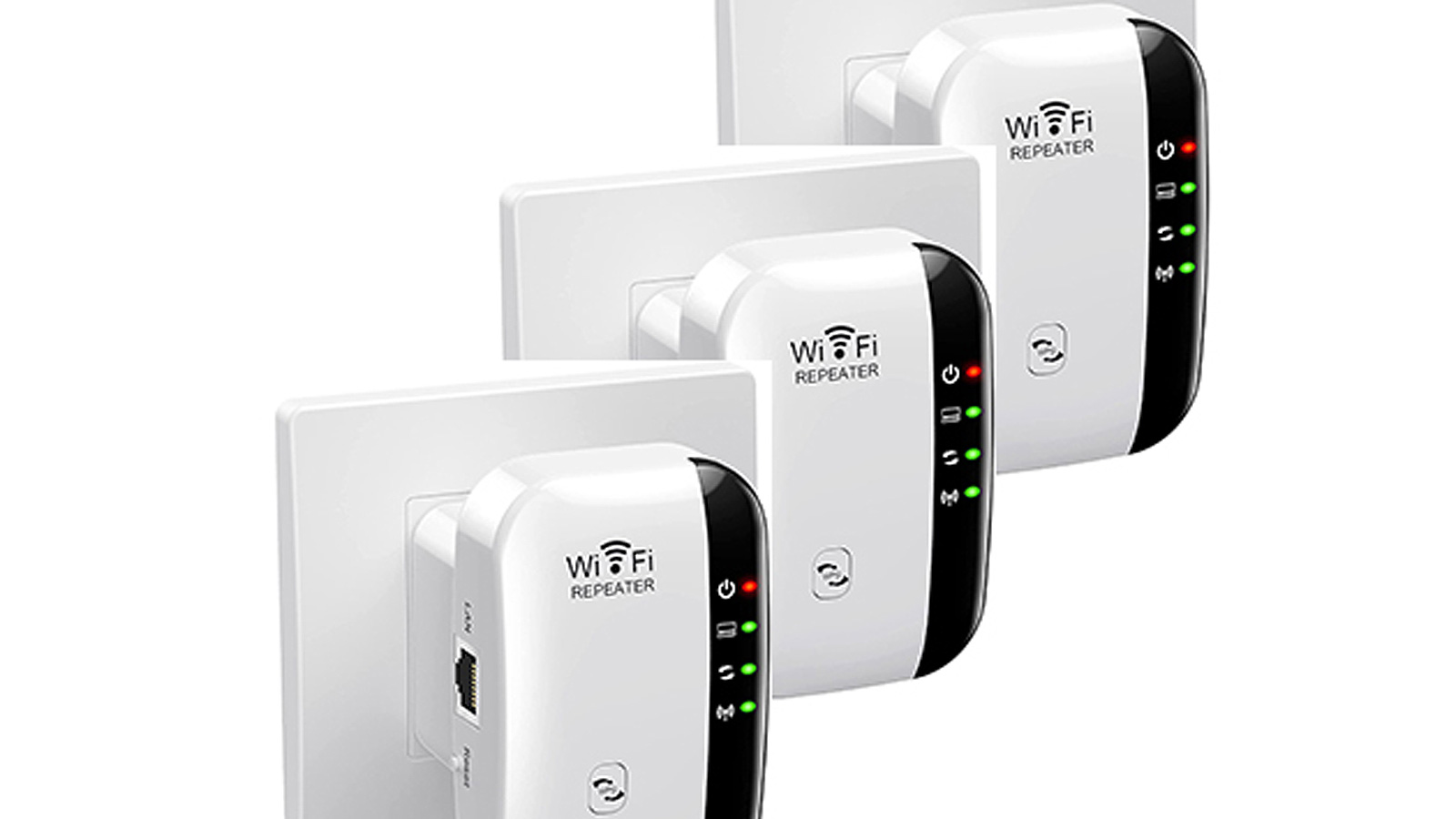
- Split bands smartly. Put low‑rate IoT on 2.4 GHz only. Keep phones and laptops on 5 or 6 GHz.
- Use a tri‑band mesh with wired backhaul. This keeps client traffic off the backhaul link.
- Tune QoS and SQM. Prioritize video calls and games. Limit camera uploads so they cannot hog the link.
- Set camera bit rates and frame rates. Lower from 4 Mbps to 1.5–2 Mbps if cloud is needed.
- Schedule heavy tasks. Run backups, updates, and clips at night.
- Trim chatter. Turn off unused skills and cloud polling in apps. Disable verbose logs.
- Lock channel width. Use 20 MHz on 2.4 GHz to reduce overlap. Use DFS channels on 5 GHz when safe.
- Update firmware. Many vendors fix Wi‑Fi bugs and reduce retries over time.
Do Smart Home Gadgets Slow Internet? These steps keep airtime free and latency low. You can add more devices without pain.
Source: bleepingcomputer.com
Network design for smart homes
Think of your home like a small office. Good design pays off every day.
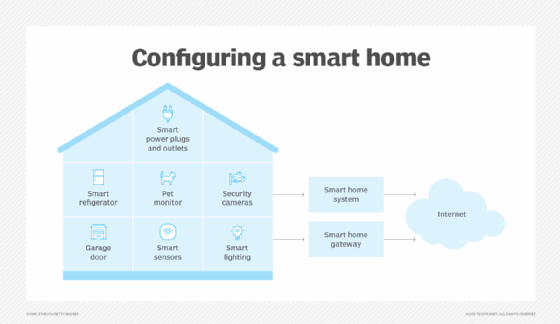
- Pick the right protocols. Use Thread, Zigbee, or Z‑Wave for lights and sensors. They shift load off Wi‑Fi.
- Use a dedicated IoT SSID. Set 2.4 GHz only and block device‑to‑device traffic. Keep it simple and safe.
- Enable multicast and mDNS help. Use IGMP snooping. This reduces broadcast noise for discovery.
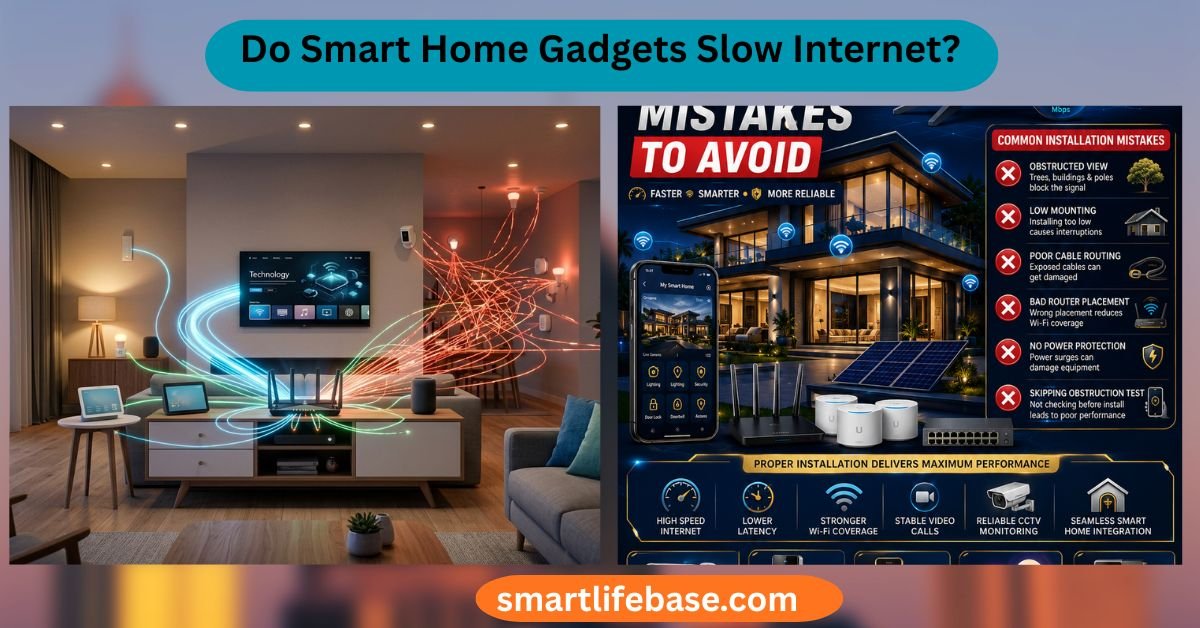
- Place access points well. One AP per 1,000–1,500 square feet as a rough guide. Avoid placing APs near microwaves.
- Reserve IPs for key devices. This makes logs and rules easy to manage.
- Monitor. Use your router app to watch top talkers and latency trends.
Do Smart Home Gadgets Slow Internet? Not with solid design. You get speed, range, and less support hassle.

Source: com.ng
Buying guide: routers and hubs that handle many devices
When you buy, look beyond the printed top speed. Focus on stability under load.
- CPU and RAM. Aim for a quad‑core router with 1–2 GB RAM for heavy homes.
- Wi‑Fi 6 or 6E with OFDMA and MU‑MIMO. These help share airtime better.
- Tri‑band or quad‑band. A third radio keeps backhaul clear.
- QoS with smart queue management. Look for SQM or Cake to fight bufferbloat.
- Ethernet ports. At least four gigabit ports. Add a switch if you can wire more.
- Matter and Thread support. Offload simple devices from Wi‑Fi where possible.
Do Smart Home Gadgets Slow Internet? Strong gear makes a big difference. Capacity and features beat peak lab speeds.

Source: bestbuy.com
Troubleshooting checklist
Use this flow when things feel slow.
- Check upload usage. If near 100%, cap camera and cloud tasks.
- Test latency while streaming. If ping spikes, tune QoS and channel settings.
- Move devices. Put latency‑sensitive clients on 5 or 6 GHz.
- Reduce channel width on 2.4 GHz. Set 20 MHz and pick channel 1, 6, or 11.
- Reboot and update router and devices. Clear stuck states and bugs.
- Try a wired test. If wired is fast, fix Wi‑Fi. If wired is slow, call your ISP.
Do Smart Home Gadgets Slow Internet? Follow the list. You will find the bottleneck fast.
Security and privacy impact on performance
Strong security should not slow you down. WPA3 adds little overhead on modern gear. Avoid old modes like WEP or TKIP. They hurt speed and safety.
VPN on the router can add latency. Use it only when needed. Heavy logging and filtering can tax weak routers. Keep features you use and turn off the rest.
Do Smart Home Gadgets Slow Internet? Sometimes the security stack is the cause. Tune it, do not remove it.
Frequently Asked Questions of Do Smart Home Gadgets Slow Internet?
Do Smart Home Gadgets Slow Internet if I only have bulbs and plugs?
No. These devices use tiny amounts of data. The impact is small unless your Wi‑Fi is already weak.
Do Smart Home Gadgets Slow Internet when I add a video doorbell?
They can if your upload is low. Limit bit rate or use local storage to control it.
Do Smart Home Gadgets Slow Internet on a mesh network?
They should not if the backhaul is strong. Use a wired backhaul or a dedicated wireless band.
Do Smart Home Gadgets Slow Internet more on 2.4 GHz than 5 GHz?
2.4 GHz is more crowded and slower. Put high‑bandwidth devices on 5 or 6 GHz.
Do Smart Home Gadgets Slow Internet if I use Thread or Zigbee?
No. Those devices do not use Wi‑Fi for data. They lower Wi‑Fi load and help stability.
Do Smart Home Gadgets Slow Internet during firmware updates?
Yes, for a short time. Schedule updates at night to avoid peak use.
Conclusion
Smart homes can be fast and smooth. The main risks are upload saturation and Wi‑Fi airtime. Good gear, clean design, and a few smart limits keep delays low.
Use the steps here to test, tune, and plan. Wire the heavy hitters. Set QoS. Pick the right bands. You will answer your own question Do Smart Home Gadgets Slow Internet? with a confident no.
Want more tips like this? Subscribe, share your setup in the comments, and tell me what to test next.