
Are There Smart Locks Without Batteries? Learn how mechanical, wired, and alternative smart lock systems work before choosing the right option. Yes, some smart locks work without disposable batteries by using wired power, energy harvesting, or mechanical access. Are There Smart Locks Without Batteries?
Yes, but the answer depends on how the lock receives power and what “battery-free” means. Some models connect to household wiring, while others use keypad power, nearby devices, solar energy, or a traditional key as backup. Each design has clear benefits and limits.
This guide explains the main types, how they work, their safety features, installation needs, and the trade-offs to consider before buying. It also highlights practical lessons that can help you avoid lockouts and choose a system that fits your home.

Are There Smart Locks Without Batteries?
Yes, smart locks without batteries do exist. However, truly battery-free models are less common than standard smart locks that use AA, AAA, or rechargeable lithium batteries.
A smart lock needs power for its motor, wireless radio, sensors, keypad, or fingerprint reader. If it has no built-in battery, it must get energy from another source. Common options include:
• Direct wiring to the home’s electrical system
• Power from a nearby access device
• Solar or light-based energy harvesting
• Temporary power through an external USB or 9-volt battery
• A mechanical key that allows entry without electronic power
The phrase “without batteries” can also mean two different things. Some locks have no replaceable batteries but use wired power. Others have no regular power source at all and only provide smart features when another device supplies energy.
Therefore, Are There Smart Locks Without Batteries? The short answer is yes, but buyers should check the exact power method before purchasing.

Source: iloq.com
How Battery-Free Smart Locks Work
Battery-free smart locks use a different power design from common residential electronic locks. Their internal motor and control board still need energy, but that energy comes from a wire, a signal, or a short-term external source.
Wired smart locks
A wired smart lock connects to a low-voltage power supply. This setup is similar to a video doorbell or access-control reader. The lock may receive power from a transformer, a building access system, or a dedicated control panel.
Wired models can work well in:
• Apartment buildings
• Office entrances
• Hotels
• Gated communities
• New homes with planned wiring
Their main benefit is steady power. You do not need to replace batteries every few months. The main drawback is installation. Running wires through an existing door can be difficult, and the lock may stop working during a power failure unless it has backup power.
Energy-harvesting locks
Some smart locks collect small amounts of energy from their surroundings. A solar cell may use indoor or outdoor light. Other systems may collect energy from radio waves, motion, or the act of turning a key.
This technology is promising, but it has limits. A lock motor needs much more energy than a simple sensor. As a result, energy harvesting may support communication or standby functions, but it may not fully power repeated motorized locking in every home.
Power from a nearby device
Some electronic access systems receive power through a connected keypad, card reader, or building control unit. The door lock itself may not contain a battery because another part of the system supplies the electricity.
These setups are more common in commercial buildings than in single-family homes. They also require compatible hardware, professional wiring, and careful planning.
Emergency power
Several battery-free smart locks include emergency contacts. You can touch a 9-volt battery or a USB power bank to these contacts from outside the door. The temporary power wakes the keypad or motor so you can unlock the door.
This does not make the lock completely independent of batteries. It simply removes the need to keep batteries inside the lock during normal use.

Source: loweandfletcherinc.com
Main Types of Smart Locks Without Batteries
When people ask, “Are There Smart Locks Without Batteries?” they may be thinking of several different products. Understanding the categories makes comparison easier.
Wired electronic deadbolts
A wired deadbolt uses a low-voltage cable to power the lock. It may connect to a smart home hub, alarm system, or access-control panel.
Advantages include:
• Continuous power
• No routine battery replacement
• Strong integration with building systems
• Reliable use in high-traffic locations
Limitations include:
• More complex installation
• Possible operation problems during power cuts
• Less flexibility when moving or replacing the door
• Higher installation costs
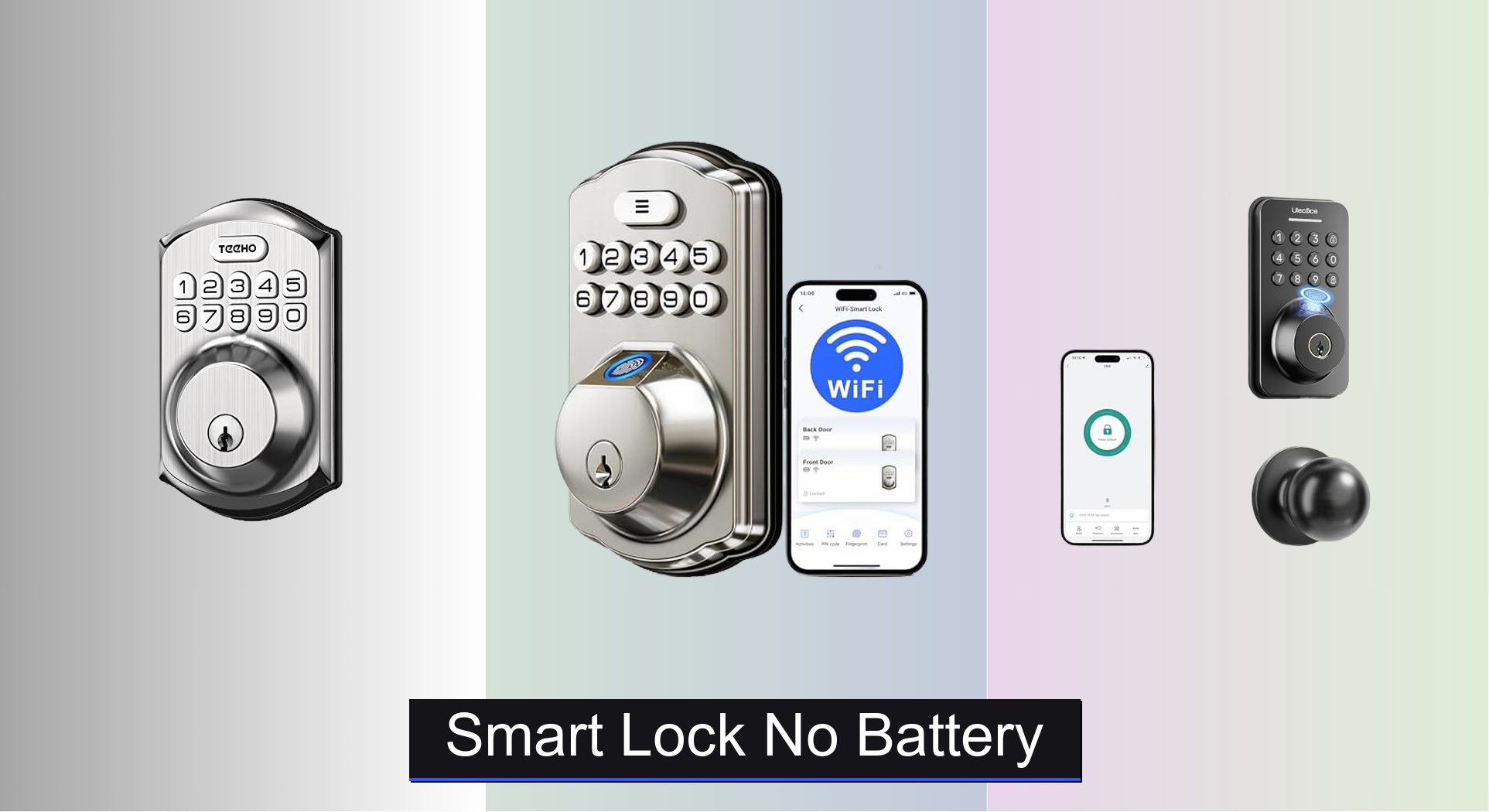
Mechanical locks with smart add-on features
Some locks remain fully mechanical but use a smart accessory. For example, a sensor may report whether the door is open or closed, while the deadbolt still moves by hand.
This type of system may need little or no power at the lock itself. It can provide useful alerts without controlling the deadbolt electronically.
It is a good option for people who want phone notifications but do not need remote unlocking.
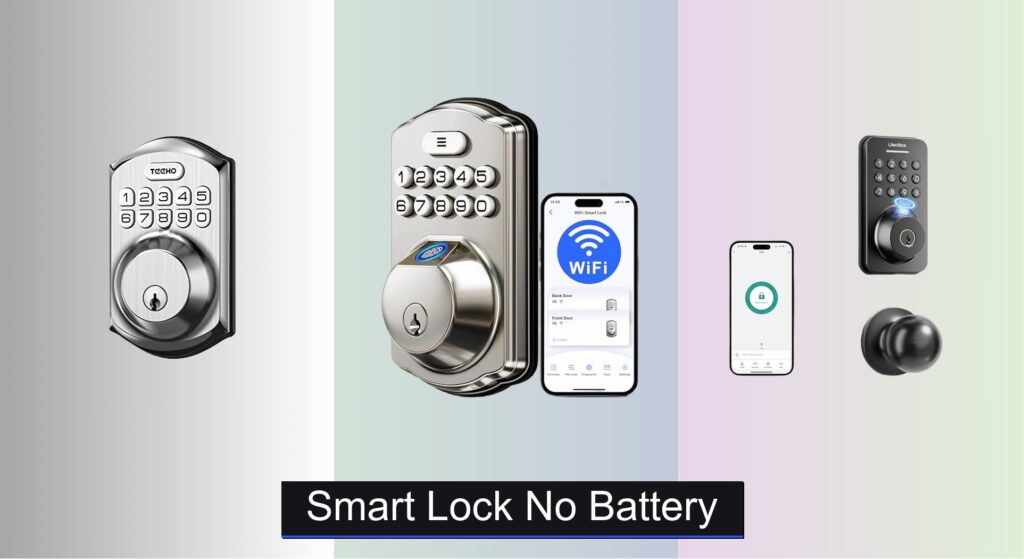
Keypad locks with external emergency power
Many keypad locks use internal batteries but include outside power contacts. When the batteries fail, you can use a temporary power source to enter a code.
These locks are not truly battery-free, but they address a common concern: being locked out because of dead batteries. They also let you avoid carrying a physical key every day.
Passive smart access systems
Some access systems use near-field communication, RFID, or similar technology. A card, phone, or fob may provide both identification and a small amount of energy to the reader.
These systems often work best in offices, hotels, and managed buildings. They are less common as stand-alone residential locks because they need specialized readers and access software.
Source: smartlockadvice.com
Benefits of Choosing a Battery-Free Smart Lock
The biggest advantage is less battery maintenance. You do not need to remember when the batteries were installed or keep replacements in a drawer.
Other benefits may include:
• Fewer low-battery warnings
• Lower long-term maintenance
• Stable power for frequent use
• Better suitability for rental and commercial properties
• Reduced disposal of used alkaline batteries
• Easier management across multiple doors
For a busy family, this convenience can matter. A front door may be locked and unlocked dozens of times each week. Battery changes are easy to ignore until the lock stops responding.
Battery-free designs may also help in cold areas. Standard batteries can lose performance in very low temperatures. A wired system may provide more consistent operation, provided the building has backup power.
Still, a battery-free smart lock is not automatically more reliable. A wired lock can fail because of a damaged cable, failed transformer, network issue, or power outage. Reliability depends on the full system, not only the power source.
Source: smartlockadvice.com
Drawbacks and Safety Concerns
Before choosing a battery-free smart lock, consider what happens when the main power source fails. A lock connected to household electricity may stop operating during an outage unless it has a backup battery or mechanical override.
This is one reason professional access systems often use layered protection. They may include a backup power supply, an emergency release, and a manual key option.
Important concerns include:
• Power outages
• Damaged wiring
• Weak wireless signals
• Compatibility with the door and frame
• Emergency exit requirements
• Fire-code rules in some buildings
• Dependence on a smart hub or internet service
A lock should never create a dangerous exit problem. In many homes, people need a simple way to leave from inside without using a phone, code, or key. Always confirm that the product supports safe indoor egress.
Also check whether the lock still works if the internet goes down. A good smart lock should usually allow local control through a keypad, key, thumb turn, or nearby wireless connection. Cloud-only control can create unnecessary risk.
The practical lesson is simple: treat power failure as a normal event, not a rare disaster. Test the backup method before you need it.

Source: amazon.com
Battery-Free Smart Locks Compared With Battery-Powered Models
Battery-powered smart locks are popular because they are easy to install. Most replace the inside part of an existing deadbolt and use standard batteries. They can offer keypad entry, phone control, temporary codes, and activity logs.
Battery-free models may provide steadier power, but installation is often harder. They may require an electrician, a low-voltage technician, or a full access-control system.
| Feature | Battery-powered smart lock | Battery-free smart lock |
|---|---|---|
| Installation | Usually simple | Often more complex |
| Routine maintenance | Battery replacement | Wiring or power-system checks |
| Power outage risk | Usually low if batteries remain charged | May need backup power |
| Best for | Most houses and apartments | New construction and managed buildings |
| Emergency entry | Key, USB, or 9-volt contact | Mechanical release or external power |
| Cost | Often lower | Often higher |
| Flexibility | Easy to change or relocate | More permanent installation |
Are There Smart Locks Without Batteries? Yes, but battery-powered models remain the practical choice for many homeowners. The best option depends on whether you value easy installation or continuous built-in power.

Source: iloq.com
Installation Tips for a Smart Lock Without Batteries
Installation quality affects security, safety, and reliability. A powerful lock cannot correct a weak door frame or poor wiring.
Use this process before buying:
- Check the door thickness and backset. Confirm that the lock fits the door’s measurements.
- Inspect the deadbolt and strike plate. The bolt should move smoothly without force.
- Identify the power source. Determine whether the lock needs a transformer, access panel, network cable, or emergency battery.
- Plan backup access. Keep a mechanical key, backup power pack, or second entry method available.
- Confirm indoor exit operation. Make sure people can leave quickly during a fire or power failure.
- Test local control. Check whether the lock works without internet access.
- Protect the wiring. Use suitable cable paths and prevent pinching near hinges or moving door parts.
- Change default codes. Never keep a factory access code active after installation.
- Update the firmware. Security updates can fix known problems and improve compatibility.
- Test the lock repeatedly. Try normal entry, remote entry, power loss, network loss, and emergency entry.
For wired systems, use a qualified professional when local electrical rules require it. Low-voltage work is not always complex, but a wrong connection can damage the lock or create a safety issue.

Source: eufy.com
How Secure Are Smart Locks Without Batteries?
A battery-free smart lock can be very secure, but the power source does not decide security by itself. Security depends on the physical lock, encryption, software, installation, and user habits.
Look for features such as:
• Strong deadbolt construction
• Encrypted wireless communication
• Secure firmware updates
• Two-factor authentication
• Automatic lockout after repeated wrong codes
• Temporary guest codes
• Tamper alerts
• Manual override options
• A reinforced strike plate
No smart lock is completely risk-free. A connected lock can face software or account threats, while a traditional lock can face picking, forced entry, or stolen keys.
Use a long, unique account password. Turn on two-factor authentication when available. Review access logs and delete old guest codes after visitors, contractors, or former tenants no longer need them.
Independent testing and recognized security standards can provide useful evidence, but product claims still deserve careful review. Read the installation guide, warranty, privacy policy, and outage instructions before buying.
Who Should Buy a Battery-Free Smart Lock?
A battery-free smart lock may suit you if you are building or remodeling a home and can plan wiring before the walls are closed. It can also make sense for an office, hotel, or apartment complex with an existing access-control system.
Consider one if:
• The door has frequent daily traffic
• Battery maintenance is difficult
• The property already has low-voltage wiring
• You need centralized access management
• You want a permanent installation
• Backup power is already available
A standard battery-powered model may be better if you rent, live in an older home, or want a quick do-it-yourself installation. It is also a better fit when you need to move the lock later.
In real-world planning, the most common mistake is focusing only on the lock’s features. People often forget the door frame, power outage plan, internet dependence, and emergency entry method. Think of the lock as part of a door system, not as a stand-alone gadget.
Frequently Asked Questions: Are There Smart Locks Without Batteries?
Are there fully battery-free smart locks for homes?
Yes, but they are less common than battery-powered models. Fully battery-free options usually rely on wired power, energy harvesting, or a connected access-control system.
Do battery-free smart locks work during a power outage?
They can work during an outage if they have backup power or a mechanical override. Without either option, the electronic features may stop until electricity returns.
Can a smart lock use solar power instead of batteries?
Some systems can use solar or indoor light to collect energy. However, available power varies by location, light level, and usage, so solar designs may not support every motorized lock function.
Are wired smart locks safer than battery-powered locks?
Not automatically. Wired locks may offer steady power, but security also depends on the lock body, software, wiring, installation, and access controls.
What happens if a battery-powered smart lock dies?
Many models provide an emergency USB port or contacts for a 9-volt battery. Some also include a traditional key cylinder, which is why checking the backup method before purchase is important.
Can I install a battery-free smart lock myself?
Some simple systems may be suitable for experienced DIY users, but wired models often need professional installation. Always follow electrical rules and the manufacturer’s instructions.
Are There Smart Locks Without Batteries that use a phone?
Some access systems use a phone, NFC, Bluetooth, or a connected reader to authorize entry. The lock still needs energy, so the power may come from wiring, the reader, or a temporary signal rather than an internal battery.
Conclusion
Are There Smart Locks Without Batteries? Yes. Wired locks, energy-harvesting systems, passive access readers, and emergency-powered designs can reduce or remove the need for regular battery changes.
The right choice depends on your door, wiring, budget, outage plan, and preferred backup method. Before buying, confirm installation requirements, local operation, emergency entry, security updates, and mechanical override options.
For most homes, a reliable battery-powered smart lock with clear low-battery alerts may be the simplest solution. For new construction, commercial spaces, or high-traffic doors, a professionally installed wired system may offer better long-term convenience. Compare the full system carefully, then choose the option that keeps your home secure and accessible in every situation.