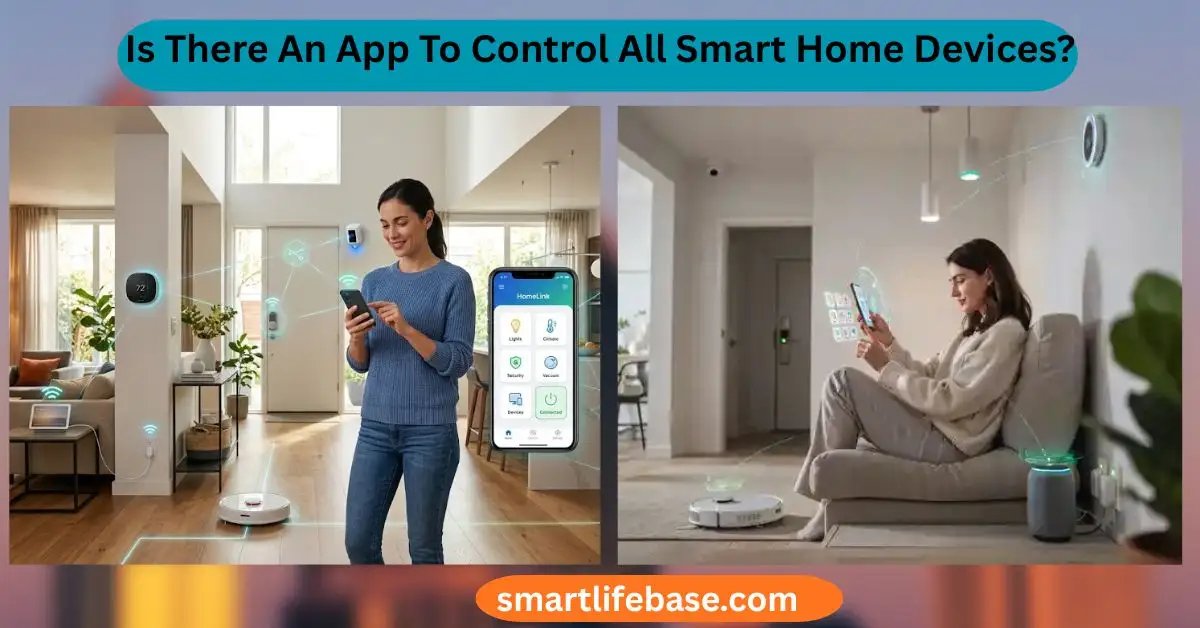
Is There An App To Control All Smart Home Devices? See the best hubs and platforms, compatibility tips, and 2026-ready picks to unify control fast. Yes. Use Apple Home, Google Home, Amazon Alexa, or SmartThings with Matter. A true one-app smart home is close, but not perfect. In this guide, I explain whether there is an App to Control All Smart Home Devices.
using clear steps, expert insights, and real tests. You will learn what works today, what still breaks, and how to plan a home that feels simple, fast, and secure.
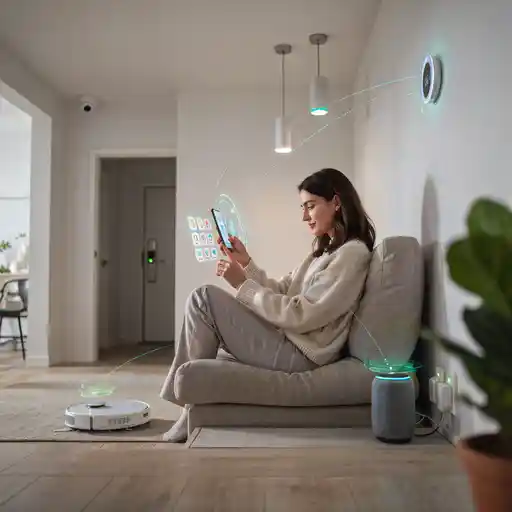
What “one app” really means in a smart home
Is There An App To Control All Smart Home Devices? starts with a clear scope. Smart homes mix many device types and brands. Lights, switches, locks, cameras, thermostats, vacuums, sensors, and speakers all behave in different ways. They also use different protocols like Wi‑Fi, Thread, Zigbee, and Z‑Wave.
Control can mean a few things:
- Basic on, off, dim, color, and mode changes
- Scenes and routines that run on schedules or triggers
- Voice control and family sharing
- Remote access outside your home network
- Advanced features like camera analytics and energy charts
One app can unify basic control across many brands. It can also handle scenes and voice well. But deep features often stay inside brand apps. This is the key trade-off when we ask, Is There An App To Control All Smart Home Devices?
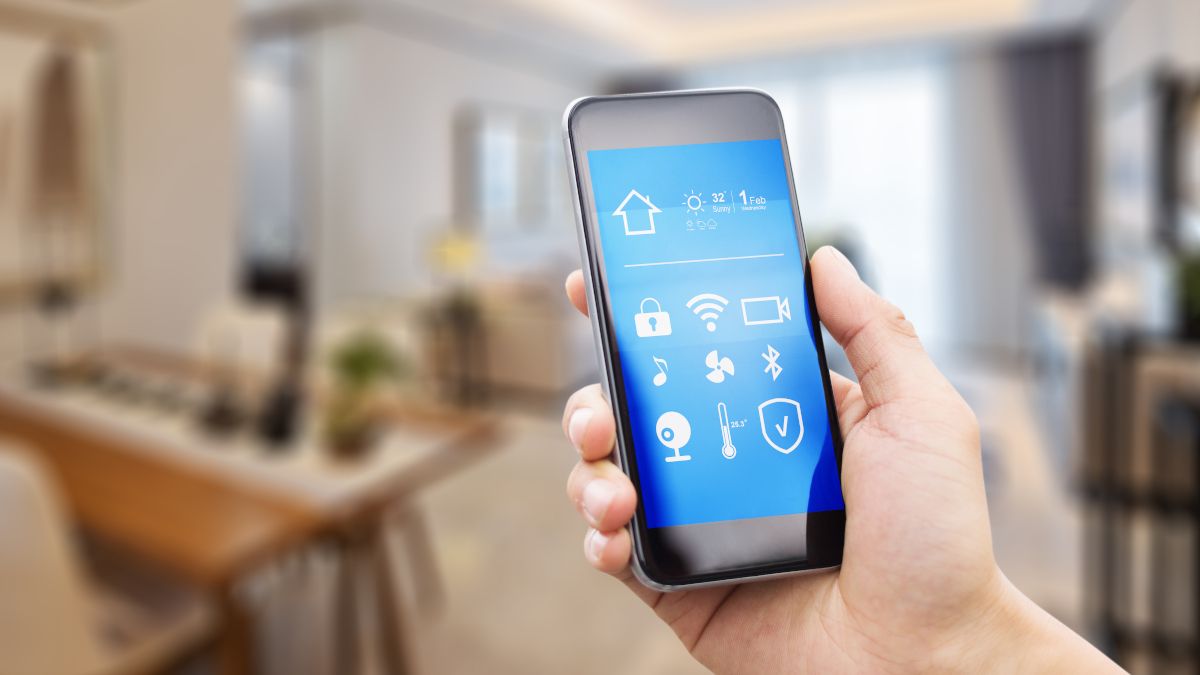
Source: howtogeek.com
The current answers: platform apps that unify control
Is There An App To Control All Smart Home Devices? is best answered by platform hubs. These are the major options and what they do well.
Apple Home (HomeKit)
- Works best with iPhone, iPad, Apple Watch, and HomePod.
- Strong privacy and reliable local control.
- Clean scenes and automation. Fewer device brands than others.
Google Home
- Easy setup and broad device support.
- Good voice control with Nest speakers and displays.
- Rapid Matter support. Some advanced routines are still growing.
Amazon Alexa
- The widest device support and many skills.
- Strong voice control. Great for routines and announcements.
- Some devices rely on the cloud. The app can feel complex.
Samsung SmartThings
- Great automation engine and wide compatibility.
- Strong hub options, including Zigbee, Z‑Wave, and Matter bridges.
- Good for power users. The app has depth and a learning curve.
Home Assistant (advanced)
- Open source and very powerful local control.
- Works with many devices, old and new, via integrations.
- Best for tinkerers. Setup and upkeep take time.
Homey
- Broad device support across brands and radios.
- Clean flows for automation. Friendly design.
- A hub purchase adds to the cost.
Each of these can be your “one app.” They can group lights, automate routines, and run scenes. You can even mix brands in one scene. This is how Is There An App To Control All Smart Home Devices? becomes real for daily life. Still, camera analytics, vacuum maps, or firmware tools often stay in brand apps.

Source: amazon.com
Matter and Thread: the new common language
Is There An App To Control All Smart Home Devices? gets a huge boost from Matter. Matter is a universal standard by the Connectivity Standards Alliance. It lets devices join Apple Home, Google Home, Alexa, and SmartThings at the same time. This is called multi-admin. You can set up a light once and control it from any platform.
Thread is a low-power mesh network used by many Matter devices. It is fast and stable. It does not depend on your Wi‑Fi. A Thread Border Router, like a HomePod mini or Nest Hub, links Thread to your home network.
What to know about Matter today:
- Great for lights, plugs, sensors, and some locks and thermostats
* Bridges still matter, like the Hue Bridge for rich light effects - Cameras and advanced features are still rolling out
- Local control reduces lag and cloud risk
With Matter and Thread, one app feels more real. You can choose the app you like most. Your family can even use different apps at once. This helps answer Is There An App To Control All Smart Home Devices? with fewer compromises.

Source: amazon.com
Where a single app still falls short
Is There An App To Control All Smart Home Devices? It’s not a perfect yes yet. Some features still need brand apps.
Common limits:
- Cameras use brand apps for cloud history, AI events, and zones
- Robot vacuums need their apps for maps and no-go lines
- Complex energy stats and firmware updates often live in brand apps
- Some devices need cloud logins and tokens to connect
- Old Zigbee or Z‑Wave gear may need a bridge or hub
These gaps are shrinking, not gone. Expect better support as Matter adds more device types. Expect better local control as vendors update hubs and bridges.
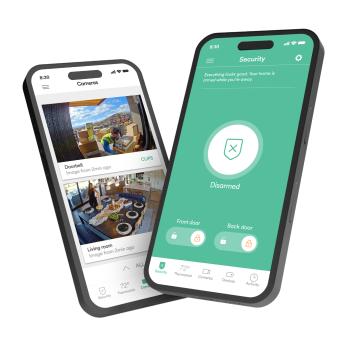
Source: vivint.com
Practical setup: how to build toward one-app control
Is There An App To Control All Smart Home Devices? becomes true with a careful plan. Use this step-by-step path.
- Pick your primary platform
- Choose Apple Home, Google Home, Alexa, or SmartThings.
- Use what fits your phone, speakers, and family needs.
- Favor Matter and Thread gear
- Look for the Matter logo and Thread support.
- Add a Thread Border Router to improve reach and speed.
- Keep good bridges when they add value
- Philips Hue Bridge gives strong scenes and effects.
- Aqara hubs and similar bridges add sensors at a low cost.
- Migrate in steps
- Replace cloud-only plugs and bulbs first.
- Move sensors and locks next. Keep what works well.
- Standardize scenes and rooms
- Name rooms in a clear way. Group by function.
- Build simple routines first. Add logic as you learn.
- Plan voice and widgets
- Set key scenes on a smart display or watch.
- Use quick actions for lights, locks, and alarm modes.
- Share access and protect it
- Set family roles. Use two-factor login for every account.
- Keep recovery codes safe.
- Document your setup
- Save screenshots of device settings.
- Note bridge IPs and Wi‑Fi names for fast fixes.
Follow this plan, and the answer to Is There An App To Control All Smart Home Devices? becomes a strong yes for daily control and scenes.
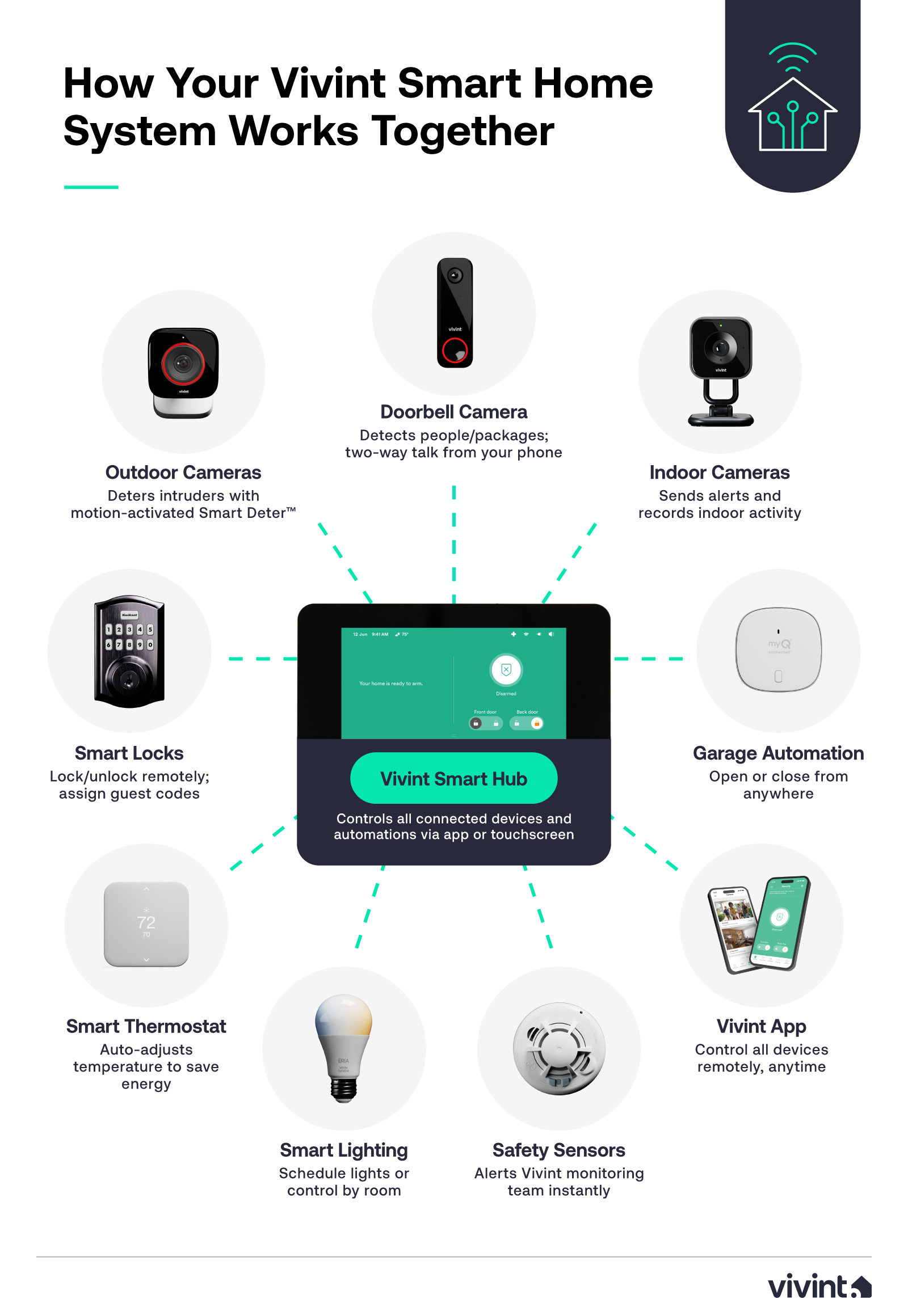
Source: vivint.com
Security, privacy, and reliability
Is There An App To Control All Smart Home Devices? must also be safe and stable. A simple setup is not enough if it fails at night or leaks data.
Best practices:
- Prefer local control with Matter, Thread, and local APIs
- Put IoT devices on a guest or VLAN network when possible
- Turn on two-factor for all accounts and hubs
- Keep firmware and app updates current
- Avoid weak default passwords and open ports
- Review data sharing in each app. Limit what you do not need
These steps cut cloud risk and reduce lag. Your scenes will fire on time. Your devices will stay online. Your family will trust the system you build.

Source: amazon.com
Troubleshooting and real-life examples
I test setups in a small home lab and a live family house. Is There An App To Control All Smart Home Devices? felt messy before Matter. Now it is smooth for the basics.
A few lessons learned:
- A Thread Border Router fixes many range problems
- Router reboots can break cloud devices; local control keeps scenes alive
- Bridges are not bad; they add features and reduce app load
Real example:
- I paired Philips Hue through the Hue Bridge, then exposed it to Apple Home and Google Home. Color scenes and dimming were instant. When Wi‑Fi dropped for a short time, local control still worked over the bridge.
- I tried an Eve sensor on Thread. It joined Apple Home fast. I then shared the same sensor to Google Home with Matter multi-admin. Both apps read it in real time.
- A robot vacuum still needed its brand app for maps. I triggered it from the main app for simple starts. For deep cleaning zones, I used the brand app.
These trade-offs are normal today. They still give a near one-app feel for most tasks.
Source: elkoep.com
Buying guide and recommendations
If you ask, Is There An App To Control All Smart Home Devices?, choose a gear that plays well with others.
Good picks to start:
- Smart speakers or hubs that support Matter and Thread
- Bulbs, switches, and plugs with the Matter logo
- Sensors that run on Thread for low power and speed
- A bridge like Hue, if you want rich light scenes
Ecosystem tips:
- iPhone home: Apple Home, Thread devices, and HomePod mini
- Android home: Google Home, Nest Hub, and Matter lights and plugs
- Voice-first home: Alexa with Echo devices and broad device support
- Power user: SmartThings hub or Home Assistant for mixed radios
Checklist before you buy:
- Does it support Matter or “Works with” your platform?
- Does it use Thread for low-latency mesh, or Wi‑Fi only?
- Is a bridge needed for key features?
- How long is software support promised?
- What data does the vendor collect?
Make choices with this list. The path to yes on Is There an App to Control All Smart Home Devices? will be smooth and cost-effective.
Frequently Asked Questions: Is There An App To Control All Smart Home Devices?
Can one app control my old Zigbee or Z‑Wave devices?
Yes, with a hub that bridges them to your platform. SmartThings and Home Assistant are strong options for this need.
Do I still need brand apps after setup?
Often yes, for firmware and advanced features. Daily control and scenes can live in your main app.
Is Matter ready for cameras and robot vacuums?
Matter covers lights, plugs, sensors, locks, and more today. Camera and vacuum features are evolving and not yet at full parity.
Will voice control work if the internet goes down?
Local devices can still work with scenes and switches. Voice may fail if it needs cloud services.
Which platform is best for privacy?
Apple Home focuses on privacy and local control. Home Assistant also offers strong local options with careful setup.
Can my family use different apps at the same time?
Yes, with Matter multi-admin. A device can appear in Apple Home and Google Home at once.
What is the fastest way to reduce smart home lag?
Use Thread and local control where possible. Reduce cloud reliance and keep your Wi‑Fi clean and stable.
Conclusion
A single app can manage most of your smart home today. Choose a strong platform, favor Matter and Thread, and keep bridges that add value. Expect deep features to stay in brand apps for now, but daily control can be fast and simple.
Start small. Standardize rooms and scenes. Replace weak links with Matter devices over time. If you are ready, pick your platform, add one Matter device this week, and test a scene. Subscribe for more guides, or leave a comment with your setup goals, and I will help you plan the next steps.