Can A Smart Phone Control Bose Lifestyle V10? Yes: learn the right apps, setup steps, and quick fixes to run your system from your phone in minutes. Yes, but not natively; use IR blasters or hubs for smartphone control. If you came here asking Can a smartphone control a Bose Lifestyle V10?, you’re in the right place.
I’ve set up several V-Class systems for clients and in my own media room. The short answer is that direct control is not built in. But with the right gear and setup, you can get smooth, reliable app control. This guide shows tested methods, real-world tips, and the exact steps to make it work.
What is the Bose Lifestyle V10 and how it handles control
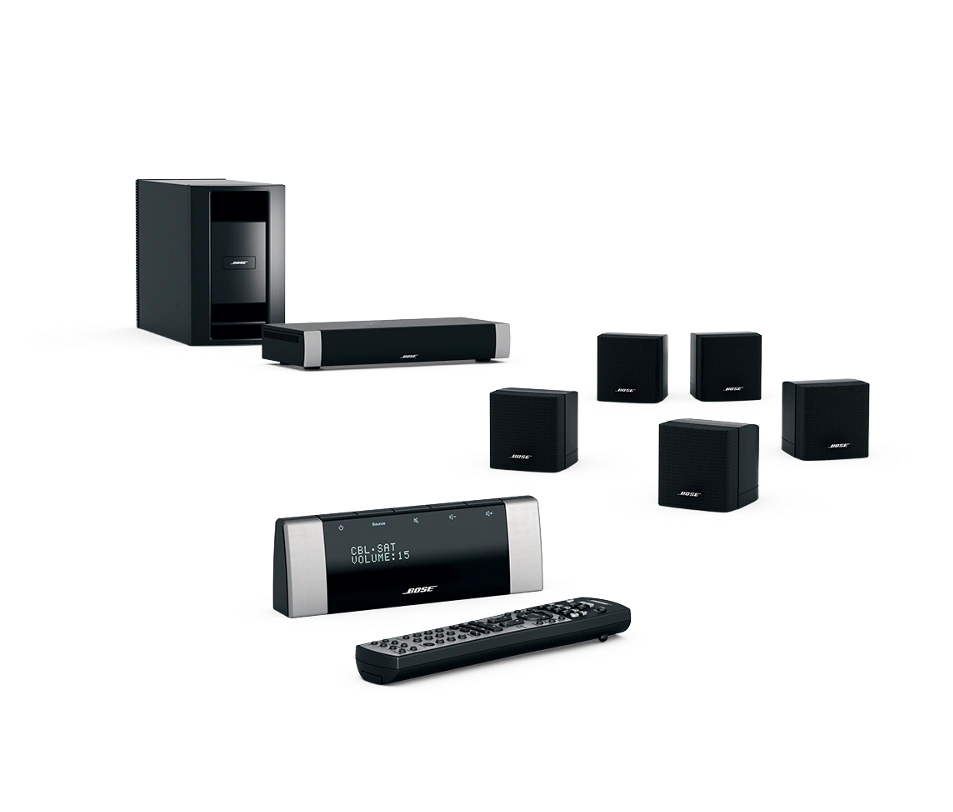
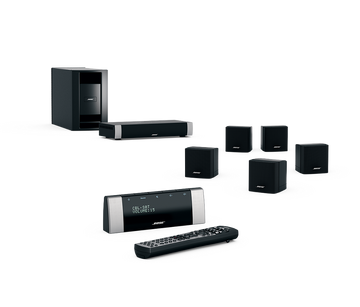
The Bose Lifestyle V10 is a classic 5.1 home theater system from the V-Class line. It uses a console, an RF remote, and a set of Bose speakers with a powered Acoustimass module. It delivers clean sound and simple on-screen setup.
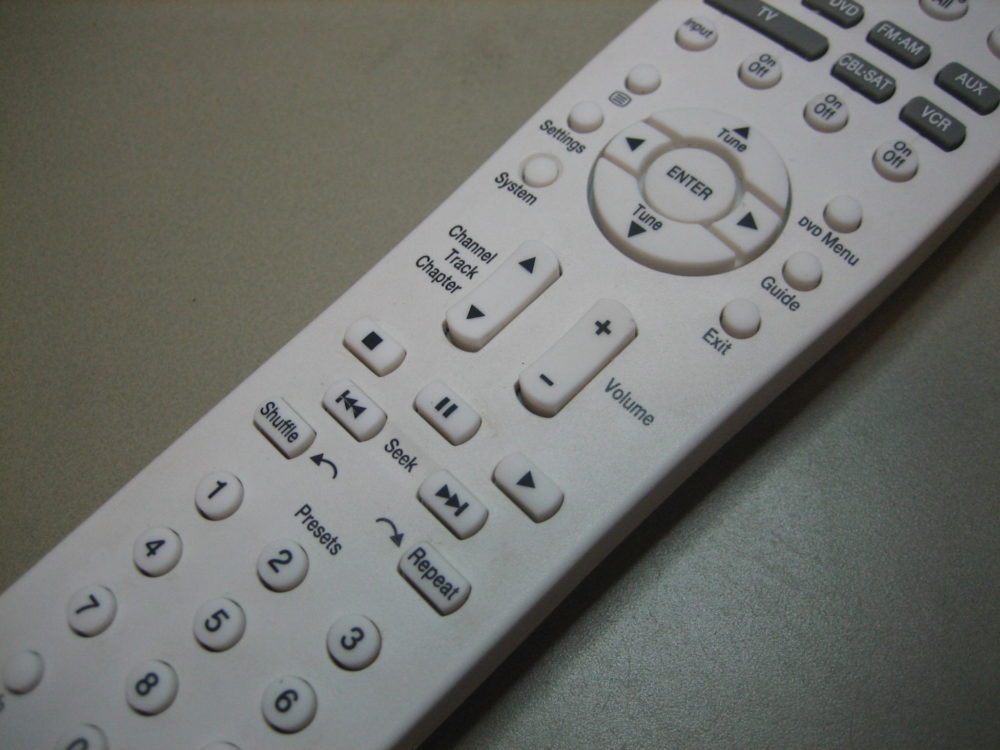
Out of the box, the V10 expects you to use the factory RF remote. Bose did not release an official smartphone control app for the Lifestyle V10. Most units include an IR receiver on the console, so they can still accept IR commands from a universal remote or an IR blaster. That detail is what makes smartphone control possible today.
Can A Smart Phone Control Bose Lifestyle V10?
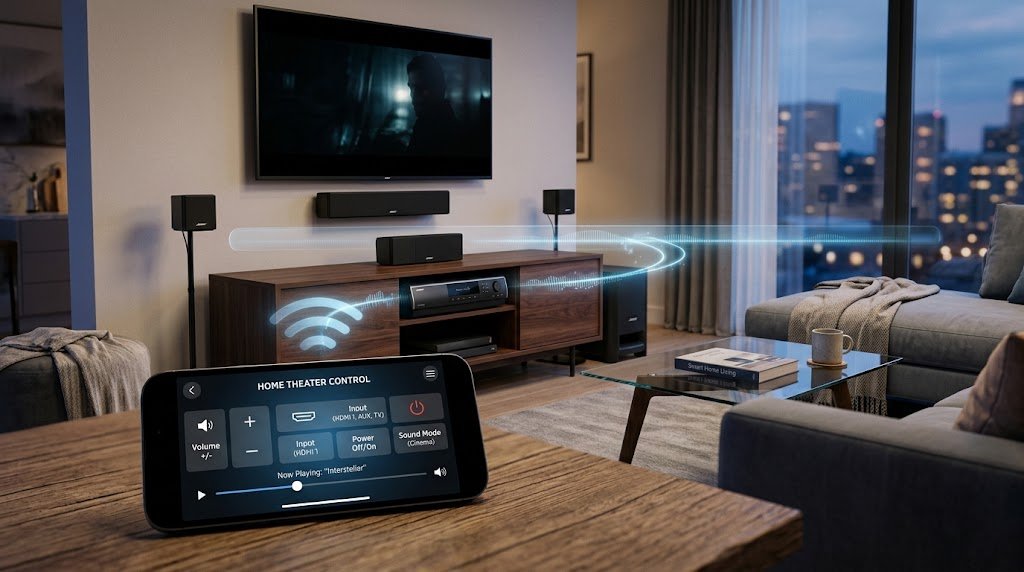
Yes, a smartphone can control the V10, but not on its own. The system does not have Wi‑Fi or Bluetooth app control. You need an IR blaster phone, a Wi‑Fi to IR hub, a universal remote hub with an app, or HDMI‑CEC passthrough.
In practice, the most stable path is a Wi‑Fi to IR hub. A hub lives in your cabinet, learns or uses known Bose codes, and sends IR to the console. Your phone talks to the hub over your home network. I also cover a partial path with the Bose SoundTouch Wireless Adapter, which enables app music control but not full source switching.

All viable ways to control a Lifestyle V10 with your phone
1) Phone with a built-in IR blaster
Some Android phones (older Samsung, Xiaomi, Huawei) have an IR blaster. With a remote app and the right Bose codes, you can send Power, Volume, Mute, and Source commands.
- Pros: Cheap, fast, no extra gear.
- Cons: Fewer phones support IR today. Range and alignment matter.
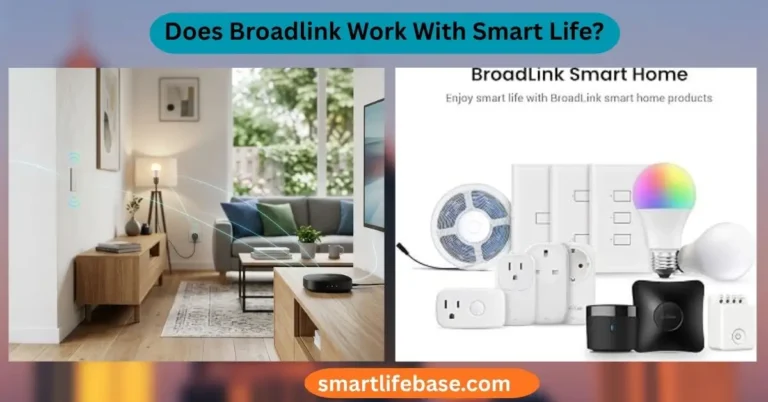
2) Wi‑Fi to IR hub (BroadLink, Global Caché, Moes)
A small hub connects to Wi‑Fi and blasts IR to the Bose console. You use the vendor’s app on your phone to control the hub.
- Pros: Works with almost any phone. Good range. Easy to automate.
- Cons: Needs setup on 2.4 GHz Wi‑Fi. Placement matters for line of sight.
3) Universal remote hub with app (Logitech Harmony Hub, Sofabaton X1)
These hubs add “Activities” like Watch TV. Your phone runs the app to start an activity, which then powers devices and sets inputs.
- Pros: Simple one-tap workflows. Great for complex racks.
- Cons: Some models are discontinued. Requires careful device mapping.
4) HDMI‑CEC control via your TV’s app
If your V10 is linked to the TV by HDMI and CEC works, your TV’s remote app may adjust system volume and power.
- Pros: No new hardware if CEC is stable.
- Cons: Limited commands. Not reliable across all TVs and V10 units.
5) Bose SoundTouch Wireless Adapter (partial control)
This add-on streams music and can turn on the Lifestyle system to play SoundTouch content. You use the SoundTouch app for music only.
- Pros: Great for music streaming. Clean integration.
- Cons: Does not replace the remote for inputs like cable box or Blu‑ray.
When people ask Can A Smart Phone Control Bose Lifestyle V10?, these five paths cover the full landscape. Pick the one that suits your hardware and budget.
Step-by-step: BroadLink RM4 mini setup for Lifestyle V10
This is the most common route I use in client homes. It is simple, low-cost, and stable.
- Place the BroadLink RM4 mini near the Bose console, with a clear line of sight to the front panel.
- Plug it in and connect it to your 2.4 GHz Wi‑Fi using the BroadLink app.
- In the app, add a new device. Choose Home Theater or Amplifier. Search for Bose or Lifestyle codes.
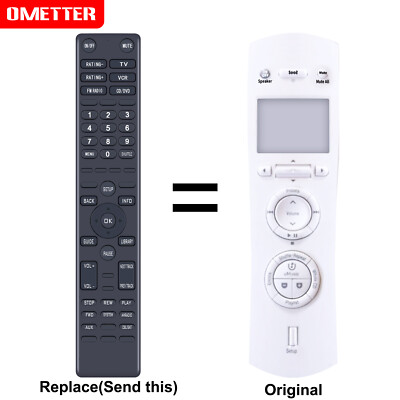
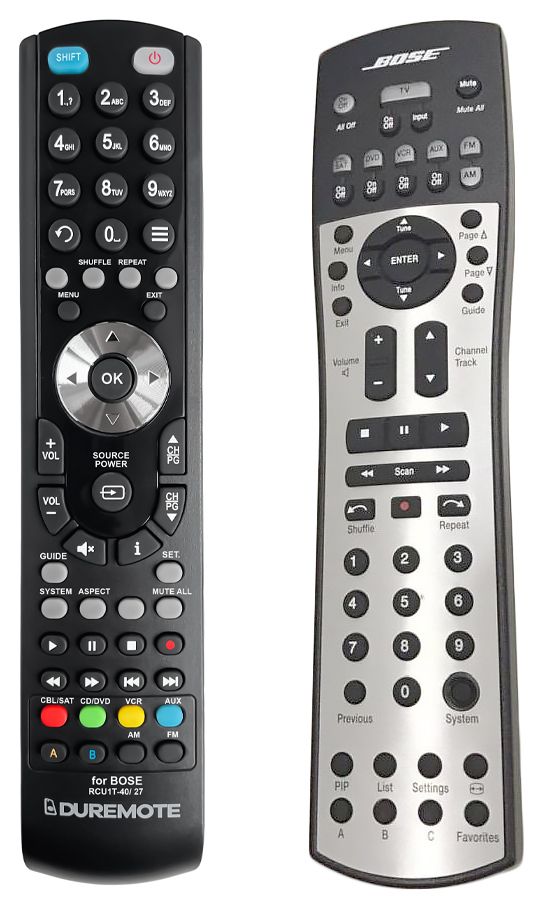
- Test Power, Volume Up/Down, Mute, and Source on the V10. If codes fail, use “Learn” mode to capture from the Bose RF-to-IR programmable remote (if available) or try other code sets labeled Bose.
- Create buttons for the sources you use most. Label them clearly.
- Build simple scenes. Example: “Watch TV” sends Power On, then selects the TV input, and sets volume to your target level.
- Add delays between commands. Start with 500 ms. Adjust if the console misses steps.
- Optional: Add BroadLink widgets or shortcuts on your phone home screen.
- Optional: Tie the hub into Alexa or Google Assistant for voice control.
- Save a backup of your learned codes in the app or cloud account.
After this setup, you can tell a client, “Yes—can a smartphone control Bose Lifestyle V10? Absolutely—open the app and tap Watch TV.”

Real-world lessons from installs
I have set up a handful of Lifestyle V10 systems in older cabinets. Each time, the RF remote worked fine, but families wanted phone control. An IR hub solved it fast.
Three tips stand out:
- Aim matters. If the hub cannot “see” the console, stick a cabled IR emitter near the IR window on the Bose console.
- Test during daylight and at night. Sunlight can wash out weak IR in bright rooms.
- Keep it simple. One or two activities with clear names beat a grid of tiny buttons.
That mix gives the best answer to Can A Smart Phone Control Bose Lifestyle V10? in a busy living room: yes, and it feels natural to use.
Benefits and limitations you should know
Benefits
- Control from any phone on your Wi‑Fi.
- One-tap scenes for family use.
- Add voice control with Alexa or Google.
- Replace aging or lost remotes.
Limitations
- No native Bose app control for the V10.
- Some commands can be slower than RF.
- IR needs line of sight or emitters.
- HDMI‑CEC is hit or miss across brands.
Knowing these helps set the right expectation when you ask, Can A Smart Phone Control Bose Lifestyle V10?
Troubleshooting and best practices
- No response to commands: Move the hub closer, reduce angles, or add a stick-on IR emitter to the console face.
- Missed steps in activities: Add 300–700 ms delays between commands. Start longer, then trim.
- Intermittent control: Lock the hub to 2.4 GHz Wi‑Fi. Avoid channels crowded by neighbors. Reboot the router if latency spikes.
- Wrong inputs: Learn the exact source command rather than cycling through inputs.
- Backup: Export or sync your hub config so you can restore after phone changes.
These quick fixes turn a shaky setup into a solid yes on Can A Smart Phone Control Bose Lifestyle V10?
Security and privacy tips
- Use WPA2 or WPA3 on your Wi‑Fi and a strong password.
- Keep the IR hub firmware up to date.
- If you enable voice assistants, review device permissions.
- Consider a guest VLAN for IoT hubs to reduce risk.
Smart controls are great, but safety comes first—especially when your answer to Can A Smart Phone Control Bose Lifestyle V10? includes cloud features.

Frequently Asked Questions: Can A Smart Phone Control Bose Lifestyle V10?
Does Bose offer an official app for the Lifestyle V10?
No. Bose did not release a native app for the V10. You need a third-party IR hub or an IR blaster to control it with a phone.
Will HDMI‑CEC let my TV app control the V10 volume?
Sometimes. If CEC works between your TV and the Bose console, volume and power may pass through. It will not give full source control.
Can I use a universal remote hub that is discontinued?
Yes, if you already own it. Logitech Harmony Hub still works well, but new units are hard to find. Consider BroadLink or Sofabaton for new setups.
Will a SoundTouch Wireless Adapter give full phone control?
No. It adds app-based music streaming and can power the system on for that input. It does not manage all sources or deep settings.
What if my phone does not have an IR blaster?
Use a Wi‑Fi to IR hub. It works with almost any modern phone and is the most reliable method for the Bose Lifestyle V10.
Can A Smart Phone Control Bose Lifestyle V10 without extra hardware?
Usually not. Most phones lack IR, and the V10 has no native Wi‑Fi control. A small IR hub solves this with minimal cost.
How do I find the right IR codes for the V10?
Start with Bose home theater code sets in your hub app. If needed, use learn mode to capture commands from a working remote.
Conclusion
You can control a Bose Lifestyle V10 with a smartphone, but you need the right bridge. The cleanest solution is a Wi‑Fi to IR hub with simple scenes for power, input, and volume. It is fast to set up, easy to use, and family-friendly.
If you have been asking Can A Smart Phone Control Bose Lifestyle V10?, now you have a clear path. Pick your method, follow the steps, and test with your family. Want more guides like this?
Subscribe for updates, or drop a comment with your setup, and I’ll help you dial it in.