
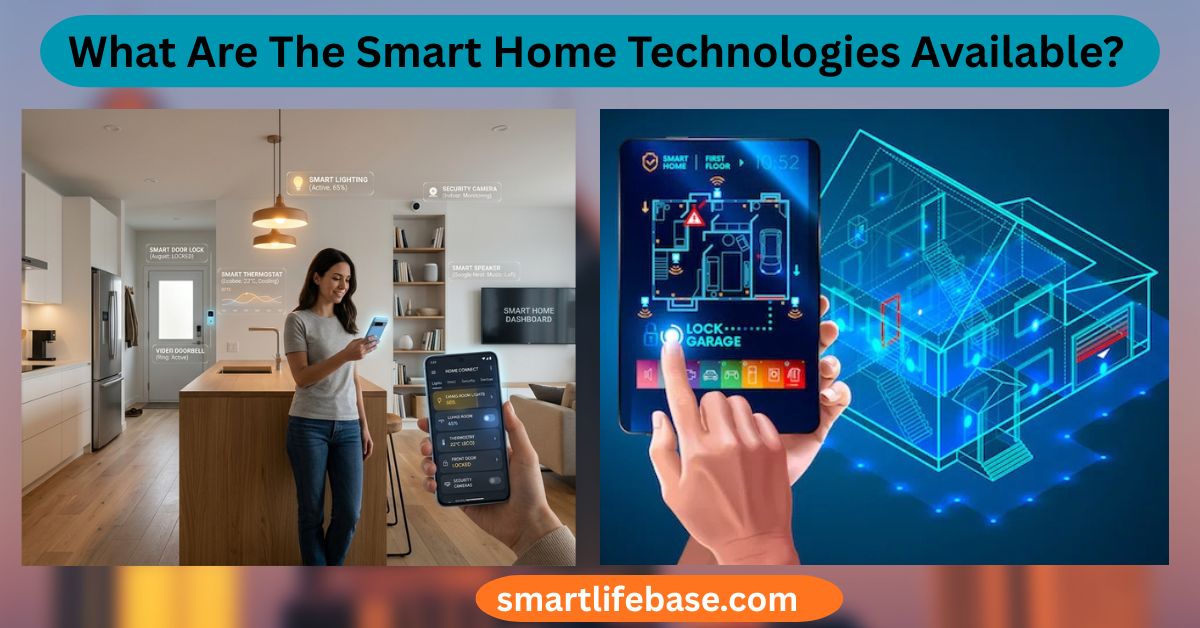
What Are The Smart Home Technologies Available? Discover the latest smart home technologies, including smart lighting, security systems, voice assistants, smart appliances, and home automation solutions that enhance comfort, safety, energy efficiency, and modern living. Smart home technologies include connected lighting, thermostats, security, appliances, and voice control.
If you are exploring what smart home technologies are available, you’re in the right place. I test devices, design automations, and help households build reliable systems. In this guide, I explain each category, how it works, and what to buy first. You will learn practical steps, clear pros and cons, and proven tips to make your smart home secure, simple, and worth the cost.
What Is a Smart Home and How Does It Work?
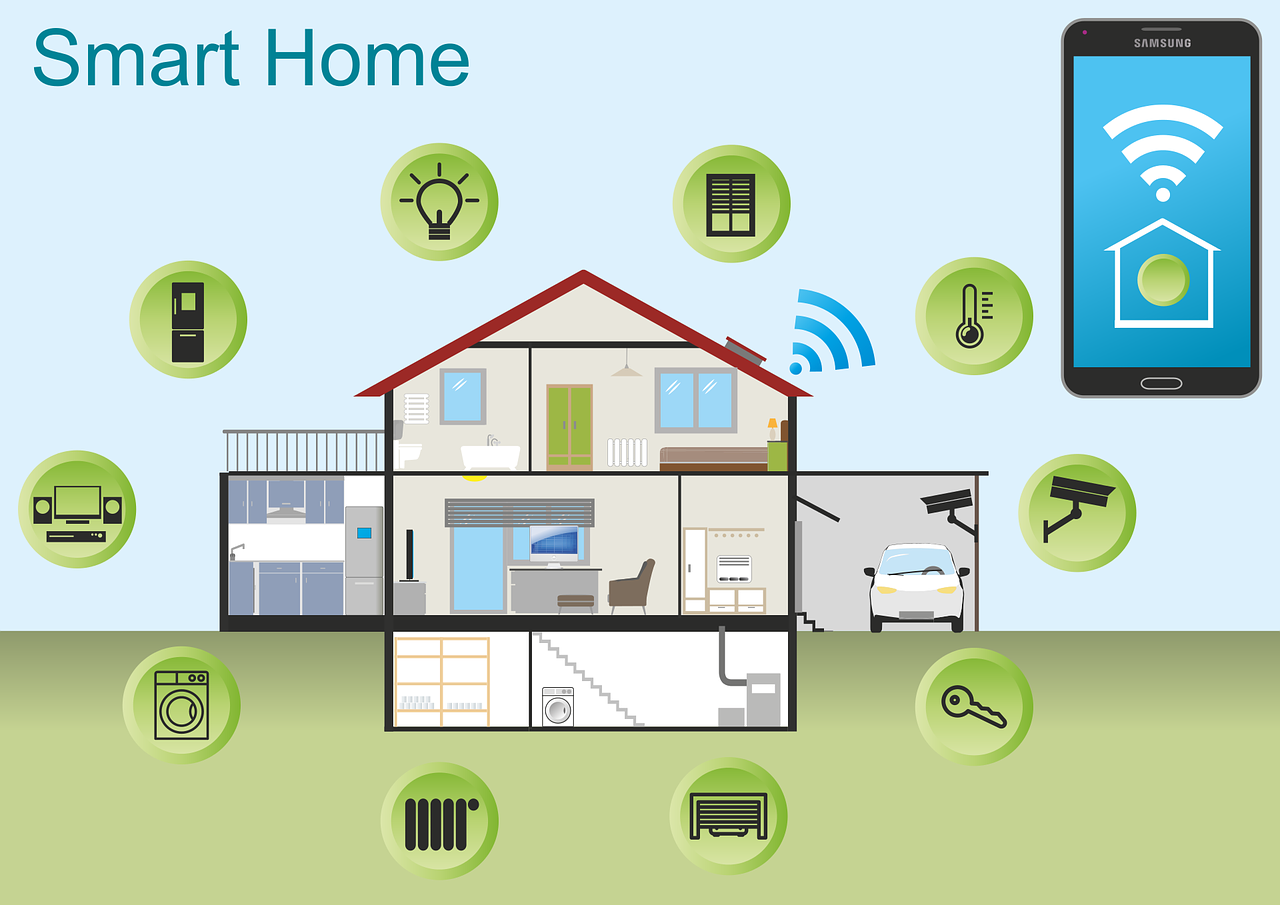
A smart home is a connected system of devices that sense, decide, and act. These devices talk over Wi‑Fi, Thread, Zigbee, Z‑Wave, or Bluetooth. You control them with apps, voice assistants, or automation rules.
Smart home technologies aim to save energy, boost safety, and add comfort. They include sensors, controllers, and cloud or local brains. A strong network and clear routines make the system feel seamless.
Key building blocks:
- Sensors detect motion, light, temperature, and presence.
- Actuators switch power, lock doors, and move shades.
- Hubs or apps link brands and run routines.
- Voice assistants let you speak to your home.
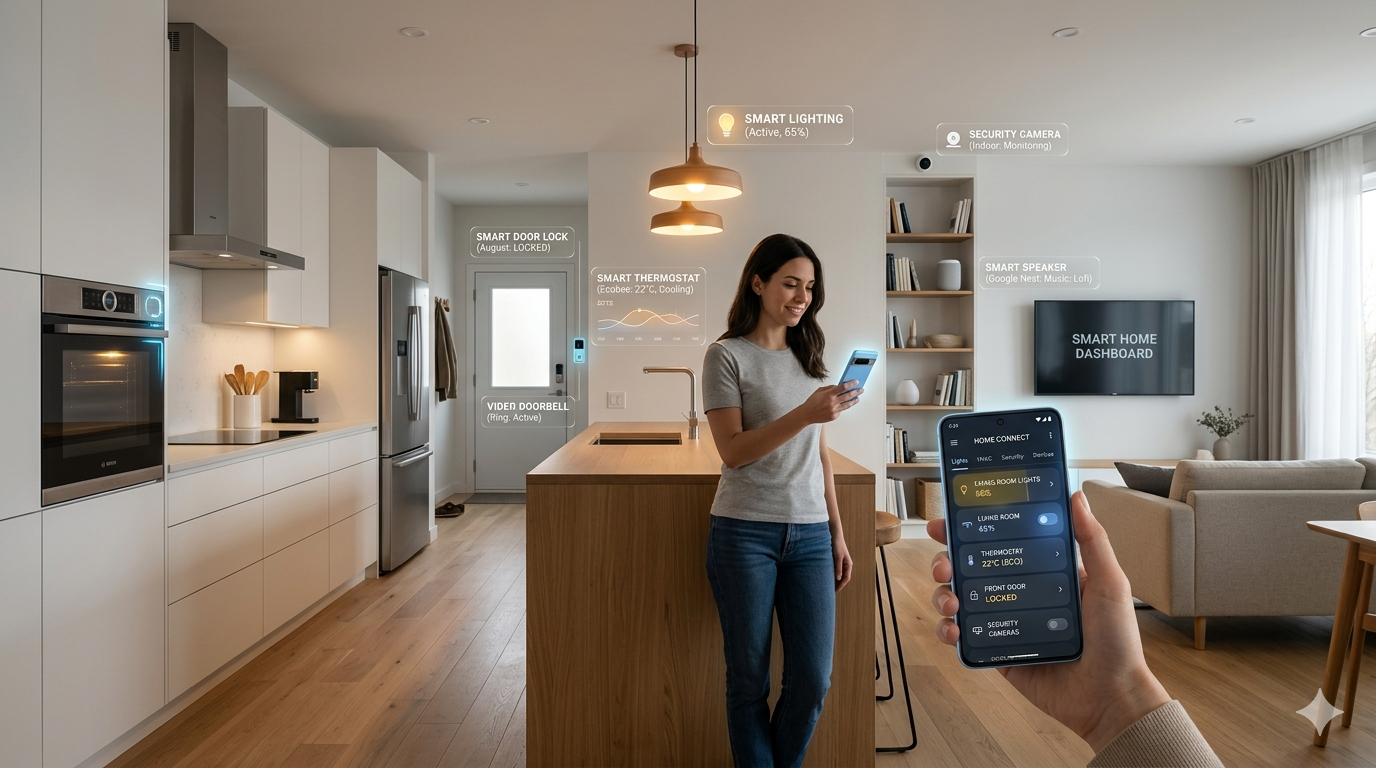
From experience, small wins add up fast. Start with lighting scenes, a smart thermostat, and a door lock. You will see value right away.

Core Ecosystems and Hubs
Smart home technologies work best inside an ecosystem. Your choice shapes features, privacy, and future options.
Main ecosystems:
- Amazon Alexa works with many brands and skills. Great for voice control and routines.
- Google Home offers strong voice search and helpful automations.
- Apple Home focuses on privacy and secure local control.
- Samsung SmartThings supports many devices with a polished app.
- Home Assistant is powerful, local-first, and highly customizable for enthusiasts.
Matter is the new standard that lets devices from many brands work together. Thread adds a fast, low-power mesh network for Matter devices. In my tests, Matter over Thread cut delays and made automations more reliable.
Tips:
- Pick one main ecosystem to reduce app juggling.
- Choose a hub that supports your top devices and future goals.
- Favor Matter-capable products to protect your investment.
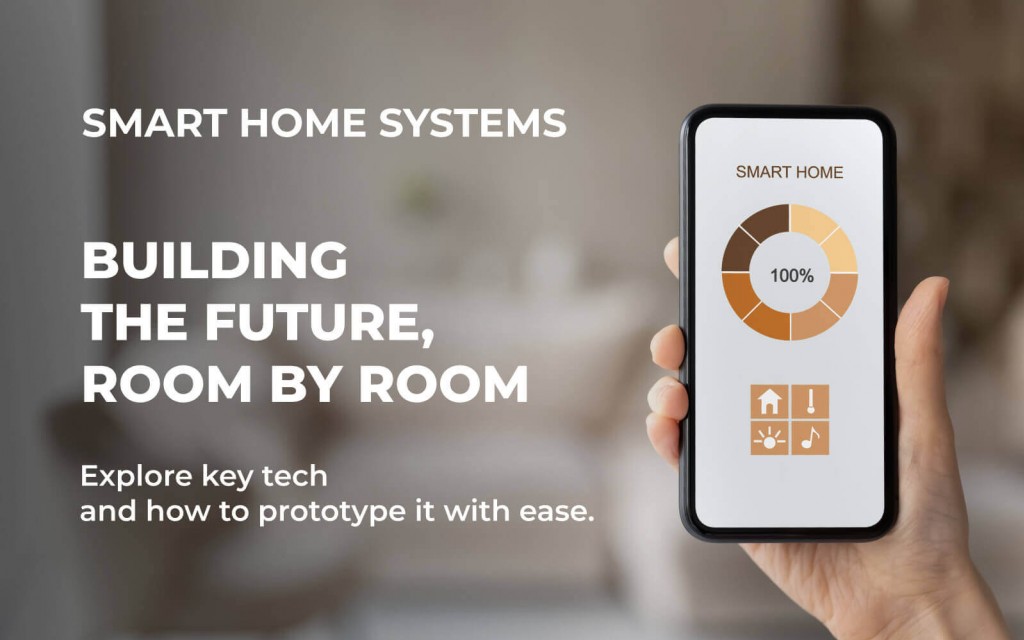
Source: mikroe.com
Connectivity Standards You Should Know
Connectivity decides speed, range, battery life, and reliability. These are the most common options in smart home technologies.
- Wi‑Fi offers high bandwidth for cameras and speakers. It draws more power and needs good routers.
- Thread is a low-power mesh for Matter devices. It is fast and robust in larger homes.
- Zigbee is a mature mesh used by bulbs and sensors. Needs a compatible hub.
- Z‑Wave is a mesh on sub‑GHz bands with a wide range. Also needs a hub.
- Bluetooth LE is simple and low power. Best for short-range locks and setup.
- Matter is the unifying layer that lets apps and ecosystems work across brands.
Best practices:
- Use Wi‑Fi for heavy devices like cameras.
- Use a thread for sensors and controls when possible.
- Keep your 2.4 GHz Wi‑Fi simple for setup. Avoid special characters in SSIDs.

What Are The Smart Home Technologies Available Source: valenciarealestateconsultinggroup.com
Security and Access: Locks, Cameras, and Sensors
Security is a top use case for smart home technologies. It blends deterrence, awareness, and fast alerts.
Smart locks:
- Offer keyless entry with PINs, NFC, or phones.
- Support auto-lock and temporary guest codes.
- Look for ANSI/BHMA grades and activity logs.
Cameras and doorbells:
- Provide motion alerts and two-way talk.
- Choose features like HDR, local storage, and person detection.
- Place them to avoid glare and respect privacy.
Sensors:
- Contact sensors track doors and windows.
- Motion sensors trigger lights and routines.
- Glass break and leak sensors add vital protection.
From the field, smart locks shine for guests and deliveries. Doorbell alerts reduce missed packages. Always enable two-factor authentication and unique PINs.

Climate and Energy Management
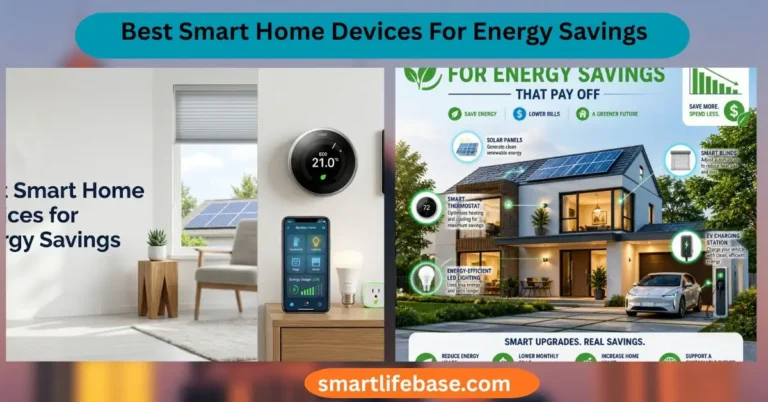
Energy tools in smart home technologies cut bills and improve comfort.
Thermostats:
- Learn schedules and adapt to the weather.
- Offer geofencing and room-by-room balancing with smart vents or sensors.
- Many homes report 8 to 15 percent savings on heating and cooling.
Smart plugs and switches:
- Track energy use and turn off idle loads.
- Automate schedules for lamps and electronics.
Water and air:
- Leak sensors stop damage when paired with smart shutoff valves.
- Air quality monitors track VOCs, CO2, and PM2.5 to guide ventilation.
My best win was a smart thermostat with remote sensors. It fixed hot and cold spots and cut run time. Pair it with ceiling fan control and a weekday/weekend schedule.
Lighting and Shades
Lighting is the fastest way to feel the magic of smart home technologies.
Smart bulbs and switches:
- Bulbs add colors and scenes without wiring changes.
- Switches keep lights usable if the app or voice is down.
- Dimmers create warm evening light and reduce glare.
Smart shades:
- Block midday heat and add privacy.
- Tie into sunrise and sunset for a natural rhythm.
Pro tips:
- Use switches for main rooms and bulbs for accent lamps.
- Create scenes like Movie Night, Dinner, and Away Mode.
- Add motion sensors in halls and bathrooms for hands‑free safety.
Entertainment and Home Theater
Entertainment is a fun part of smart home technologies that blends sound, video, and control.
- Smart TVs and streaming players offer voice search and app shortcuts.
- Multi-room speakers sync music across zones.
- Universal remotes or IR blasters can automate older gear.
- Bias lighting behind TVs reduces eye strain.
In my setup, a single voice command dims lights, closes shades, and powers the TV and receiver. Avoid Wi‑Fi crowding by putting streaming devices on 5 GHz when possible.
Kitchen and Major Appliances
Connected appliances are growing in smart home technologies, though the value varies.
- Smart ovens preheat by voice and track meat probes.
- Fridges can monitor doors, temperatures, and filters.
- Dishwashers and washers send cycle alerts and leak warnings.
- Robot vacuums and mops map floors and clean on schedules.
Focus on features you will use weekly. For many homes, robot vacuums, leak detection, and range preheat are the winners. Skip novelty screens that add cost without daily value.
Health, Wellness, and Air Quality
Wellness tools in smart home technologies make your space feel better, not just smarter.
- Sleep trackers adjust temperature and lighting for better rest.
- Air purifiers and humidifiers respond to AQI and humidity targets.
- Circadian lighting shifts from cool to warm to match your day.
I learned that steady humidity around 40 to 50 percent helps reduce static and dry air. Link your purifier to an air quality sensor to run only when it matters.
Accessibility and Aging in Place
Smart home technologies can support independence and safety.
- Voice control helps with mobility limits.
- Smart locks and video doorbells ease secure access for caregivers.
- Fall detection wearables and panic buttons add peace of mind.
- Routines automate daily tasks like lights, meds reminders, and temperature.
Keep interfaces simple. Use large, clear labels and single-tap scenes. Redundancy matters: voice, buttons, and schedules should all work.
Automation, Routines, and Scenes
Automation is the brain of smart home technologies. It turns intent into actions.
Common triggers:
- Time and sunrise or sunset.
- Motion, contact, and presence.
- Energy use, temperature, and air quality.
Ideas to try:
- Good Morning opens shades, warms lights, and starts the news.
- Away Mode locks doors, arms sensors, and sets eco temps.
- Safety rules turn the lights on when a smoke alarm triggers.
A lesson from my builds: start simple. One trigger, one action. Test it for a week, then add more. Good automations feel invisible.
Privacy, Security, and Data Protection
Trust is central to smart home technologies. Take steps to protect your data and your network.
Best practices:
- Use a unique, strong password for each account and enable two-factor authentication.
- Keep firmware and apps up to date.
- Create a guest Wi‑Fi network for visitors.
- Consider a separate IoT VLAN if your router supports it.
- Favor local storage for cameras or end-to-end encryption if cloud is required.
Be honest about trade-offs. Cloud services add features but may collect data. Local control boosts privacy but may need more setup.
Installation: DIY vs. Professional
Both paths work in smart home technologies. Choose based on scope and comfort.
DIY:
- Great for bulbs, plugs, sensors, and locks.
- Save money and learn your system.
- Follow electrical codes and turn the power off for switches.
Professional:
- Best for whole-home lighting, security, and theater.
- Clean wiring, calibrated audio, and proper networking.
- Service plans and support can be worth the cost.
Hybrid approaches are common. I often DIY first, then call a pro for complex circuits or panels.
Costs, ROI, and Budget Planning
Plan your spending so smart home technologies deliver clear returns.
Typical costs:
- Starter kits for lighting or sensors are affordable.
- Thermostats, locks, and cameras cost more but pay back over time.
- Subscriptions for video storage or AI detection add monthly fees.
Ways to save:
- Buy in bundles or during sales.
- Use energy-saving scenes to cut bills.
- Standardize on a few brands for parts and support.
Track wins. Energy savings, fewer leaks, better security, and time saved are real values.
Future Trends in Smart Home Technologies
The next wave makes smart home technologies more open, predictive, and efficient.
- Matter and Thread will improve cross-brand reliability.
- Local AI will run routines faster without the cloud.
- Energy orchestration will shift loads to off-peak times.
- Presence sensing will get better with multi-sensor fusion.
- Robots will collaborate, not just vacuum.
Expect homes to feel ambient and helpful rather than gadget-heavy.
Step-by-Step Starter Plan
Use this plan to launch smart home technologies with confidence.
- Pick your main ecosystem and buy a hub if needed.
- Start with the lighting in two rooms. Add a smart thermostat.
- Add a smart lock and doorbell for security.
- Place leak sensors near water heaters, sinks, and laundry.
- Build simple scenes. Morning, Movie, and Away Mode.
- Tighten security. Unique passwords, 2FA, and updates.
- Expand with shades, speakers, or energy monitors as needed.
This path keeps risk low and wins high. Review progress every month and refine.
Frequently Asked Questions: What Are The Smart Home Technologies Available?
What are the main categories of smart home technologies?
They include lighting, climate control, security, entertainment, appliances, and wellness. Hubs, sensors, and connectivity standards tie them together.
Which ecosystem is best for beginners?
Amazon Alexa and Google Home are friendly and broad. Apple Home suits those who value privacy and already use Apple devices.
Do smart home technologies work without the internet?
Many local automations still work if your hub supports them. Cloud features like remote access and video history may pause.
How much do smart home technologies cost to start?
A basic starter set can be under a few hundred dollars. Add devices over time based on clear needs and budget.
Are smart locks safe?
Modern smart locks use strong encryption and logs. Use unique PINs, two-factor authentication, and quality hardware.
What is Matter, and why should I care?
Matter lets devices from different brands work together with one setup. It reduces app overload and improves reliability.
Can smart home technologies save energy?
Yes, smart thermostats, plugs, and shades can reduce waste. Many homes see noticeable savings within months.
Conclusion
Smart home technologies span lighting, climate, security, entertainment, and more. With the right ecosystem, solid connectivity, and simple automations, your home becomes safer, greener, and easier to live in. Start small, protect your privacy, and grow with purpose.
Pick one project this week. Set up a scene, secure a door, or add a leak sensor. Share your progress, subscribe for more guides, and leave a comment with your top smart home win.
3 Comments