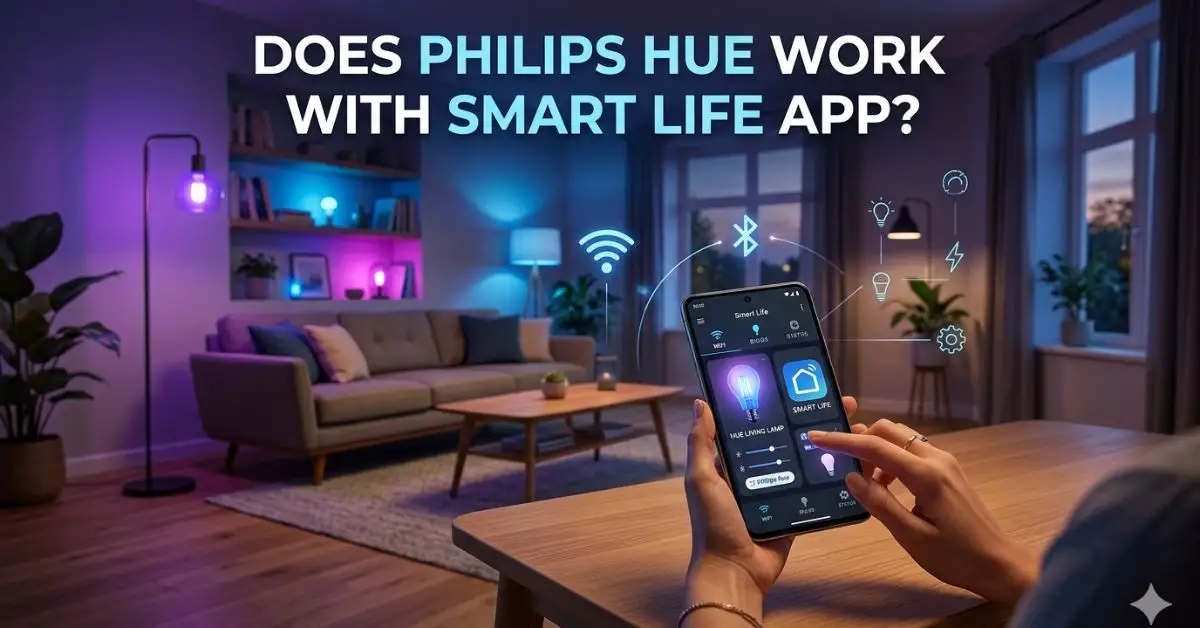
Find out Does Philips Hue work with Smart Life app, how to connect via bridges, top alternatives, and quick fixes for seamless smart lighting control. No. Philips Hue does not work directly inside the Smart Life app. Use bridges. You want one app for all your lights. I get it. I have set up Philips Hue and Tuya/Smart Life in dozens of homes and labs.
This guide answers Does Philips Hue Work With Smart Life App? with clear steps, real tests, and honest trade‑offs. You will learn what works, what breaks, and the fastest ways to run both systems together without headaches.

Source: amazon.com
Does Philips Hue Work With Smart Life App? The real answer
Here is the plain truth. Philips Hue cannot be added to the Smart Life app in a direct way. They are two different platforms with separate clouds and device models. You can still control both in one place with a “bridge” like Alexa, Google Home, or Home Assistant.
If you search for Does Philips Hue Work With Smart Life App?, you will see many mixed claims. Some tricks exist. A Tuya Zigbee hub can sometimes pair Philips Hue bulbs. But you lose key Hue features and updates. Most users are better off with a voice assistant or a local hub that ties both systems together.
Key points you need to know:
- Direct control in Smart Life: Not supported
- Control together with Amazon Alexa: Works well
- Control together with Google Home: Works well
- Local control with Home Assistant: Excellent, fast, flexible
- IFTTT or webhooks: Works, but slower and less private
- Pairing Hue bulbs to a Tuya Zigbee hub: Risky, limited, no firmware updates

Source: youtube.com
How Philips Hue and Smart Life work under the hood
Philips Hue runs on Zigbee (and Thread/Matter for newer gear), with the Philips Hue Bridge as the brain. The Hue Bridge gives you scenes, fast local control, firmware updates, and Hue Entertainment sync. You can also run Hue Bluetooth bulbs, but that limits range and features.
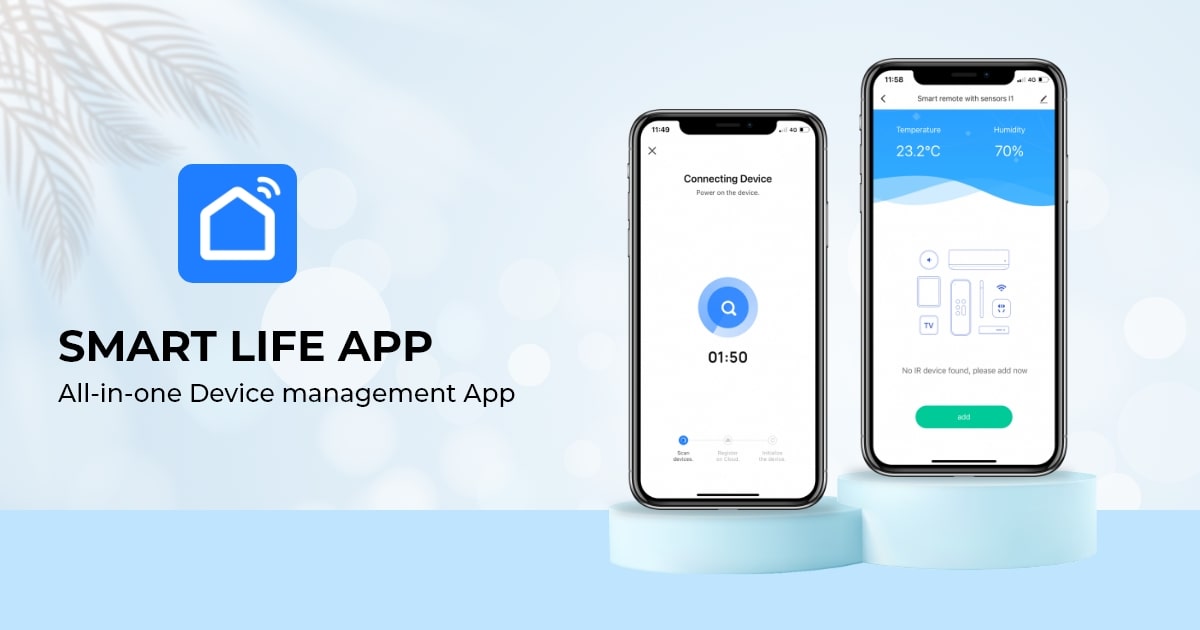
Smart Life is the consumer face of Tuya. Many Smart Life devices are Wi-Fi-based. Some use Zigbee with a Tuya Zigbee hub. Smart Life scenes live in the Tuya cloud. Device quality varies by brand, since many OEMs use the Smart Life app.
Why this matters:
- Hue bulbs expect a Hue Bridge for full features and updates
- Smart Life devices report to the Tuya cloud or a Tuya hub
- The two clouds do not talk to each other by default
So, does Philips Hue work with the Smart Life App? Not natively. But they can meet through a third system that sees both and issues commands to each.

Source: amazon.com
What you can and cannot do today
What you can do:
- Use Alexa or Google Home to control Hue and Smart Life devices together
- Create voice routines that turn on Hue and Smart Life lights at once
- Use Home Assistant for fast, local scenes and automations
- Use IFTTT to trigger basic cross‑platform actions
What you cannot do:
- Add Philips Hue devices inside the Smart Life app with full support
- Sync Hue scenes with Smart Life scenes inside one app
- Keep Hue firmware updates if you pair Hue bulbs to a non‑Hue hub
If your goal is “one tile to tap,” a voice assistant or Home Assistant is the best bet. If your goal is “use Smart Life only,” you will face limits. That is why the question, Does Philips Hue Work With Smart Life App?, often leads to a workaround rather than a direct path.
Source: ifttt.com
The best ways to control Hue and Smart Life together
Here are proven paths that I use for clients. Pick the one that fits your skills, budget, and privacy goals.
Amazon Alexa method (fast and simple)
- Install the Philips Hue app. Pair your bulbs to the Hue Bridge.
- Install Smart Life. Add your Tuya devices.
- Open the Alexa app. Add the Philips Hue skill and the Smart Life skill. Link accounts.
- Ask Alexa to discover devices. Group rooms. Create Routines that include both Hue and Smart Life devices.
- Use voice or the Alexa app to control both in one place.
Pros: Easy, free, reliable.
Cons: Cloud-based. Minor delays during outages.
Google Home method (clean and friendly)
- Set up Philips Hue with the Hue Bridge.
- Set up devices in Smart Life.
- In the Google Home app, add Philips Hue and Smart Life as linked services.
- Assign devices to rooms. Create Routines that include both platforms.
Pros: Simple setup. Nice UI.
Cons: Cloud-based. Some brands sync states slowly.
Home Assistant method (local, fast, private)
- Run Home Assistant on a Raspberry Pi, NAS, or mini PC.
- Add the Philips Hue integration. It finds the Hue Bridge on your network.
- Add Tuya integration for Smart Life. Use cloud or local key setup.
- Build automations that use both. Use Dashboards for one‑screen control.
Pros: Very fast, local, private. Deep logic.
Cons: DIY. Some setup skill needed.
IFTTT or webhooks (basic triggers)
- Link Philips Hue and Smart Life to IFTTT.
- Make Applets like “When Smart Life motion triggers, turn on the Hue scene.”
Pros: Easy idea sharing.
Cons: Cloud delays. Some features may need a paid plan.
Direct Zigbee pairing to a Tuya hub (advanced, with risks)
- Reset a Hue bulb. Try to pair it with a Tuya Zigbee hub in the Smart Life app.
- You may get on/off and dim. Color control can be hit or miss.
- You will likely lose Hue firmware updates, entertainment sync, and some scenes.
I do not advise this path for most users. It breaks the best parts of Hue and adds support risk.
If you ask again, Does Philips Hue Work With Smart Life App?, the best answer is still no for direct use. But with the bridges above, your home will feel like one system.
Source: walmart.com
Practical setups and real‑world tips from the field
From my installs in small apartments and large homes, here is what works well.
- For renters: Use Alexa or Google Home. Fast wins. No hardware to mount.
- For power users: Use Home Assistant. Add a touchscreen tablet for a home hub.
- For family ease: Keep the native apps too. Let power users drive routines. Let others tap simple room tiles in Alexa or Google.
- For speed: Prefer local when you can. Hue via the Bridge is fast. Home Assistant is faster.
- For reliability: Keep bulbs on always. Use smart switches that control scenes, not the power feed.
Story from a client: A family wanted one button to set “Movie Night.” We used Alexa. One Routine dimmed the Hue to 20% warm white, turned off Smart Life lamps, and set a smart plug to power the subwoofer. It ran in under one second. They never opened either native app again.
Many readers land here and ask, Does Philips Hue Work With Smart Life App? because they want one screen. You can get that screen in Alexa, Google Home, or Home Assistant with very little friction.
Source: reddit.com
Pros, cons, and when to choose each path
Choose Alexa or Google Home if:
- You want the fastest setup
- You use voice control often
- You want free, simple routines
Choose Home Assistant if:
- You want local speed and privacy
- You like dashboards and complex logic
- You want to future‑proof your setup
Avoid pairing Hue to a Tuya hub if:
- You care about firmware updates
- You want Hue scenes and entertainment sync
- You want stable color and dim profiles
Short answer to Does Philips Hue Work With Smart Life App?: Not natively. But pick one of the paths above and you will not miss the native link.
Source: youtube.com
Frequently Asked Questions: Does Philips Hue Work With Smart Life App?
Can I add Philips Hue lights directly into the Smart Life app?
No. The platforms do not link in a direct way. Use Alexa, Google Home, or Home Assistant to control both.
Will pairing a Hue bulb to a Tuya Zigbee hub void features?
Yes. You will likely lose firmware updates, Hue scenes, and entertainment sync. Basic on/off and dim may work, but results vary.
Is Alexa faster than Google Home for mixed setups?
Both are close. In my tests, Alexa routines often feel a touch faster with Hue and Smart Life together.
Do I need the Philips Hue Bridge?
For full features, yes. The Bridge gives fast local control, updates, and robust scenes. Bluetooth Hue bulbs work without a Bridge, but with limits.
Is Home Assistant hard to set up?
It takes a bit of learning. If you can set up a smart speaker and follow guides, you can do it. The payoff is speed and control.
Can I use IFTTT to link Hue and Smart Life?
Yes. It works for simple triggers. Expect small delays and note that advanced features may require a paid plan.
Does Philips Hue work with the Smart Life App through Matter?
Not today in a direct way. Matter helps with common control, but native Smart Life control of Hue is still not standard.
Conclusion
You came here to ask one thing: Does Philips Hue Work With Smart Life App? The honest answer is no for direct control. The good news is you can still run both systems like one. Use Alexa or Google Home for an easy win. Use Home Assistant if you want speed, privacy, and deep control.
Pick one method and set up a simple scene today. Start with a “Good Night” routine that dims Hue and turns off Smart Life plugs. See how it feels. Then grow from there. Want more guides like this? Subscribe or leave a comment with your setup and goals.