What Is Circulate In Smart Life App? Learn what it does, when to use it, and how to optimize airflow for smarter, energy-savvy comfort. Circulate is a loop timer that turns devices on and off at set intervals. If you have ever wondered what Circulate is in the Smart Life app, you are not alone.
I’ve set up dozens of Tuya-powered devices for homes and small offices, and this feature is one of the most useful yet overlooked tools. In this guide, I explain what Circulate in the Smart Life app is, how it works, where to find it, and how to use it safely with real-world tips and examples you can trust.
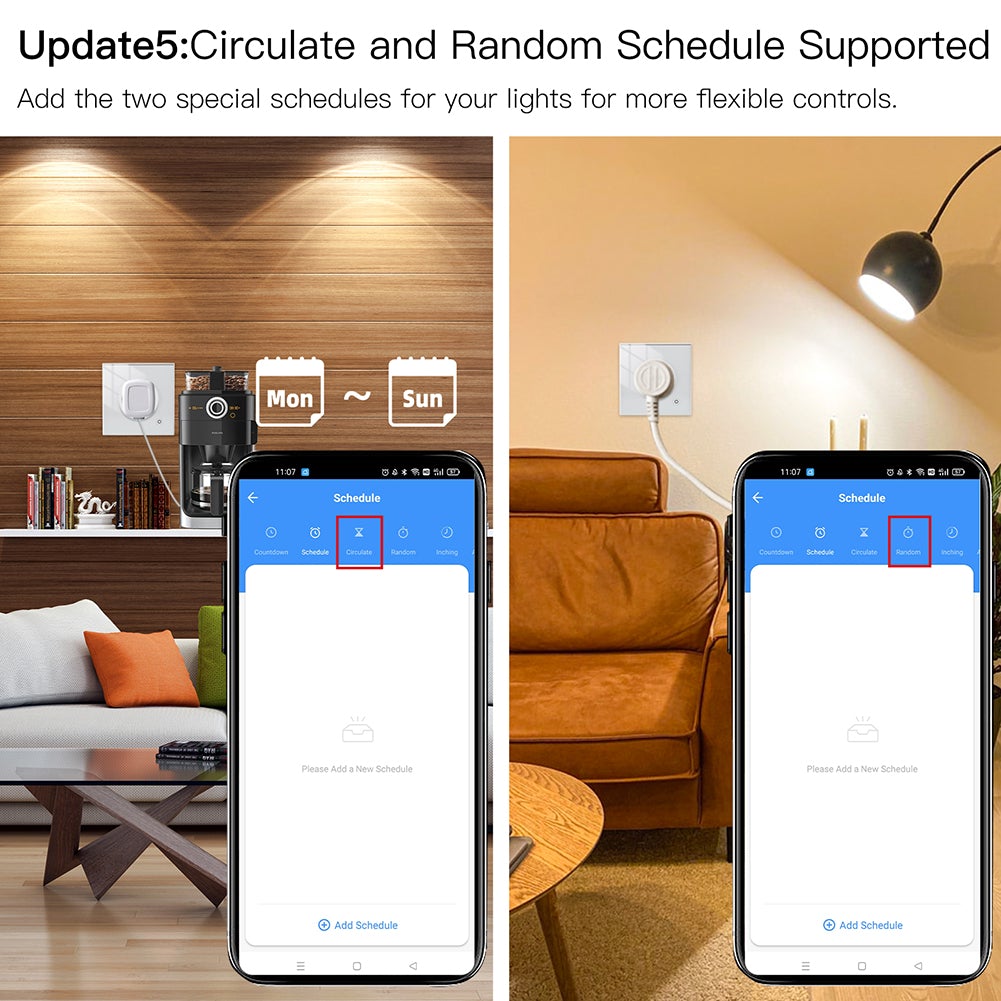
Source: moeshouse.com
What Circulate Means in Smart Life
Circulate is a built-in cycle timer in the Smart Life app that repeatedly switches a device between on and off during a defined time window. You choose the on duration, off duration, the hours it should run, and the days of the week. Once active, the app loops the device in that pattern without further input.
Here’s how Circulate differs from other timers:
- Schedule sets fixed times to turn on or off once per day or on selected days.
- Countdown runs a one-time delay before switching a device.
- Circulate repeats on/off cycles, ideal for duty cycles and regular bursts.
If you came here asking what is Circulate in Smart Life app, think of it as a metronome for your devices: steady, simple, and predictable. It’s great for fans, purifiers, grow lights, pumps, and more. Behavior can vary by device model and region, so options you see may differ slightly.

Source: youtube.com
Where to Find Circulate in the Smart Life App
You’ll usually find Circulate inside a specific device’s timer area.
Step-by-step:
- Open Smart Life and select your device card (for example, a smart plug).
- Tap Timer or Schedule on the device page.
- Look for a tab or button labeled Circulate, Cycle, or Loop Timer.
- Tap it to set durations, start/end times, and repeat days.
Some devices label it as Cycle or Loop instead of Circulate. If your device does not show it, firmware or model limitations may apply. This is a common reason people ask what is Circulate in Smart Life app and cannot locate it.

Source: amazon.ie
How Circulate Works: Parameters and Logic
Circulate uses a few simple parameters:
- On duration: how long the device stays on each cycle.
- Off duration: how long the device stays off each cycle.
- Active window: the daily start and end times during which loops run.
- Repeat days: which weekdays the loop should apply.
- Enable switch: the master toggle for the cycle.
Under the hood, the app starts the first on period at the next eligible moment within your active window, then alternates on and off according to your durations. When the window ends, the device follows the last state set by the cycle until the next window begins.
Notes from field use:
- Daylight Saving Time shifts can nudge start times by an hour on the changeover day.
- If your device or Wi-Fi goes offline, the cycle may pause and resume when it reconnects.
- Some devices run the timer logic in the cloud; others may run part of it locally.
For anyone still wondering what Circulate in the Smart Life app is, it is a time-based loop that keeps devices pulsing on a schedule without you micro-managing every switch.
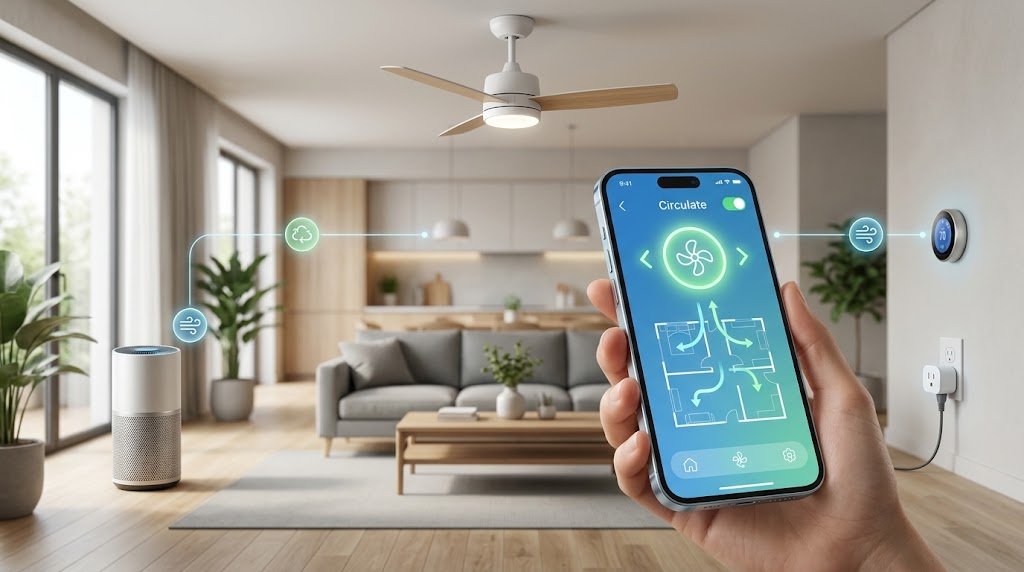
Step-by-Step: Set Up Circulate for a Smart Plug
Follow these steps to build a reliable cycle:
- Open your plug’s device page and tap Timer.
- Select Circulate or Cycle.
- Set the On duration and Off duration. Start with simple values, like 10 minutes on and 20 minutes off.
- Choose the Active window. For example, 7:00 AM to 9:00 PM.
- Select Repeat days. Weekdays or every day.
- Save and toggle the schedule to Enabled.
- Test with a lamp so you can see the cycle in action.
Pro tips I’ve learned:
- Keep intervals practical. Very short cycles (for example, under 1 minute) can stress relays.
- Avoid overlapping with other schedules for the same device.
- If you also use voice assistants, remember that manual on/off can interrupt the current loop.
If you searched what is Circulate in Smart Life app is to create a stable routine, these steps will get you there fast.

Source: amazon.com
Practical Use Cases That Actually Help
Here are real setups I use or have deployed for clients:
- Bathroom fan runs 10 minutes on, 50 minutes off from 7:00 AM to 10:00 PM to reduce moisture and odor without wasting power.
- Air purifier cycle: 20 minutes on, 40 minutes off all day for constant air mixing in low-dust homes.
- Dehumidifier or humidifier pulse in short bursts to avoid overshooting target humidity when the device lacks a built-in humidistat.
- Grow lights provide 30 minutes on, 30 minutes off during seed starting to keep heat in check. Always follow plant needs.
- Aquarium air pump: run 15 minutes on, 45 minutes off to reduce noise at night. Safety first: do not cycle critical life-support gear.
- Router or modem power cycle: rare use. A 5-minute off once weekly at 3:00 AM can help some ISPs, but overuse may shorten device life.
These are the kinds of tasks that drive people to ask what is Circulate in Smart Life app in the first place. The feature shines when you want steady, repeating control without writing advanced automations.

Source: youtube.com
Advanced Tips: Scenes, Automations, and Voice Assistants
You can pair Circulate with scenes and automations for smarter control:
- Create a scene to turn a device off when you leave home, which temporarily overrides the loop.
- Use a motion sensor to keep a fan on while there is activity, then let Circulate resume later.
- Set two different Circulate entries for day and night patterns. Enable or disable the one you want.
Voice assistants:
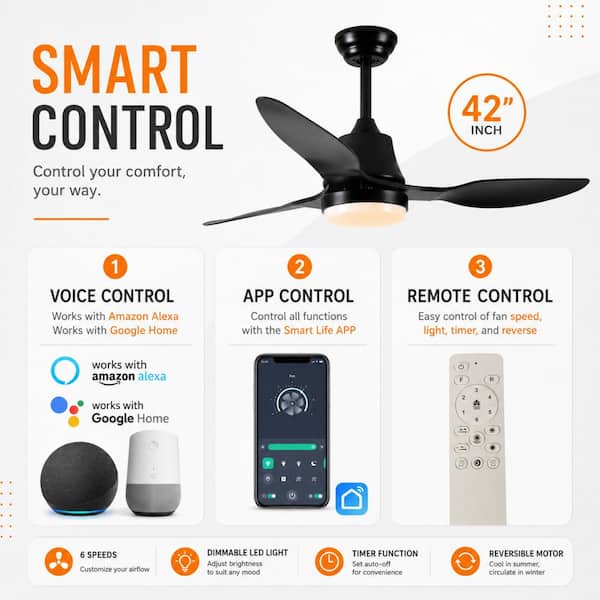
- Alexa and Google Home usually see only the device’s on/off state, not the Circulate control itself.
- You can create voice routines that turn a device on or off, which can pause the loop mid-cycle.
Not all app versions let you enable or disable a Circulate entry via a scene. This is a common reason users keep asking what is Circulate in Smart Life app and how to “toggle it by voice.” For now, consider manual toggles or use device on/off as a proxy.
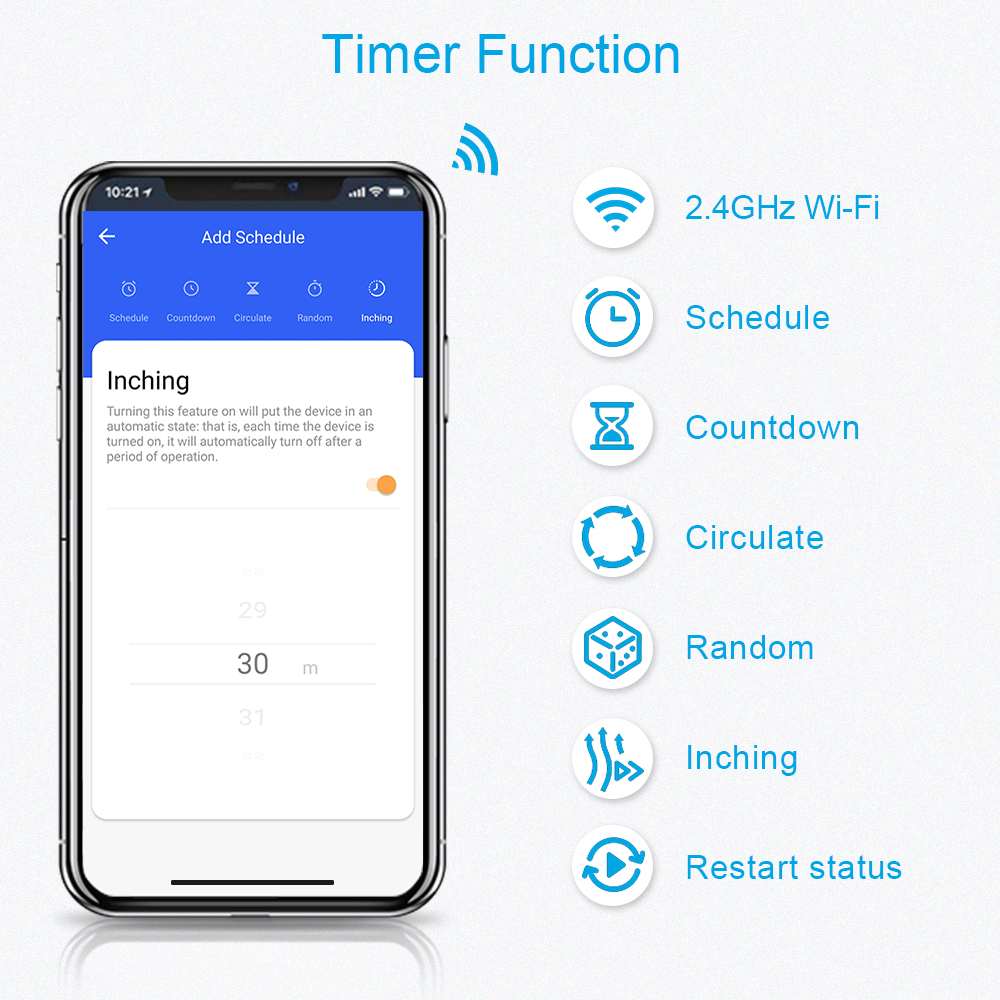
Source: loratap.com
Troubleshooting and Known Limitations
Common issues and fixes:
- I cannot find Circulate; your device may not support it. Update firmware or check for Cycle or Loop labels.
- The loop stopped after Wi-Fi issues: ensure the device is online and the schedule is still enabled.
- Daylight Saving caused odd behavior; adjust the active window the next day if timing feels off.
- Very short intervals miss cycles; lengthen on/off durations to 5 minutes or more.
- Conflicts with other automations: disable overlapping schedules or scenes.
If you are still puzzled by what is Circulate in Smart Life app after trying these tips, your specific model may handle timers differently. Check the device’s product page or support notes for timer capabilities.

Source: amazon.com
Privacy, Security, and Reliability
Circulate relies on time, timezone, and device state. Depending on the model, schedule logic may run in the cloud or partly on the device. Keep these best practices in mind:
- Use a strong, unique password and enable any available multi-factor login.
- Keep the app, hub, and firmware updated for security and bug fixes.
- Separate IoT devices on a guest or VLAN network when possible.
- Avoid using Circulate for critical safety systems. Manual or sensor-based control is safer for heaters, pumps, or medical devices.
These points matter because when people ask what Circulate in the Smart Life app is, they often plan to automate “set and forget” tasks. Good security and safety habits make that trust well-placed.
Source: homedepot.com
Frequently Asked Questions: What Is Circulate In Smart Life App?
What is Circulate in Smart Life app?
It is a cycle timer that turns a device on and off at repeating intervals. You choose on time, off time, active hours, and days.
How is Circulate different from a normal schedule?
A schedule triggers at fixed times once per day, while Circulate loops on/off continuously within a time window. It is ideal for duty cycling devices.
Does Circulate work if the internet goes down?
Behavior varies by device. Some need the cloud to keep time, so the loop may pause until the device reconnects.
What devices support Circulate?
Most smart plugs and many switches do. Some fans, purifiers, and thermostats may not expose it, depending on firmware.
Can I control Circulate with Alexa or Google?
You can control the device on/off with voice. Direct enable/disable of the Circulate entry is often not supported.
What is the minimum on/off duration I should use?
Use at least a few minutes to reduce stress on relays and motors. Very short cycles can wear devices faster.
Will Daylight Saving Time break my cycle?
It can shift timings on the changeover day. Check your active window after the switch to confirm it meets your needs.
Conclusion
Circulate in Smart Life is a simple yet powerful tool. It loops on/off states to keep air moving, lights pulsing, or pumps running on a steady rhythm. If you came here asking what is Circulate in Smart Life app, you now know how to set it up, where to find it, and how to use it safely.
Start small. Test with a lamp. Then apply it to a fan, purifier, or plug that fits your routine. Share your favorite Circulate settings or questions in the comments, and subscribe for more hands-on smart home guides.