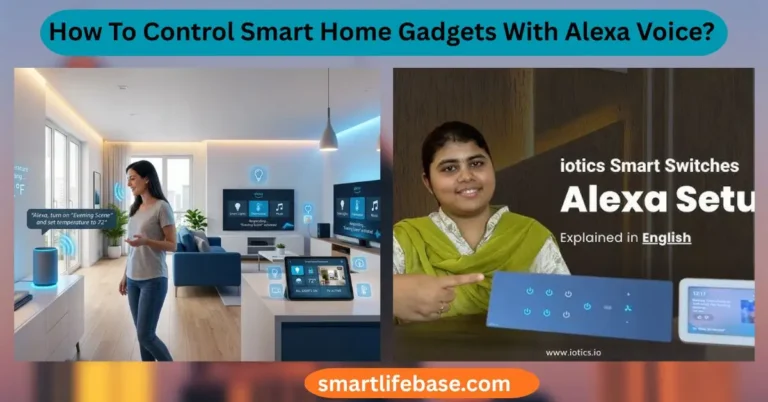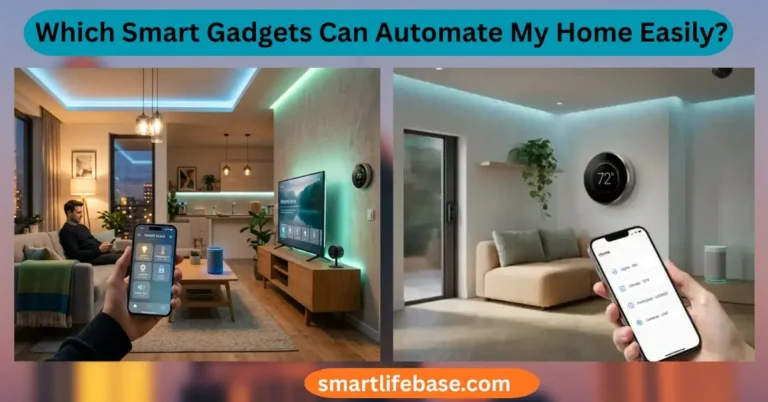

Are electronic door locks safe? Learn about key risks, security benefits, and smart tips to protect your home with confidence. Yes, electronic door locks are generally safe when properly installed, updated, and supported by a backup entry method.
Are electronic door locks safe? In most homes and offices, the answer is yes. Modern smart locks use encryption, access codes, mobile alerts, and strong mechanical parts to protect entry points. Still, no lock is perfect. Safety depends on the lock’s design, installation, software, power source, and your daily habits. This guide explains the real benefits, risks, and best practices so you can make a sound choice.
Source: brinkshome.com
Are Electronic Door Locks Safe? A Clear Answer
Are electronic door locks safe for everyday home use? Yes, most well-made models are safe when they come from a trusted brand and are installed correctly. They can offer security that is equal to, and sometimes better than, a standard keyed lock.
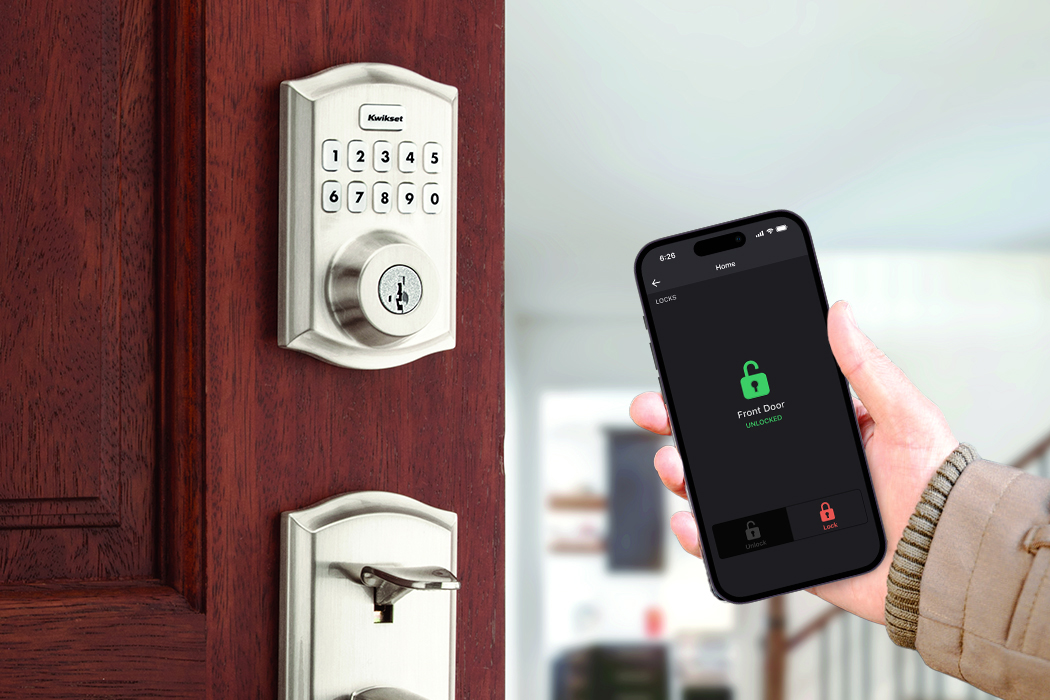
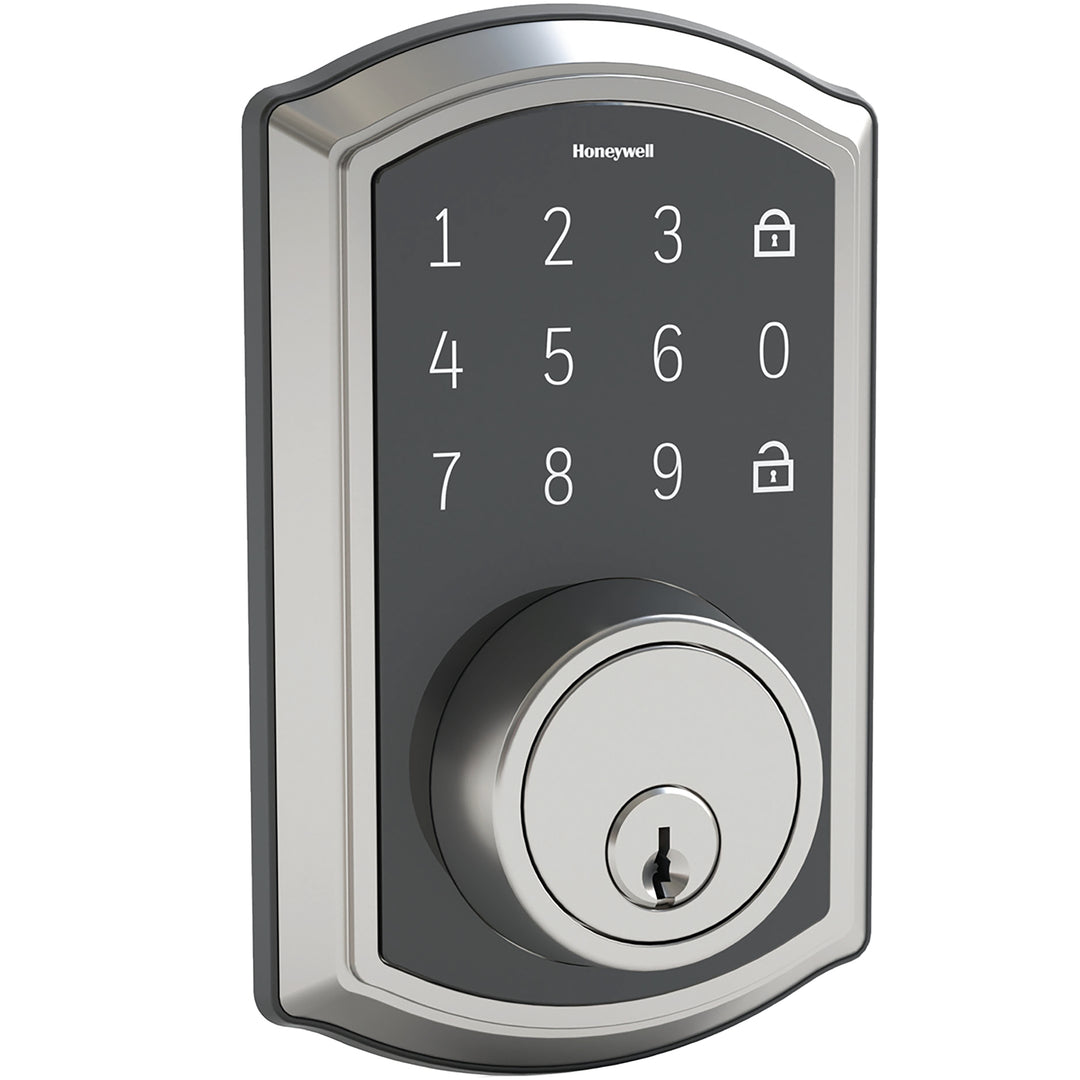
A traditional lock uses a physical key. An electronic lock may use a keypad, fingerprint reader, smartphone app, key card, or voice command. Some models combine several methods, such as a keypad and a physical key cylinder.
The main safety advantage is control. You can create a unique code for each family member, give a temporary code to a guest, and remove access at any time. You also avoid the risk of losing a house key or leaving a spare under a doormat.
However, electronic door locks add new risks. They rely on batteries, circuits, firmware, and sometimes a Wi-Fi or Bluetooth connection. A weak password, outdated software, or poor installation can reduce protection.
For that reason, the best answer to “Are electronic door locks safe?” is conditional:
• They are safe when properly selected and maintained.
• They are not risk-free.
• They should include a backup entry method.
• They should not be treated as a replacement for every other security measure.

Source: amazon.com
How Electronic Door Locks Protect Your Home
Electronic door locks use several security layers. The exact features vary by model, but most products include some combination of authentication, encryption, tamper alerts, and automatic locking.
Access codes and user permissions
A keypad lock can store several personal codes. This is safer than sharing one key because you can remove one user without changing the entire lock.
For example, you might create:
• A permanent code for each person in your household
• A temporary code for a dog walker
• A time-limited code for a house cleaner
• A one-time code for a repair worker
Some smart locks also record when each code is used. This creates an access log, which can help you notice unusual activity.
Encryption and secure communication
Smart locks that connect to phones or home networks should protect data through encryption. Bluetooth, Wi-Fi, and cloud systems can all create security risks if they use weak protection.
Look for products that support modern security standards and receive regular firmware updates. A lock that never receives updates may become less secure as new threats appear.
Automatic locking
Many electronic locks can lock the door after a set period. This helps prevent a common mistake: leaving the door unlocked while carrying groceries, helping children, or rushing to work.
Automatic locking is useful, but set the delay with care. A very short delay may lock you out if you step outside briefly without your phone or key.
Tamper alerts
Some models send an alert when someone enters the wrong code several times or tries to damage the lock. These warnings do not stop every attack, but they can give you time to respond.
A lock with an alarm is even more useful when paired with a home security system or a monitored camera.
Main Benefits of Electronic Door Locks
Are electronic door locks safe enough to improve daily security? In many cases, yes, because they solve problems that traditional locks do not solve well.
No physical key to lose
Keys are easy to lose, copy, or lend. A keypad or smartphone can reduce those risks. You can also delete a code after a roommate moves out or a contractor finishes work.
This does not mean keys are useless. A physical key remains a valuable backup when batteries fail or the electronic system has a fault.
Better control over access
Electronic locks make it easier to manage people who need temporary entry. This can help families, landlords, short-term rental hosts, and small businesses.
Instead of giving someone unlimited access, you can set clear limits. For example, a cleaner may receive access only between 10 a.m. and noon on Tuesdays.
Remote monitoring
Some smart locks show whether the door is locked. Certain models can send notifications when someone enters or leaves.
Remote access can be helpful for older adults, children, and family members who need assistance. It may also help you confirm that a door is secure while you are traveling.
Easier access for people with disabilities
A keypad may be easier to use than a small key for someone with limited hand strength or poor vision. Some products also work with voice assistants or larger touch controls.
The lock should still have clear manual controls and a backup plan. Technology should make access easier, not create a new barrier.
Integration with other security systems
A smart lock may work with cameras, alarms, lighting, and door sensors. For example, locking the front door could activate an alarm and turn off selected lights.
Integration is convenient, but every connected device adds another account and another possible point of failure. Use only the features you need.

Source: co.uk
Risks and Weaknesses to Consider
Are electronic door locks safe when the battery dies or the network goes down? Usually, yes, if the product has a good backup system. Still, buyers should understand the possible weaknesses before installation.
Dead batteries
Most electronic locks use batteries that last several months to more than a year. Battery life depends on the model, weather, Wi-Fi use, and how often the lock operates.
A dead battery can prevent normal operation. Many locks provide warning beeps or phone alerts before power runs out. Some include external contacts for emergency power.
Keep fresh batteries available. Do not wait for a low-battery warning before buying replacements.
Software and account attacks
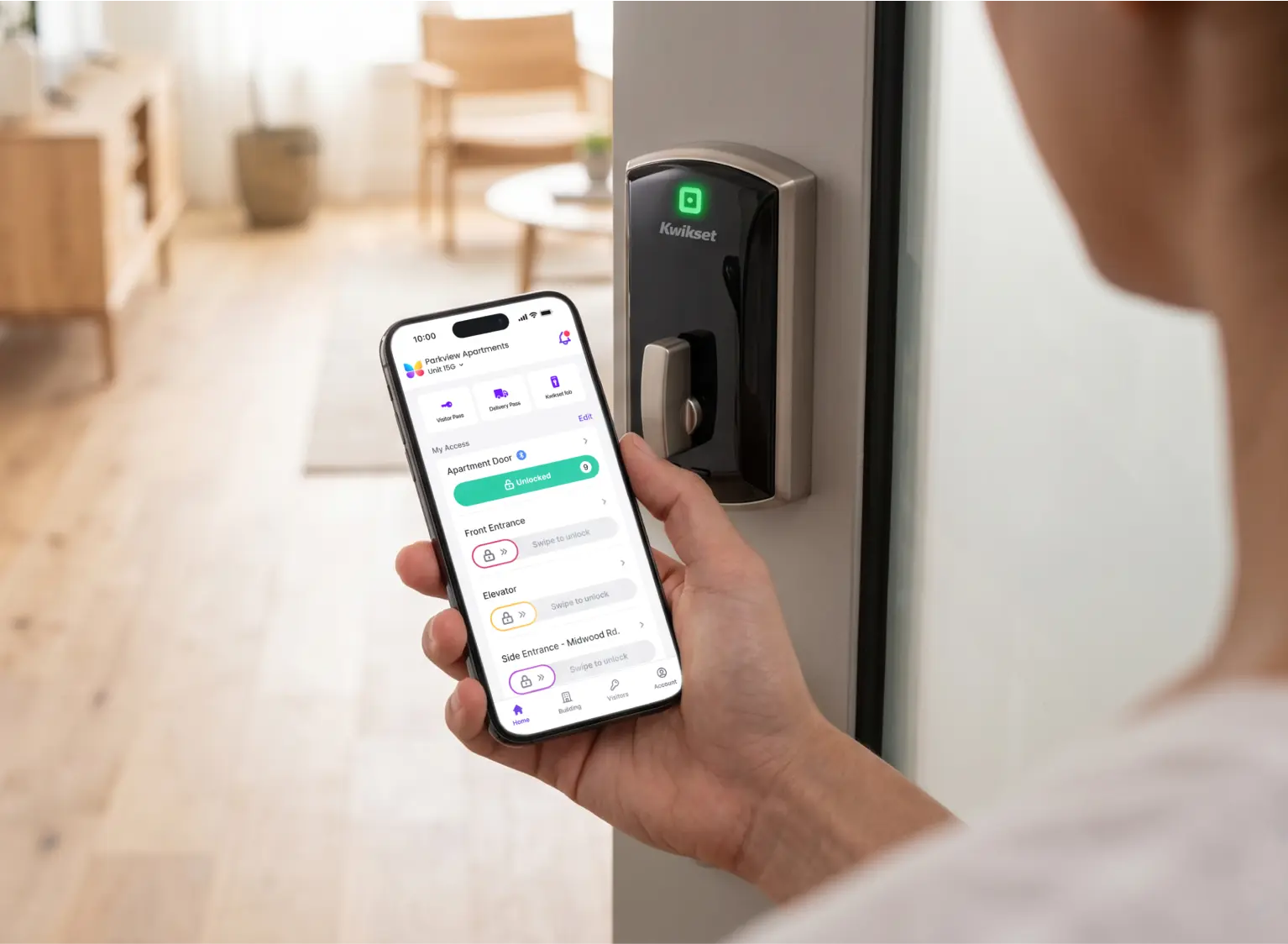
A connected lock may be targeted through a stolen phone, weak account password, or compromised home network. The lock itself may be strong, but the account controlling it may be poorly protected.
Use a unique password and enable multifactor authentication when available. Never share your main smart-home account with guests.
Bluetooth and Wi-Fi limitations
Bluetooth locks often work only within a short range. Wi-Fi locks may offer remote access but use more energy and depend on your network.
A network outage does not always prevent local keypad entry. However, it may stop remote commands, notifications, or activity logs until the connection returns.
Mechanical weaknesses
Electronic features do not make a weak door strong. If the door frame is loose, the strike plate has short screws, or the door is hollow and fragile, an electronic lock cannot provide full protection.
A strong deadbolt, solid strike plate, and reinforced frame matter as much as the digital controls.
Privacy concerns
Smart locks may store entry times, user names, device information, or location data. Cloud services can also keep records of your activity.
Read the privacy policy before buying. Choose a product that lets you limit data sharing and delete old access records.
Emergency and fire safety issues
A lock should not block safe exit from inside the home. Check local building and fire codes, especially for rental properties, offices, and multifamily buildings.
Some locks allow free exit from the inside without a code. This feature is important during a fire, medical emergency, or power problem.

How to Choose a Safe Electronic Door Lock
Choosing the right model is more important than choosing the newest model. Focus on security design, reliability, and support rather than appearance alone.
Look for these features
• A strong deadbolt or latch made from durable metal
• A clear low-battery warning
• A physical key, emergency power contact, or other backup entry method
• Automatic lockout after repeated incorrect codes
• Encrypted communication
• Regular firmware and security updates
• Multifactor authentication for the mobile app
• A record of successful and failed entry attempts
• An interior release that supports safe exit
• Compatibility with your door thickness and existing hardware
Trusted certification can also help. In the United States, look for products that meet recognized residential lock standards, such as ANSI/BHMA grades where applicable. Certification does not guarantee that every smart feature is secure, but it provides useful information about mechanical performance.
Avoid questionable products
Be cautious with locks that have no clear manufacturer, support contact, privacy policy, or software update history. Very low prices may reflect weak materials, poor testing, or limited customer support.
Read reviews with care. A product may receive praise for easy installation while still having serious battery or app problems.
Match the lock to your needs
A simple keypad deadbolt may be best for someone who wants keyless entry without cloud access. A connected smart lock may suit a homeowner who needs remote control and activity alerts.
More features do not always mean more safety. A simple system that you understand and maintain can be safer than a complex system that you rarely check.
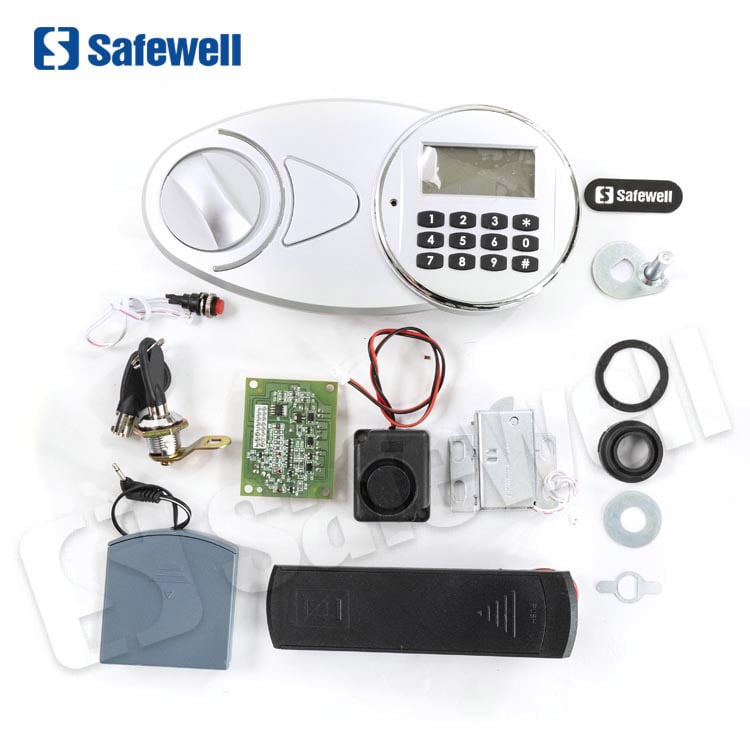
Source: safesworld.com
Installation and Maintenance Best Practices
Even the best electronic door locks can fail if the door is not aligned. The deadbolt should move smoothly with little force. If you must push or lift the door to lock it, fix the alignment before relying on the electronic system.
Follow these steps:
- Measure the door thickness and backset before purchase.
- Check that the strike plate lines up with the deadbolt.
- Use long screws that reach the structural framing where appropriate.
- Test the lock with the door open before closing it.
- Test every access method, including the backup method.
- Set low-battery alerts on the app if available.
- Replace batteries on a schedule, not only after a warning.
- Update the lock firmware and mobile app.
- Remove old users and temporary codes.
- Review access logs from time to time.
One practical lesson from many lock installations is simple: test the system before you need it. People often install a smart lock, assume it works, and discover a problem during a late-night battery failure. A five-minute test can prevent a stressful lockout.
Do not hide a backup key in an obvious outdoor location. If you need a physical key, give it to a trusted person or store it in a secure place.
Source: honeywellsafes.com
Electronic Door Locks Compared With Traditional Locks
Are electronic door locks safer than keyed locks? Neither type wins in every situation. Security depends on the quality of the lock, the door, the installation, and the user.
Traditional locks are simple. They do not need batteries, apps, or internet access. A quality deadbolt can provide strong mechanical protection.
Their weaknesses are also clear. Keys can be copied, lost, or stolen. It can be hard to know who entered the home or when they used the key.
Electronic locks provide more control and useful records. They can also create digital risks and maintenance needs. The best choice depends on your home, comfort with technology, and backup plan.
A high-quality electronic deadbolt with a manual key override may offer a useful balance. It combines physical strength with modern access control.

Source: vehiclesecurityinnovators.com
How to Make Electronic Door Locks More Secure
Are electronic door locks safe if you use a few basic habits? Yes, good habits greatly reduce common risks.
Use these protections:
• Create a different code for every user.
• Avoid birthdays, addresses, and easy number patterns.
• Change codes when a trusted person no longer needs access.
• Use a long, unique password for the lock account.
• Turn on multifactor authentication.
• Keep your phone, app, and lock firmware updated.
• Protect your home Wi-Fi with a strong password and current router security.
• Disable remote access if you do not need it.
• Keep a safe backup entry method.
• Check batteries at least once each season.
• Review access alerts for activity you do not recognize.
If your phone is lost, use another device to sign out of the account or change the account password. If a code is exposed, delete it at once.
Also, secure the door itself. A reinforced strike plate, quality hinges, good lighting, and a visible camera can work together with the lock. Home security is a chain. The weakest link matters most.
Source: butterflymx.com
Are Electronic Door Locks Safe for Apartments and Rentals?
Electronic door locks can be safe for apartments and rental homes, but permission and code compliance matter. A tenant should check the lease before replacing a lock or changing the exterior hardware.
Landlords may prefer systems that allow temporary access without sharing a master key. However, they should use clear policies for access logs, privacy, and emergency entry.
In multifamily buildings, confirm that the lock does not interfere with fire safety, egress, or building access rules. Some doors require special hardware that a standard residential smart lock cannot replace.
For short-term rentals, create separate guest codes and set them to expire after checkout. Never reuse the same guest code for every visitor.
When an Electronic Lock May Not Be the Best Choice
Electronic door locks are not ideal for every door or household. A traditional lock may be better when:
• The door has poor alignment or a weak frame.
• Batteries are difficult to replace.
• Internet or phone access is unreliable.
• Multiple residents are uncomfortable with technology.
• The property has strict building hardware rules.
• You need a lock with very simple operation.
Remote access can also create false confidence. An app may say a lock is secure, but it cannot repair a damaged frame or stop someone who has physical access to the door.
Think of a smart lock as one part of a security plan, not the entire plan.
Frequently Asked Questions About Are Electronic Door Locks Safe?
Are electronic door locks safe from hackers?
Most reputable electronic locks use encryption and other security controls, but no connected device is completely immune to attack. Reduce risk with software updates, a unique password, multifactor authentication, and limited remote access.
What happens if an electronic door lock battery dies?
Many models provide low-battery warnings and include a physical key slot or emergency power contacts. Check these features before buying, and keep replacement batteries available.
Can electronic door locks be picked?
A quality electronic lock may still contain a mechanical cylinder, so physical attacks remain possible. Strong door hardware, correct installation, and a reinforced frame are essential.
Are smart locks safe for families with children?
They can be safe when children receive age-appropriate codes, and the lock allows easy exit from inside. Avoid giving young children access codes that allow unsupervised entry if that creates a safety concern.
Do electronic door locks work during a power outage?
Many battery-powered locks continue to work during a home power outage. Wi-Fi features, remote control, and alerts may stop until the network or power returns.
Can someone steal a code from an electronic lock?
A code can be shared, observed, guessed, or exposed through a compromised account. Use unique codes, avoid simple number patterns, and delete codes that are no longer needed.
Are electronic door locks safe for exterior doors in cold weather?
Many models work in cold weather, but battery life may decrease in very low temperatures. Select a product rated for your climate and protect exposed components from water and ice.
Conclusion
Are electronic door locks safe? In general, yes. A well-made lock can provide strong mechanical protection, flexible access, useful alerts, and fewer problems with lost keys.
The safest setup includes a solid door, proper installation, updated software, strong account security, fresh batteries, and a reliable backup entry method. Take time to compare products and test every feature before depending on the lock.
Choose security that fits your home and your habits. Review your options, inspect your door hardware, and share your experience or questions in the comments.